
roo860
Advanced Member
-
Joined
-
Last visited
Everything posted by roo860
-
Another classic.
 Great album!
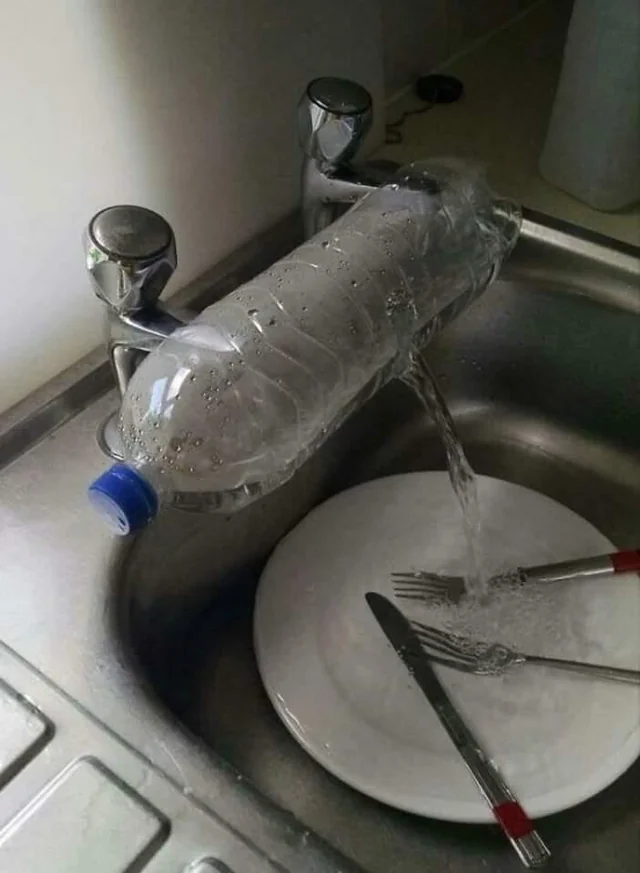
 But not him, because he's not old.Wife has been nagging me saying she wants one of those fancy mixer taps, so I fitted one today all by myself, She hasn't seen it yet but I'm sure she'll love it.
 I have a daughter here, nothing to stop me transferring monies from my own country to her then she gives me cash, no-one is any the wiser?Looks like they pissed in it.If you opened another different Thai bank account and transferred different amounts, as in one to be below a certain tax threshold etc, how would the tax office know you had 2 accounts, do banks have to disclose this information?Another 'none news' item from the Thaiger, they get worse.Deleted
Account
Navigation
Search
Configure browser push notifications
Chrome (Android)
- Tap the lock icon next to the address bar.
- Tap Permissions → Notifications.
- Adjust your preference.
Chrome (Desktop)
- Click the padlock icon in the address bar.
- Select Site settings.
- Find Notifications and adjust your preference.
Safari (iOS 16.4+)
- Ensure the site is installed via Add to Home Screen.
- Open Settings App → Notifications.
- Find your app name and adjust your preference.
Safari (macOS)
- Go to Safari → Preferences.
- Click the Websites tab.
- Select Notifications in the sidebar.
- Find this website and adjust your preference.
Edge (Android)
- Tap the lock icon next to the address bar.
- Tap Permissions.
- Find Notifications and adjust your preference.
Edge (Desktop)
- Click the padlock icon in the address bar.
- Click Permissions for this site.
- Find Notifications and adjust your preference.
Firefox (Android)
- Go to Settings → Site permissions.
- Tap Notifications.
- Find this site in the list and adjust your preference.
Firefox (Desktop)
- Open Firefox Settings.
- Search for Notifications.
- Find this site in the list and adjust your preference.