
roo860
Advanced Member
-
Joined
-
Last visited
Everything posted by roo860
-
Enough dogs there for a proper bbq.
-
Bell end motorcyclist.Good to see her back at Wimbledon!
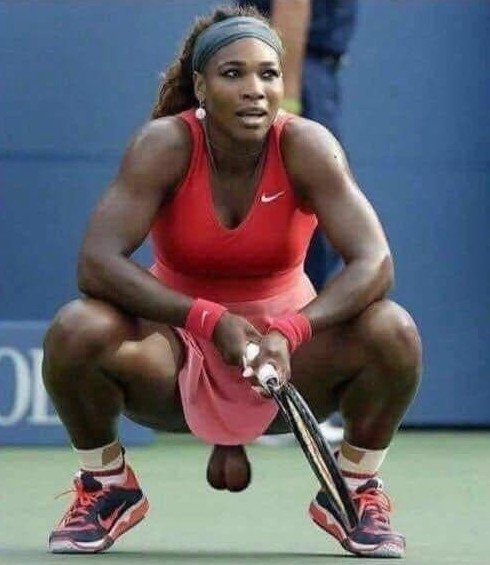 Just a misunderstanding. Didn't mean to threaten the passenger with an iron bar, which mistakenly happened to be in the minibus, someone must have left it thereBrings back some memories ????That's right, I saw Jnr Walker and the All-stars plus many other American soul singers at the new venue, the owner was Ivor Abahdi, the uncle of Radio 2 DJ Gary Davies.Would that be the Whitworth St location for the Wheel?'Steps forward'! ????????Born on this day in 1961. Diana, Princess of Wales.
 If you ever fancy Burmese food, Cherry's Restaurant on Changklan Rd is excellent.
Account
Navigation
Search
Configure browser push notifications
Chrome (Android)
- Tap the lock icon next to the address bar.
- Tap Permissions → Notifications.
- Adjust your preference.
Chrome (Desktop)
- Click the padlock icon in the address bar.
- Select Site settings.
- Find Notifications and adjust your preference.
Safari (iOS 16.4+)
- Ensure the site is installed via Add to Home Screen.
- Open Settings App → Notifications.
- Find your app name and adjust your preference.
Safari (macOS)
- Go to Safari → Preferences.
- Click the Websites tab.
- Select Notifications in the sidebar.
- Find this website and adjust your preference.
Edge (Android)
- Tap the lock icon next to the address bar.
- Tap Permissions.
- Find Notifications and adjust your preference.
Edge (Desktop)
- Click the padlock icon in the address bar.
- Click Permissions for this site.
- Find Notifications and adjust your preference.
Firefox (Android)
- Go to Settings → Site permissions.
- Tap Notifications.
- Find this site in the list and adjust your preference.
Firefox (Desktop)
- Open Firefox Settings.
- Search for Notifications.
- Find this site in the list and adjust your preference.