nomadinuk
Member
-
Joined
-
Last visited
-
I've not read all replies, so it may have already been mentioned, but all these homes owned under company name, could these properties ultimately be seized?
-
Some people don't plan ahead. Which is unfortunate for them.
-
Do you think it will only be Barclays.
-
He will get the shock of his life then, when they do eventually close it, won't he. Or maybe not such a shock.
-
Imagine the thousands of people who only have this account. Don't have an address in the UK, at the very least will need to be in the UK to open another account. This will destroy many expats, particularly the ones who are barely scraping by at it is in a state pension. Finding the funds to fly back to the UK to open another account won't be possible for many. The clock is ticking.
-
Yes, exactly what I said. The dog.
-
Yes, it is a good idea. See below. @Foxx
-
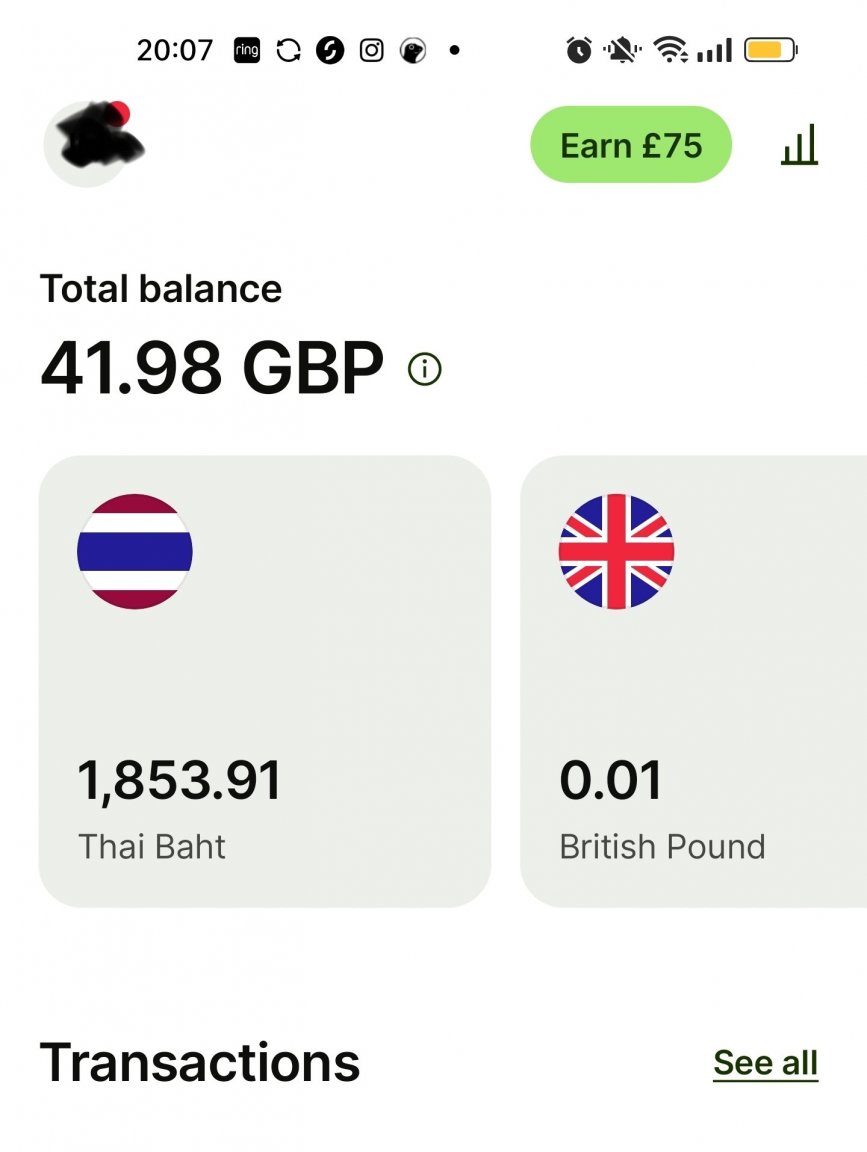
If you have a wise account. Maybe you could load that account up and hold it in Thai baht. Then when you want to withdraw from a Thai ATM, use your wise debit card. Other than the 220 baht withdrawal fee, it's a little safer than your money being deducted by maybe 20% or whatever the amount will be when it enters your account.
-
I've witnessed the aftermath of a Pitbull killing someone, but because the dog apologised there was no further action on the owner. Yes, the dog apology was sufficient. Didn't a similar thing happen last year where a ladyboy teacher abused a child and said it was an accident?