Skip to content
View in the app

A better way to browse. Learn more.

Thailand News and Discussion Forum | ASEANNOW

A full-screen app on your home screen with push notifications, badges and more.

To install this app on iOS and iPadOS
  1. Tap the Share icon in Safari
  2. Scroll the menu and tap Add to Home Screen.
  3. Tap Add in the top-right corner.
To install this app on Android
  1. Tap the 3-dot menu (⋮) in the top-right corner of the browser.
  2. Tap Add to Home screen or Install app.
  3. Confirm by tapping Install.

Changbeer4me

Member
  • Joined

  • Last visited

  1. Thanks Drjack54. I use Jomtien to get the stamps transfer done. Want to get out the way so I can go update banks. Regards Changbeer4me
  2. Hi Thanks Drjack54, Getting stamps transfer done now. Looking for someone who has done the process and advise the steps required for the App. The App is great just need to get New Passport changed over. Regards Changbeer4me
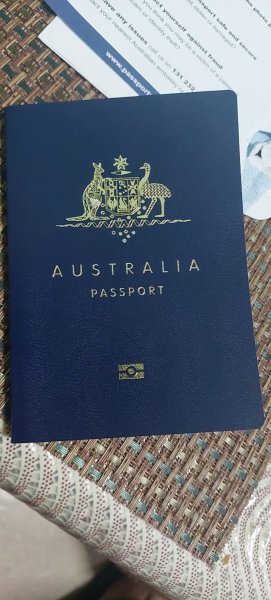
  3. Hi have a new Oz Passport. Wondering what the process is to for reporting with new passport. Do i have to do the 1st one in person as is a new passport ? How to I use new passport on app ? Re-register from scratch ? Thanks Changbeer4me
  4. I be declining any dinner invites if I was him.

Account

Navigation

Search

Search

Configure browser push notifications

Chrome (Android)
  1. Tap the lock icon next to the address bar.
  2. Tap Permissions → Notifications.
  3. Adjust your preference.
Chrome (Desktop)
  1. Click the padlock icon in the address bar.
  2. Select Site settings.
  3. Find Notifications and adjust your preference.