




yumyai
Member
-
Joined
-
Last visited
Everything posted by yumyai
-
At Thai taxpayer expense? It seems to suggest it was all paid for by British taxpayers
-
There is no appeal from the Supreme Court, other than a request for a royal pardon, as far as I know
-
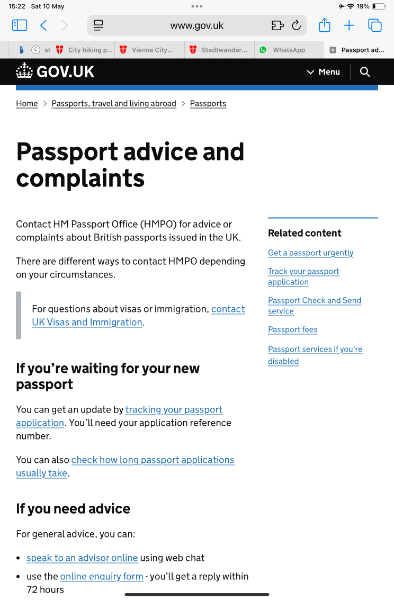
HM passport office has an online form for enquiries or complaints. I can’t seem to post the link here though. Try searching HM passport office advice and complaints Better to ask them direct than rely on opinions here
-
Great in theory but…. If they delete the biometric data after 48 hours, doesn’t that mean we’ll need to re-register every time we fly? If so, this will make check in queues slower, simply transferring the problem to a different part of the process? Also if the law requires deletion of data, does that also apply to the requirement to be photographed every time we arrive or leave? In which case it’s a useless requirement

