




Lorente
Member
-
Joined
-
Last visited
-
Find a place to stay till my departure date. Thank to everyone in the forum.
-
Going where I open the account will be safer? What you think?
-
I need to print out some past transactions My oldest daughter is in Buriram and he has a family and already has problem with her son. Again: I am not here for money at all: just a floor and a roof. That's it. Last night I slept in a bus. Tonight I find a place for few days. I don't ask for money at all.
-
Even IDC is not free. And I prefer be in a temple than there.
-
I am not with them but thank you for let me know.
-
Can ask which bank? Thank you.
-
I hope so because I really need it.
-
As I was walking home to gather my things, bus stopped and it was a driver on the Pattaya-Phuket route I've known for years. I explained the situation to him, and he offered to let me sleep on the bus.
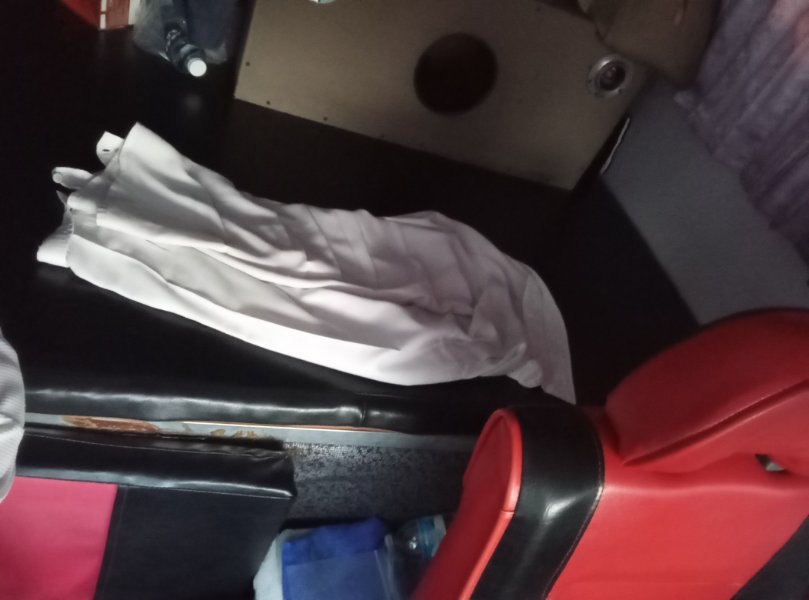
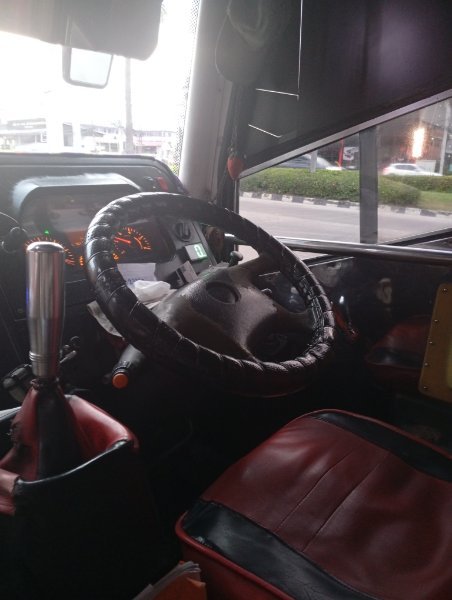
-
Can I ask it at every branch?
-
For tonight a guy will let me use his sofa in his internet game room. I bought some food for him. Tomorrow is another day.
-
Yes.
-
I don't know him he doesn't know me as well.
-
No. I never used it and now request to go to the bank for face scan. My passbook still have few free lines: request to add pages will also lead to handle my passport if I go where I opened the account?
-
I am not sitting all day at 7/11. I walk try to find something and stop by a 7/11 to use the WiFi. Until I can....
-
There are. All your moral support is already great. And I thank you all of you for that.🙏




