Skip to content
View in the app

A better way to browse. Learn more.

Thailand News and Discussion Forum | ASEANNOW

A full-screen app on your home screen with push notifications, badges and more.

To install this app on iOS and iPadOS
  1. Tap the Share icon in Safari
  2. Scroll the menu and tap Add to Home Screen.
  3. Tap Add in the top-right corner.
To install this app on Android
  1. Tap the 3-dot menu (⋮) in the top-right corner of the browser.
  2. Tap Add to Home screen or Install app.
  3. Confirm by tapping Install.

Gen2024

Member
  • Joined

  • Last visited

Everything posted by Gen2024

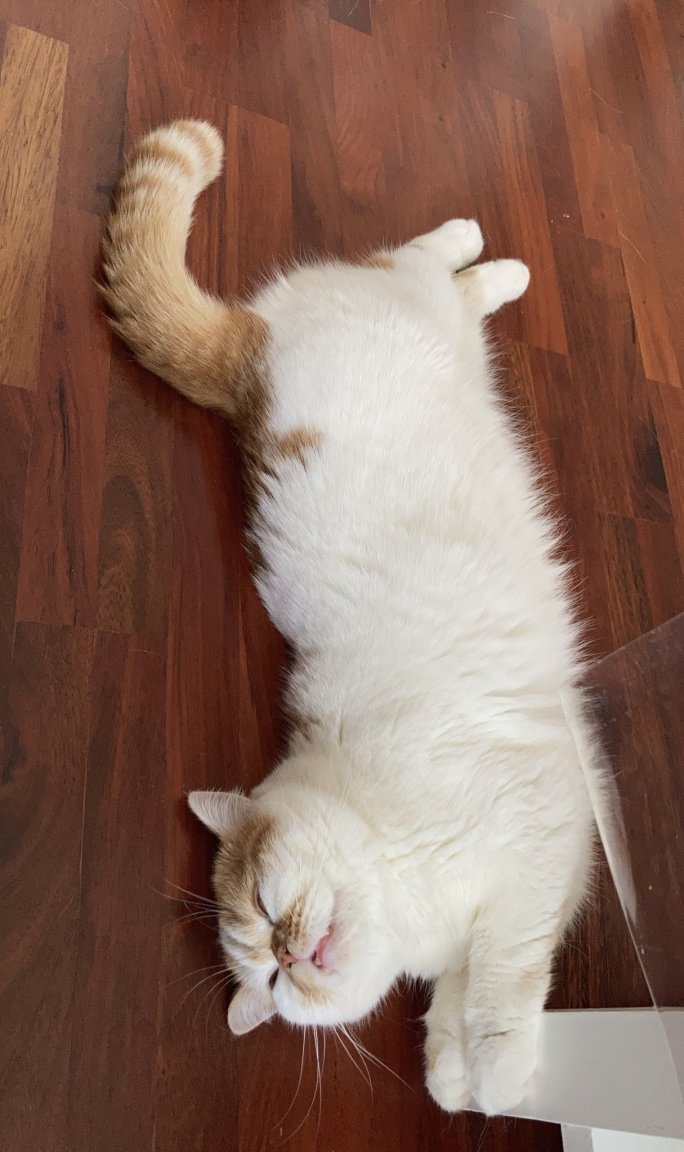
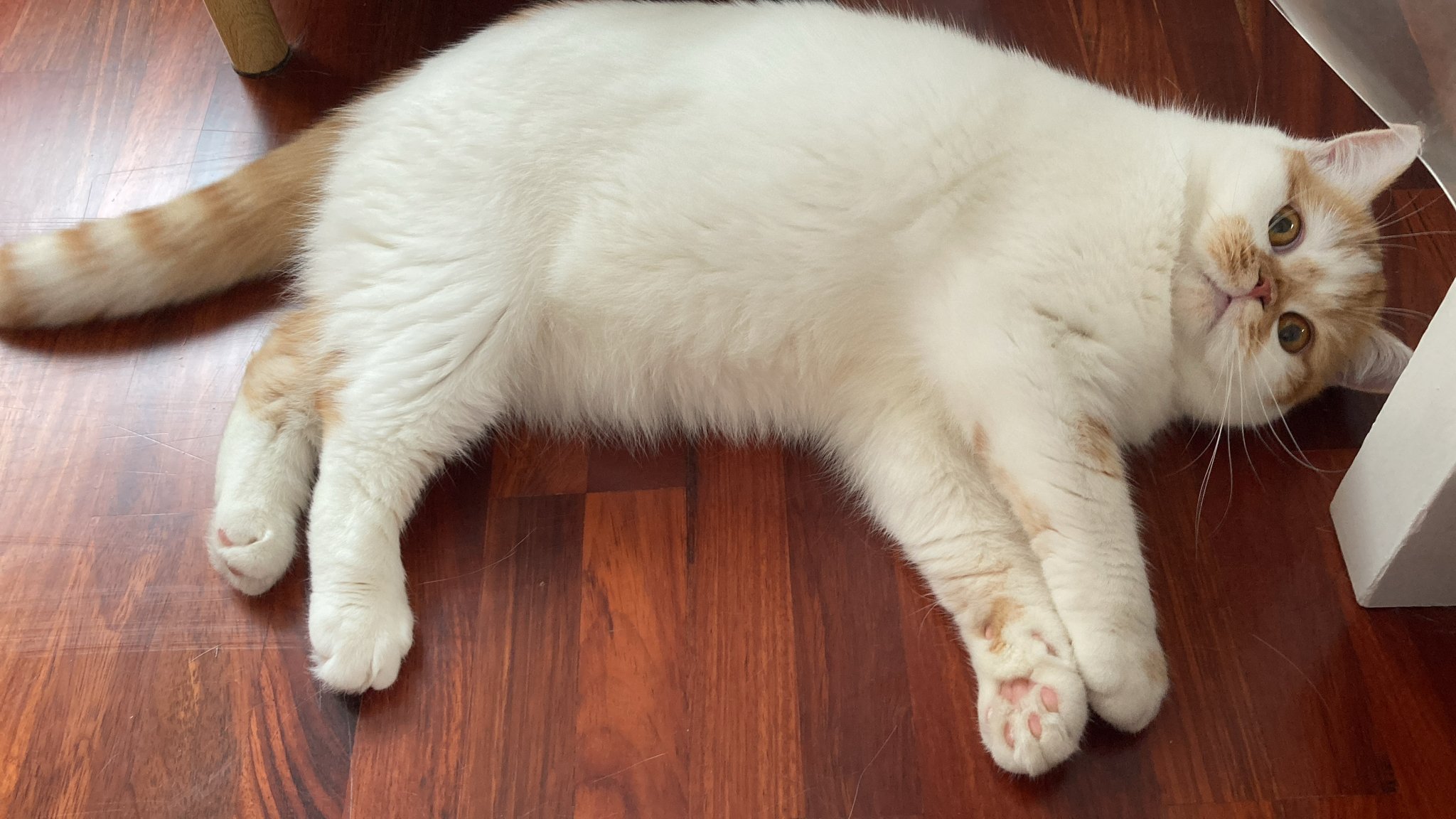
  1. Hello everyone, A friend of mine was in urgent need to return to his home country and was unable to bring his male cat along. We have been temporarily housing the cat in our condo, but unfortunately, the building is not pet-friendly. Therefore, we are actively searching for someone willing to adopt him. Details about the cat: Male Breed: Scottish Fold Age: 2 years old Neutered If anyone is interested, please feel free to send me a private message.
Account

Navigation

Search

Search

Configure browser push notifications

Chrome (Android)
  1. Tap the lock icon next to the address bar.
  2. Tap Permissions → Notifications.
  3. Adjust your preference.
Chrome (Desktop)
  1. Click the padlock icon in the address bar.
  2. Select Site settings.
  3. Find Notifications and adjust your preference.