mkmike
Member
-
Joined
-
Last visited
Everything posted by mkmike
-
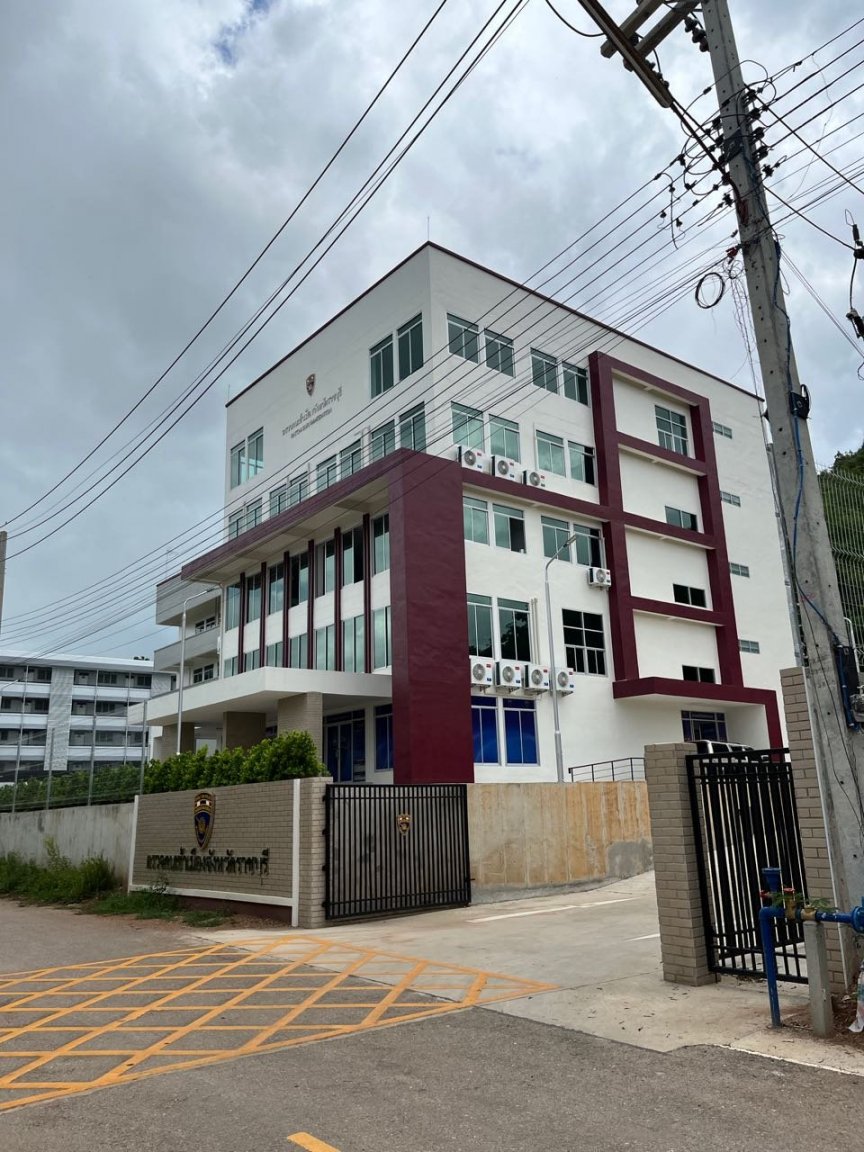
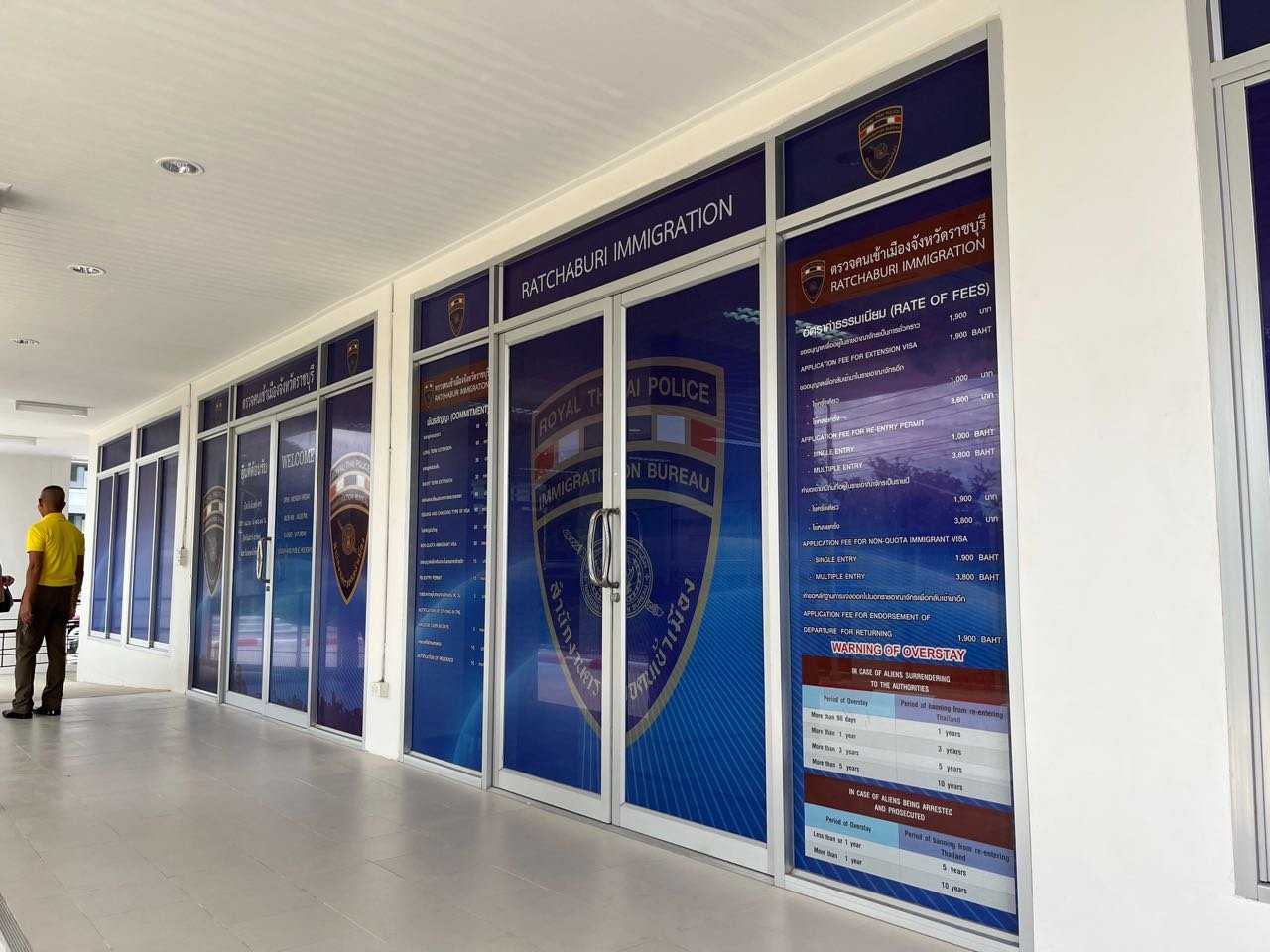
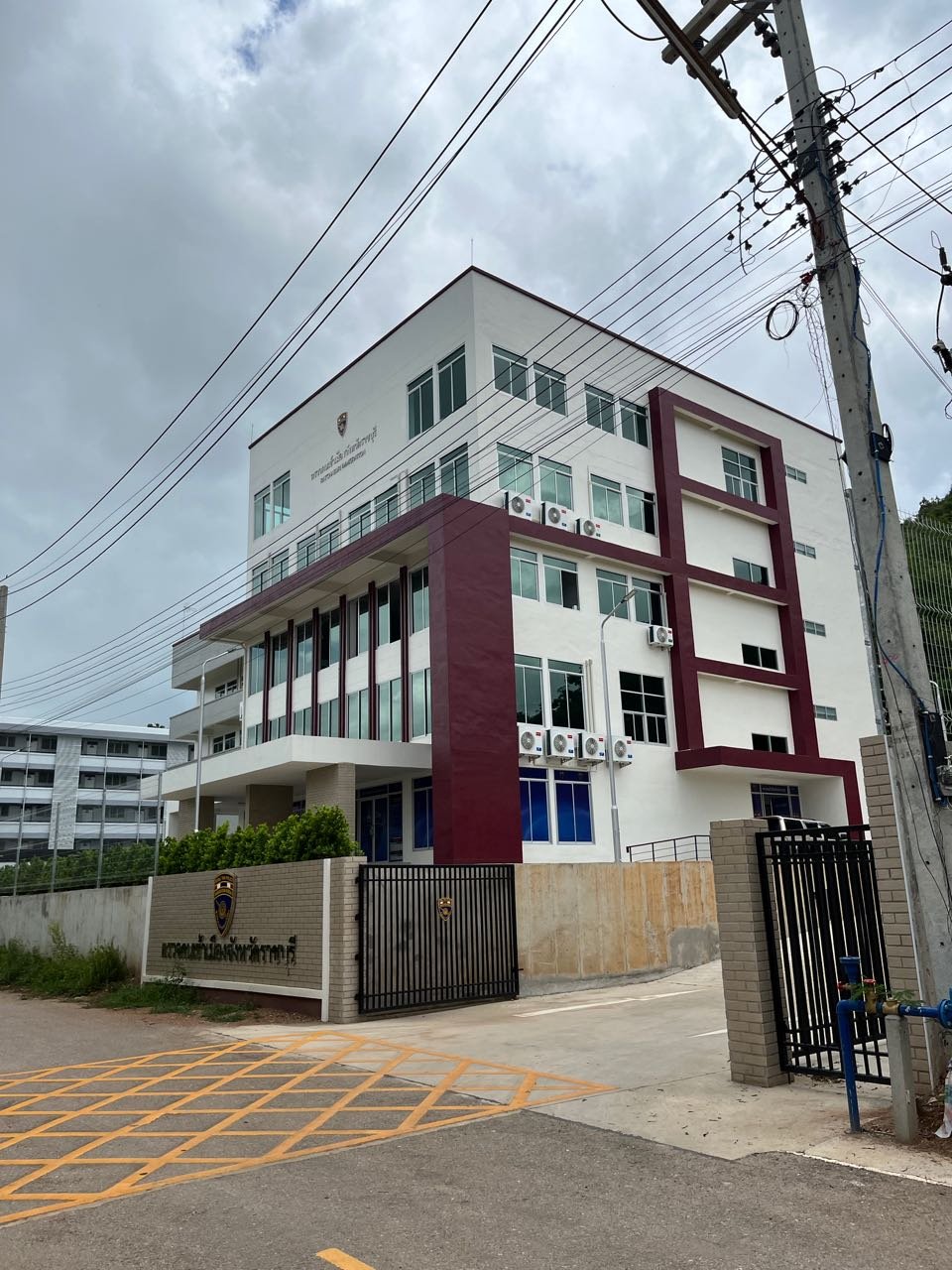
Couldn't find any other posts about this but the immigration office dealing with residents of Ratchaburi has moved from Bus Station 2 on highway 3208 to a new purpose built office close to Wat Nong Hoi (GPS 13.616498499100986, 99.7689179772711) a turning off highway 3291. As yet there are very few sign posts and those there are are only in Thai. It is a relatively out of the way location but for those who have visited Wat Nong Hoi the road to the immigration office is immediately to the left of the temple entrance, continue down this road a short distance then take the first right and the office, a five storey office building, is on the right. Wat Nong Hoi is visible from some distance away as it sits on top of a wooded hill and is a very large structure. Google maps has been updated to show the immigration office. Hope this helps someone.