Premp
Member
-
Joined
-
Last visited
-
i did the factory reset but still couldnt enable extra feature(s) that's the reason im looking for the super-admin login but thanks anyway
-
im looking for the super-admin login to enable extra feature(s) but standard login on the label work fine, but thanks
-
im looking for the super-admin login to enable extra feature(s) but standard login on the label work fine, but thanks
-
believe me i did google lol how else would i know about these two - they definitely werent on the label! telecomadmin / admintelecom root / adminHW
-
i read your post prior to creating this thread, i did try the ais password and config the IP as you have detailed in your post hoping that it would work but it didnt, your model is different to the one i posted though, mine is HG8145X6 without the N but i appreciate the reply
-
Tried this, didnt work, but thanks for your help
-
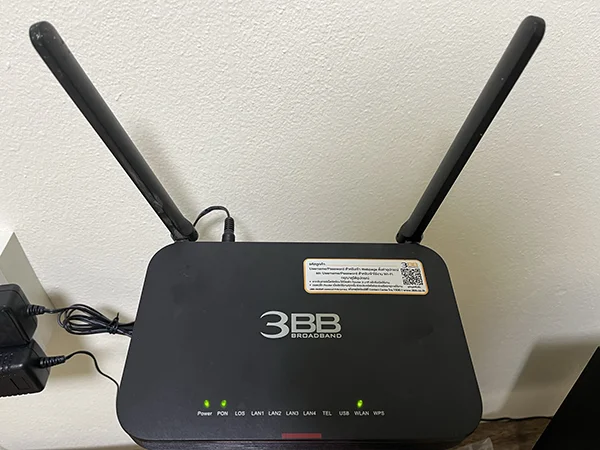
We have 3 of this Huawei HG8145X6 - One act as the controller while the other two are AP. Received an unused HG8145X6 from a friend but couldn't change the operating mode to AP (on the existing two AP there's a drop down menu for mode selection) I am hoping that the super-admin login would allow me to switch it to AP mode tried these two logins but without any luck telecomadmin / admintelecom root / adminHW also tried awnfibre/fibre@dm!n but Huawei HG8145X6 was likely introduced just before the merge of 3BB/AIS so didn't work either