Skip to content
View in the app

A better way to browse. Learn more.

Thailand News and Discussion Forum | ASEANNOW

A full-screen app on your home screen with push notifications, badges and more.

To install this app on iOS and iPadOS
  1. Tap the Share icon in Safari
  2. Scroll the menu and tap Add to Home Screen.
  3. Tap Add in the top-right corner.
To install this app on Android
  1. Tap the 3-dot menu (⋮) in the top-right corner of the browser.
  2. Tap Add to Home screen or Install app.
  3. Confirm by tapping Install.

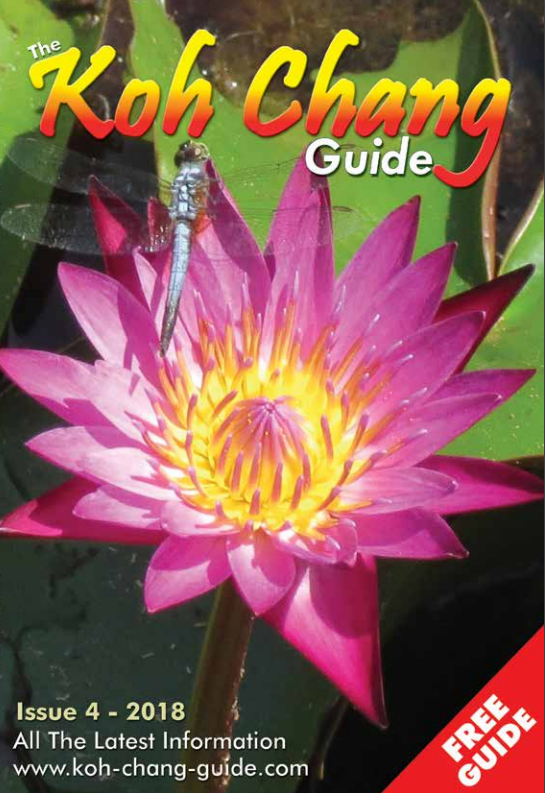
Koh Chang Guide Issue 4 - October 2018 1.0.0 1.0.0

1 Screenshot

Koh Chang Guide Issue 4 - October 2018 - download the PDF version using the green download button or read it online here


All the latest information about Koh Chang


PLUS: Check out the bonus Koh Chang Treasure Map here


and


the Koh Kood and Koh Mak maps here


kc1.png

User Feedback

Recommended Comments

An off topic comment has been removed.

Create an account or sign in to comment

Account

Navigation

Search

Search

Configure browser push notifications

Chrome (Android)
  1. Tap the lock icon next to the address bar.
  2. Tap Permissions → Notifications.
  3. Adjust your preference.
Chrome (Desktop)
  1. Click the padlock icon in the address bar.
  2. Select Site settings.
  3. Find Notifications and adjust your preference.