Skip to content
View in the app

A better way to browse. Learn more.

Thailand News and Discussion Forum | ASEANNOW

A full-screen app on your home screen with push notifications, badges and more.

To install this app on iOS and iPadOS
  1. Tap the Share icon in Safari
  2. Scroll the menu and tap Add to Home Screen.
  3. Tap Add in the top-right corner.
To install this app on Android
  1. Tap the 3-dot menu (⋮) in the top-right corner of the browser.
  2. Tap Add to Home screen or Install app.
  3. Confirm by tapping Install.

SBACM

Member
  • Joined

  • Last visited

  1. this is great info-Thank you
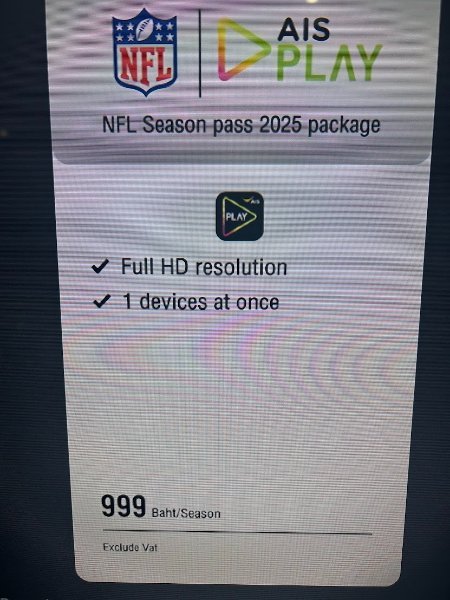
  2. seems like you get to view about 9 games a week through AIS. seems like a great deal for anyone interested.
  3. looking for the best of the best ...anyone have any positive personal experiences? Thanks in advance...
  4. Thinking about purchasing and ordering as we retire next year, since I am not in country wondering if any tall people out there have sat in one and can share their thoughts, I am 188cm tall? I think they are about 4 months out today to order.

Account

Navigation

Search

Search

Configure browser push notifications

Chrome (Android)
  1. Tap the lock icon next to the address bar.
  2. Tap Permissions → Notifications.
  3. Adjust your preference.
Chrome (Desktop)
  1. Click the padlock icon in the address bar.
  2. Select Site settings.
  3. Find Notifications and adjust your preference.