





7000gods
Member
-
Joined
-
Last visited
Everything posted by 7000gods
-
Trash is the new cool. # #idontknow greenarrow
-
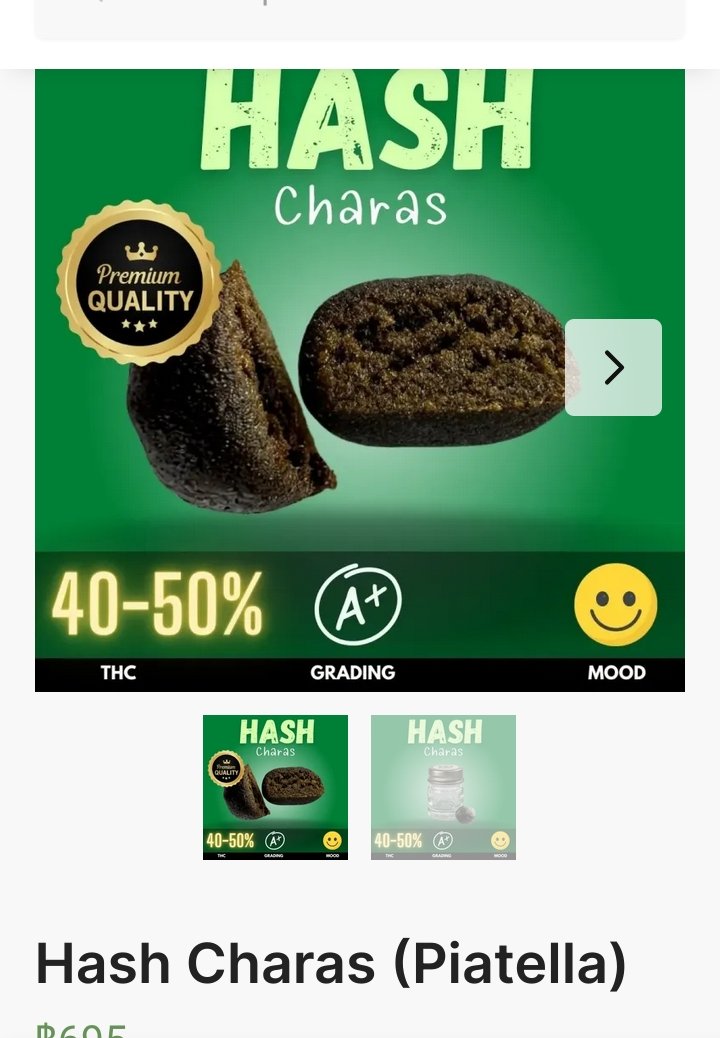
Cheaper than flight to CasaBlanca. Should be smoked baside a turf fire and a wet Dog.
 You're funny....Yes...the mobile is the privatest. ThanksOneTimeCodeThat will be used for recieving otcs and verification matrvces. #uselessAre there any remaining call centres in central BKk. I need a secure private landline for several overseas calls. Appreciate any info. (Google and Duck are only showing nomad office space)
Account
Navigation
Search
Configure browser push notifications
Chrome (Android)
- Tap the lock icon next to the address bar.
- Tap Permissions → Notifications.
- Adjust your preference.
Chrome (Desktop)
- Click the padlock icon in the address bar.
- Select Site settings.
- Find Notifications and adjust your preference.
Safari (iOS 16.4+)
- Ensure the site is installed via Add to Home Screen.
- Open Settings App → Notifications.
- Find your app name and adjust your preference.
Safari (macOS)
- Go to Safari → Preferences.
- Click the Websites tab.
- Select Notifications in the sidebar.
- Find this website and adjust your preference.
Edge (Android)
- Tap the lock icon next to the address bar.
- Tap Permissions.
- Find Notifications and adjust your preference.
Edge (Desktop)
- Click the padlock icon in the address bar.
- Click Permissions for this site.
- Find Notifications and adjust your preference.
Firefox (Android)
- Go to Settings → Site permissions.
- Tap Notifications.
- Find this site in the list and adjust your preference.
Firefox (Desktop)
- Open Firefox Settings.
- Search for Notifications.
- Find this site in the list and adjust your preference.