




DLock
Advanced Member
-
Joined
-
Last visited
Everything posted by DLock
-
His timing is good. Complete political disarray. He will be out on bail immediately to orchestrate the resurrection.
-
And the Pattaya farang collective looked up from their full English breakfasts and demanded that the Chinaman assimilate or be sent home...
-
It's not like he did not know the laws around owning shares before the election...he gave them all the fodder they needed. ...at least he did not host a cooking show.
-
The election was 14th May...and here we are 2 months later playing schoolyard drama games... Take these guys out behind the shelter sheds after school are sort it out.
-
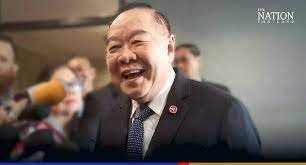
I can't wait for Joe Biden and Prawit to meet in person.
-
Selection of Installing the voted for Thai PM is a key to the health of the Thai economy. Fixed.
-
Correct.
-
In most civilized countries, election results are announced around 10pm the same night. In Thailand, the votes of the people come second to back room horse trading and trough position. ...and it's still not resolved.





