Ferdinando
Member
-
Joined
-
Last visited
Everything posted by Ferdinando
-
Hi, 3BB sorted it out - they had to reset something on my public IP address on their side. It is resolved.
-
It works via AIS mobile data but doesn't work via 3BB wifi at home. Internet fine for everything except these secure applications. I will contact 3BB. I am in Hua Hin.
-
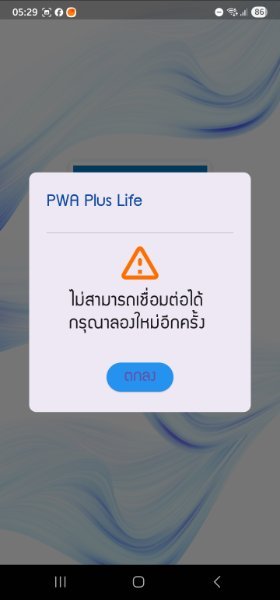
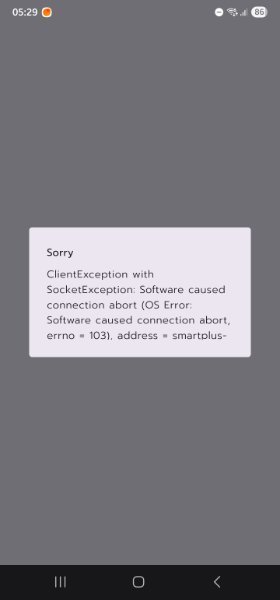
Hi folks, I have been using for years the Provincial Electricity App (PEA Smart Plus) to report faults and pay my electricity bills, and the same for the PWA Plus Life for water. Both these apps are not working since a couple of weeks ago, I am getting database errors when accessing them. I reported it to PEA for their app a few days ago, but no resolution yet apparently. This morning it's the turn of Krungsri mobile app, it doesn't launch with "internet connection problems" (My internet works perfectly). Is this some sort of cyber-attack, do they work for you guys?