Skip to content
View in the app

A better way to browse. Learn more.

Thailand News and Discussion Forum | ASEANNOW

A full-screen app on your home screen with push notifications, badges and more.

To install this app on iOS and iPadOS
  1. Tap the Share icon in Safari
  2. Scroll the menu and tap Add to Home Screen.
  3. Tap Add in the top-right corner.
To install this app on Android
  1. Tap the 3-dot menu (⋮) in the top-right corner of the browser.
  2. Tap Add to Home screen or Install app.
  3. Confirm by tapping Install.

Seppius

Advanced Member
  • Joined

  • Last visited

Everything posted by Seppius

  1. Use that place a lot, the guy was lucky by the looks of the size of the tree
  2. Anyone ever recovered a hacked Facebook account? Mine was over 15 years old, but recently got hacked by someone in Vietnam. Absolutely no help from Meta, and when I try the online recovery it won't work because the person changed my email, and it says no account with that email Sent a few emails to [email protected], did not even get a reply Grateful for any suggestions?
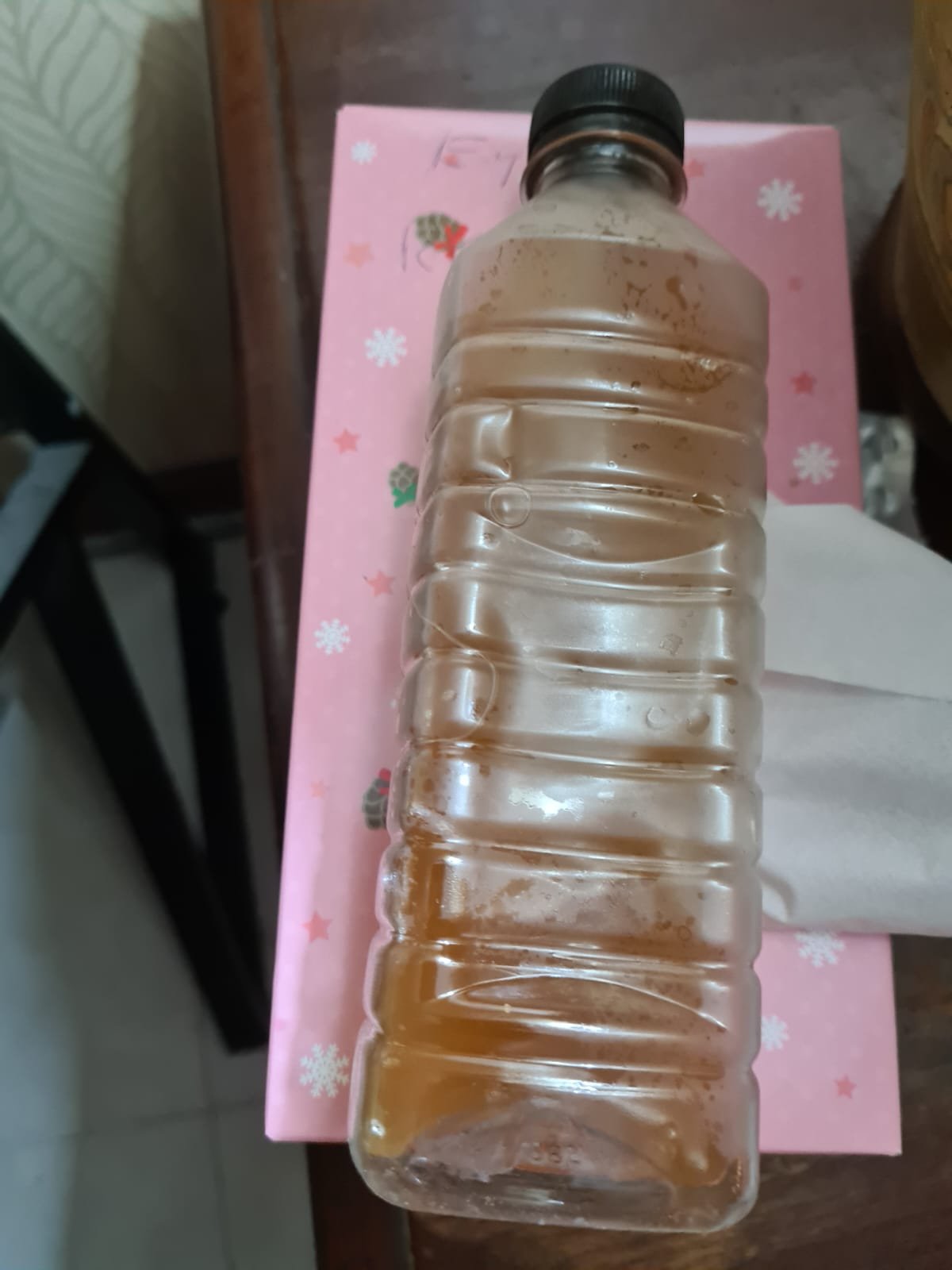
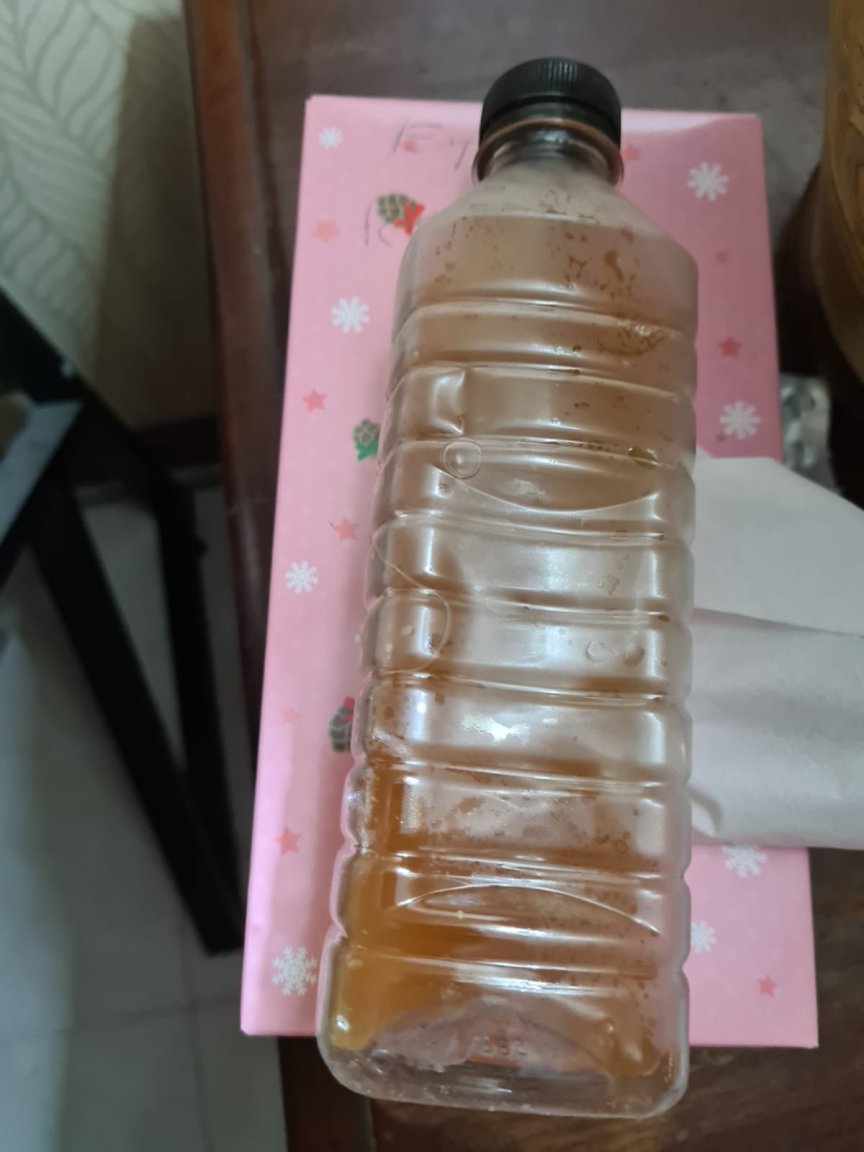
  3. How strong is the muddy Kratom drink you buy off street vendors, anyone know?
Account

Navigation

Search

Search

Configure browser push notifications

Chrome (Android)
  1. Tap the lock icon next to the address bar.
  2. Tap Permissions → Notifications.
  3. Adjust your preference.
Chrome (Desktop)
  1. Click the padlock icon in the address bar.
  2. Select Site settings.
  3. Find Notifications and adjust your preference.