Skip to content
View in the app

A better way to browse. Learn more.

Thailand News and Discussion Forum | ASEANNOW

A full-screen app on your home screen with push notifications, badges and more.

To install this app on iOS and iPadOS
  1. Tap the Share icon in Safari
  2. Scroll the menu and tap Add to Home Screen.
  3. Tap Add in the top-right corner.
To install this app on Android
  1. Tap the 3-dot menu (⋮) in the top-right corner of the browser.
  2. Tap Add to Home screen or Install app.
  3. Confirm by tapping Install.

aguy30

Advanced Member
  • Joined

  • Last visited

Everything posted by aguy30

  1. Curious about what measures are being taken for earthquakes. No mention of the building design meeting ANY earthquake standards. Then there is fire safety. Good luck if you are above the 8th floor.
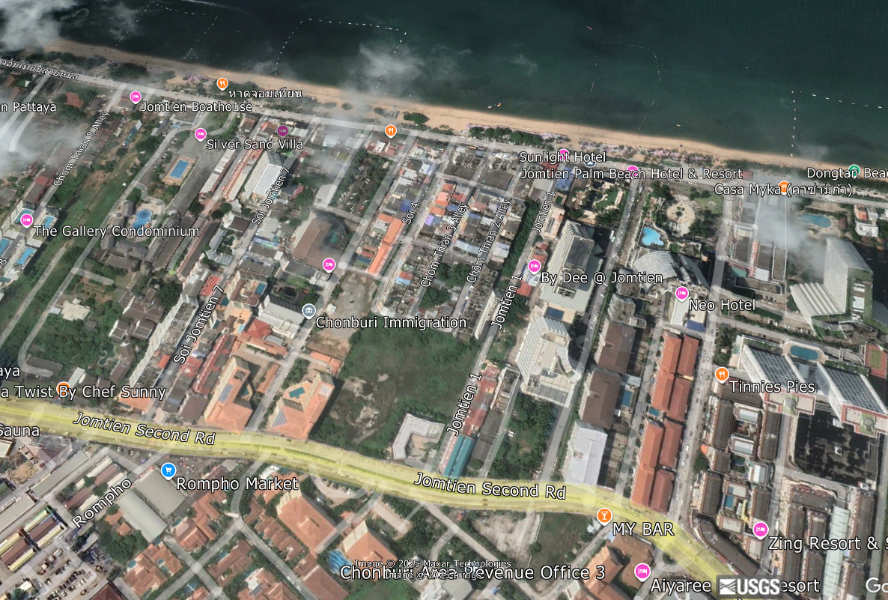
  2. Really nice advertising picture showing the project and location but very different from the reality of Google Earth. The roof top views of Sois 2, 3, 4 and 5 are breath taking.


Account

Navigation

Search

Search

Configure browser push notifications

Chrome (Android)
  1. Tap the lock icon next to the address bar.
  2. Tap Permissions → Notifications.
  3. Adjust your preference.
Chrome (Desktop)
  1. Click the padlock icon in the address bar.
  2. Select Site settings.
  3. Find Notifications and adjust your preference.