
roo860
Advanced Member
-
Joined
-
Last visited
Everything posted by roo860
-
I was showing my doctor the rash on my knob today. He seemed pretty uncomfortable and didnt want to touch it. He just said make an appointment at the surgery tomorrow and then walked off with his family & carried on shopping.Was the top pic from when you were a 'kid'?
 Both Robert and Oscar are fine looking dogs, mind you they came from excellent stock, Michael and Mem are very proud of their Ridgebacks!The hat quite suits you Owl!
 Good luck wiping your arse with peanuts!????????????I like when you ask for something and they say 'moment please', then come back after about 20min and say 'no have', ya gotta love em.Woof woof
 had trouble sleeping last night
 Rare photo of Mona Lisa and Leonardo DaVinci taken in Florence in 1504.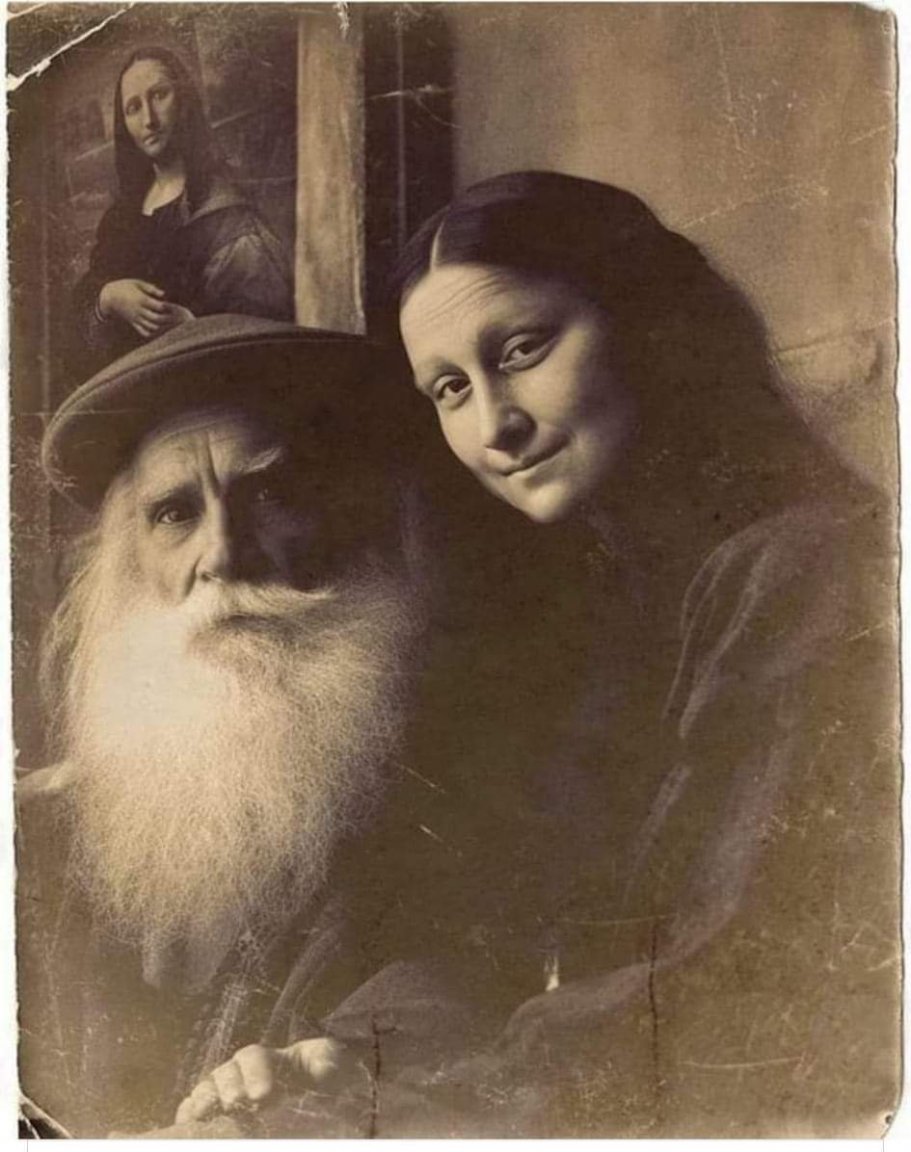
Account
Navigation
Search
Configure browser push notifications
Chrome (Android)
- Tap the lock icon next to the address bar.
- Tap Permissions → Notifications.
- Adjust your preference.
Chrome (Desktop)
- Click the padlock icon in the address bar.
- Select Site settings.
- Find Notifications and adjust your preference.
Safari (iOS 16.4+)
- Ensure the site is installed via Add to Home Screen.
- Open Settings App → Notifications.
- Find your app name and adjust your preference.
Safari (macOS)
- Go to Safari → Preferences.
- Click the Websites tab.
- Select Notifications in the sidebar.
- Find this website and adjust your preference.
Edge (Android)
- Tap the lock icon next to the address bar.
- Tap Permissions.
- Find Notifications and adjust your preference.
Edge (Desktop)
- Click the padlock icon in the address bar.
- Click Permissions for this site.
- Find Notifications and adjust your preference.
Firefox (Android)
- Go to Settings → Site permissions.
- Tap Notifications.
- Find this site in the list and adjust your preference.
Firefox (Desktop)
- Open Firefox Settings.
- Search for Notifications.
- Find this site in the list and adjust your preference.