Trvlr55
Member
-
Joined
-
Last visited
-
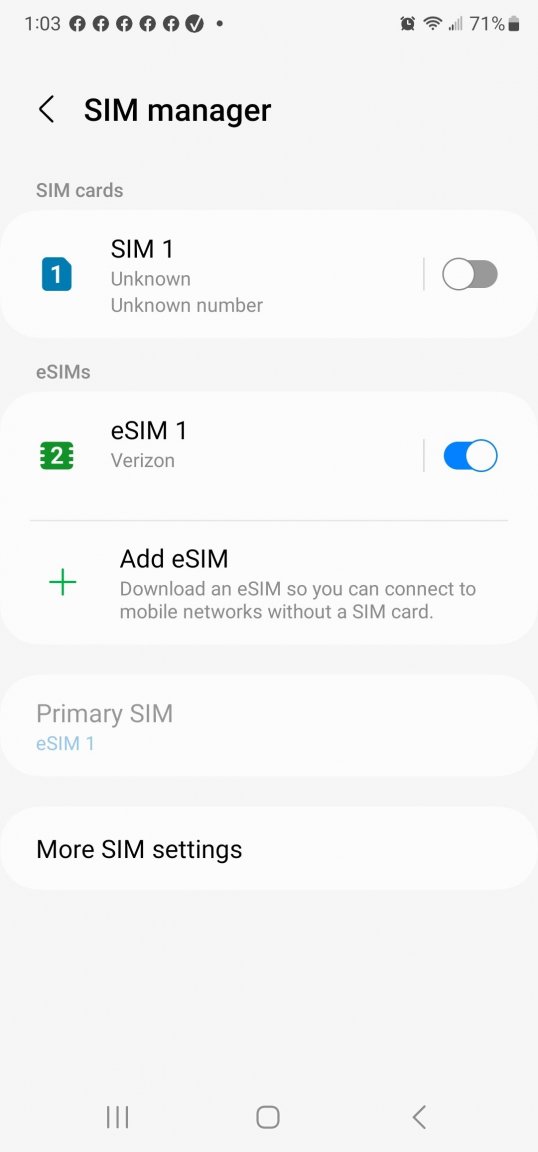
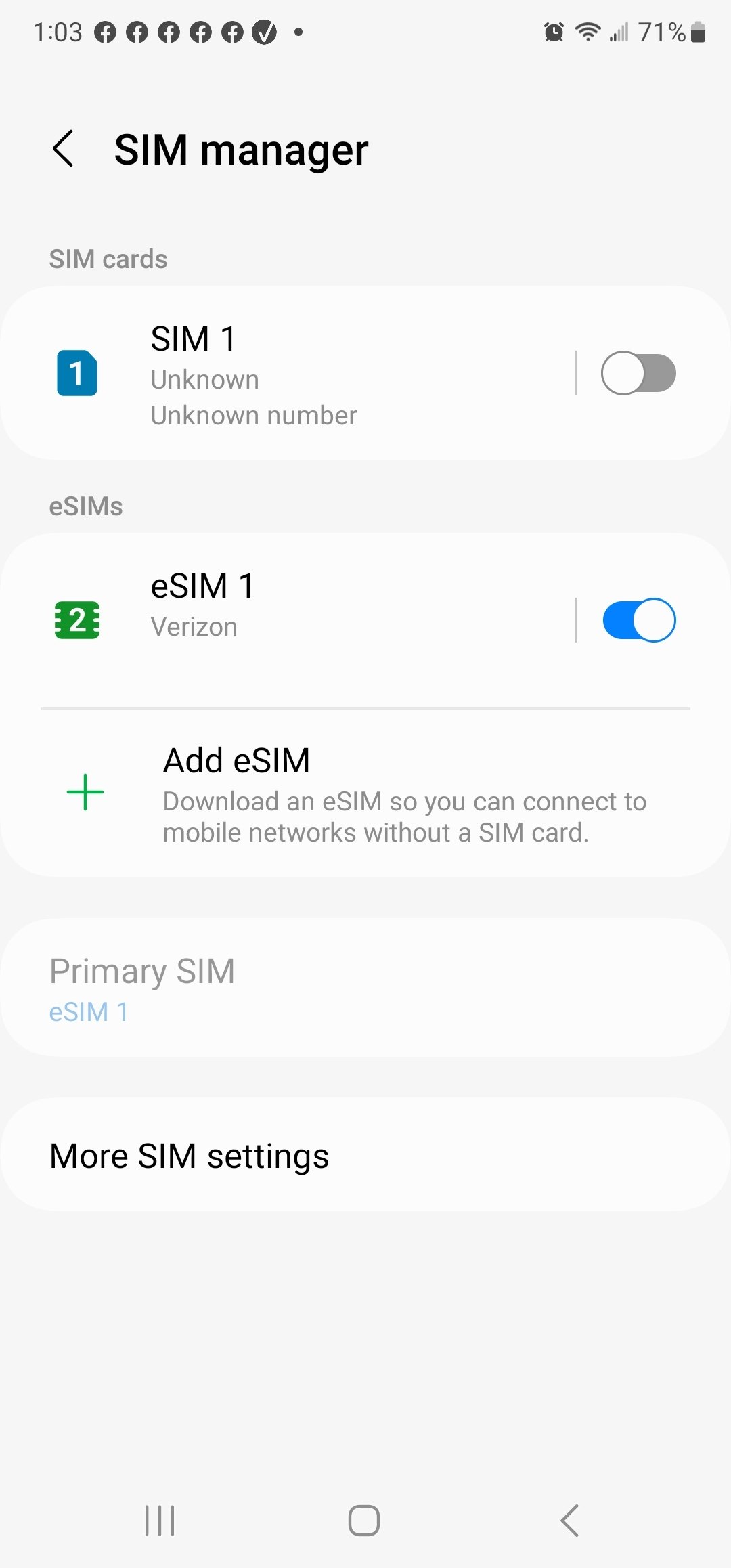
SIM/ESIM Purchased a new Dual SIM phone this year; Android Galaxy 22 Ultra. Wife got a new Iphone also Dual SIM. On both phones we had our US carrier "Verizon" installed on the ESIM, so hopefully would make it easier to get standard SIM when traveling, as a lot of countries do not support ESIM, or it's difficult to find the right vendor, and person familiar with the setup, and not just totally muck it all up. When traveling, we both need access to our US phone numbers for business. Is anyone familiar with doing this in Thailand? With my current setup, hoping can just have them drop in their local Thai SIM, and then I'll have Thai/Sim + US Verizon ESIM on the one phone; same with Wifes Iphone. Took quite a bit of conversation to get the salespeople to understand why I wanted ESIM enabled for my US phone, and not the regular SIM.... You want to do what? explain that to me again, then calling their backline support, and going over it a dozen times or more, before it was all settled out.