




Harrisfan
Advanced Member
-
Joined
-
Last visited
Everything posted by Harrisfan
-
A billion do mate
-
Is this your fav place?
-
Rubbish. Over a billion followers
-
Do you kiss women?
-
-
They should have Khao Soi or Khao Soi pizza
-
The public can't do a thing. Bad guy good riddance.
-
Don't hold back
-
Humans are like plants. We either grow or die so you have to keep pushing yourself forward.
-
They have Pavlova
-
That's fair enough. I can see that. Some women catch my eye though.
-
Do you like your face and body?
-
Is this place famous?
-
Cheese, basil, sauce and bread. Very basic food. Not my cup of tea. Chiang Mai has great curries. No need for pizzas anyway.
-
Best according to who?
-
Women grope me outside massage shops
-
It's a 1 man pizza. Italian style. You cut and pasted it cause you are ashamed of the real ones.
-
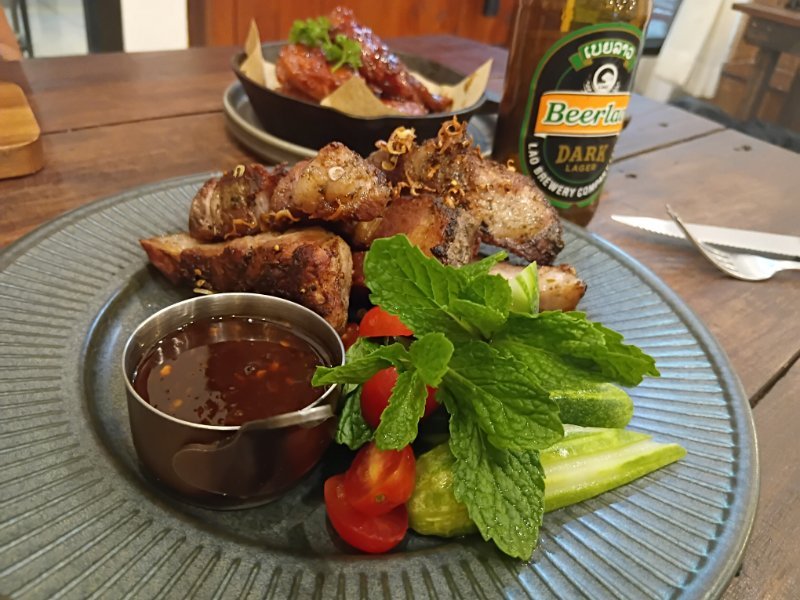
This is my kind of food Fresh mint Small salad Nice sauce Nice meat
-
You moan about people on planes and walking eaters then post dog food and a fake pizza photo.
-
It is small plus its fake Show us the real ones
-
Be there in June
-
Looks small
-
Download the apps. See for yourself. Price up 100 baht now. Agoda plays tricks with prices. Cheaper to book in the day time.
-
Just use Line or Whatsap
-
Why are they promoting the place? Maybe they get kickbacks



