




Harrisfan
Advanced Member
-
Joined
-
Last visited
Everything posted by Harrisfan
-
-
Obama finished in 16
-
"Trump just wants the midget to sign" 55
-
Friends with Trump so yes.
-
Nobody cares what you think. Opinions on here don't matter.
-
Exactly. Visit every place that catches your eye.
-
Lenses are made specific for each eye. Only cheap shop lenses are not.
-
https://www.aao.org/eye-health/astigmatism
-
Appointment should be free. Glasses price is negotiable.
-
Do you eat 200 eggs a day? Who cares
-
Keir won't read this
-
UK isn't at war. No need to trust anyone. Keir is an idiot. Just gave more to Z the slimey comedian.
-
Most socialists entered into it 9 years ago.
-
Agreed. These guys just use bargirls though. They have no Thai friendships or respect for Thais.
-
Lots of use. I use it everyday and know how to say farang
-
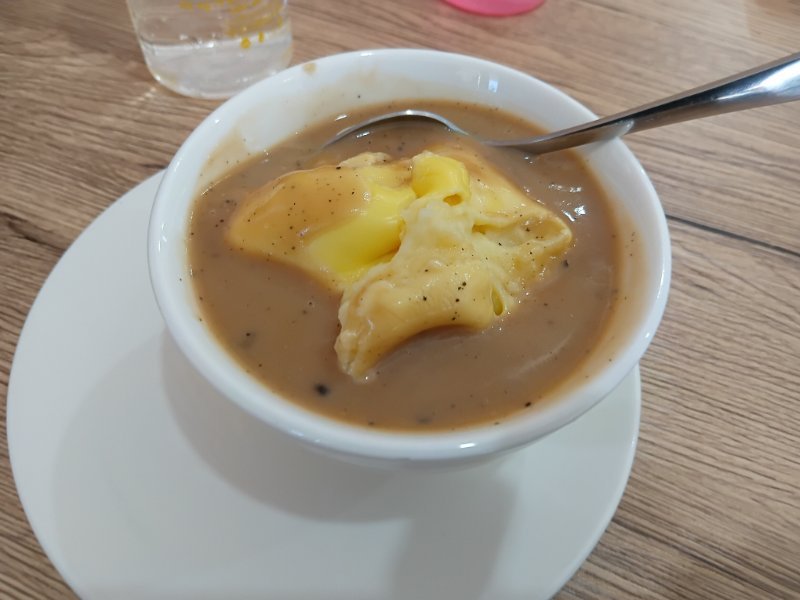
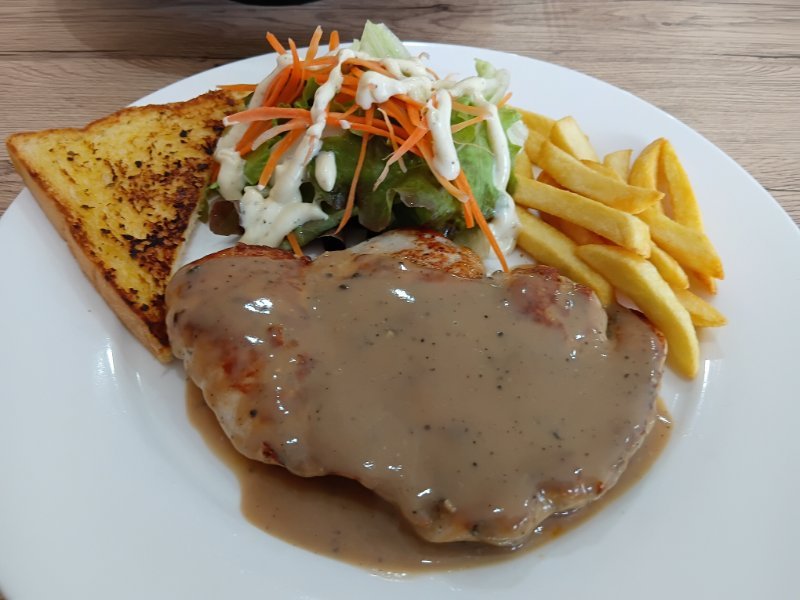
Some restaurants serve up too many. At the price I paid the meal was great value.
-
It tasted nice mate. Gravy was good. Chicken was tender. Chips were ok. Cheap too.
-
Yes Z was very childish like his fanboys on here. The guy is a grub. More of a celebrity than a problem solver.
-
Charlie never served in a war zone and he's not my King.
-
Went to a restaurant instead
-
Exactly
-
What he said
-
Z will be flying back soon. Prince Charles won't be happy with his co2 emissions https://www.theguardian.com/world/live/2025/mar/02/ukraine-war-volodymyr-zelenskyy-keir-starmer-donald-trump-us-europe-eu-russia-defence-latest-live-news
-
You post misinformation and rants.
-
Just say Friday afternoon to Sunday afternoon it's busy






