Harrisfan
Advanced Member
-
Joined
-
Last visited
Everything posted by Harrisfan
-
Trump winning again.
-
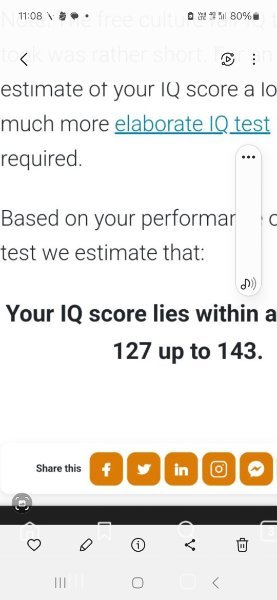
Yes you ran away after being proven wrong. You lefties all do it. Thanks for the laughs indeed. Wrong all the time and too afraid to sit an IQ test.
-
Thanks for admitting you are too scared to do an IQ test and tell us the score. Agent 86 from Get Smart comes to mind.
-
No you should prove it instead of ranting but you can't because you have "got nothing". Last week wrong about Trump's inheritance (you ran away after being corrected) This week refusing to post your IQ score. We know why.
-
I can smell the leftist bs.I'm not the one who refuses to post his IQ scores. Wonder why that is?I don't drink beer in cans.False claim.
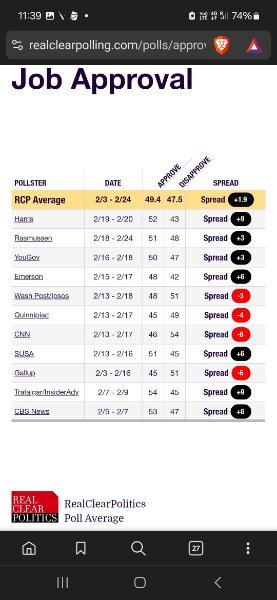 False claim.Cut n paste nonsense. Cook and Gates met with Trump. Trump is getting things done.4 more years. Save some whingeing for the future.Glad I'm not you.Yes because we are "idiots" and enjoy life.Still cherry picking nonsense. Sad.Thais drink shakes and walk. You need to find some Thai friendsIn summary, both "can you" and "could you" are correct and can be used interchangeably in many contextsCan is correct English.Expert on Apple now? What do you do? Rocket scientist?Laugh at drivelCan you please you correct English so we can understand your rants. Regards Polite PersonPlus the men are girly too.The food or women?How important are written English skills?My IQ average is above 130. What's yours?