norbra
Advanced Member
-
Joined
-
Last visited
-
I just completed this quiz. My Score 10/100 My Time 123 seconds
-
Earlier this year my AIS and DTAC 1 year data sims sent me renewal sms offering to renew the same deals just topup xxxx each account working well.
-
I just completed this quiz. My Score 20/100 My Time 208 seconds
-
Sent mail report to CW 25th August 2024
-
I did my first report after my return by mail to CW, to was accepted and approved no problems, subsequent email reports also approved.
-
You will need a hard copy of appointment this can be obtained on level 1 photo copy desk
-
-
I returned with a re entry permit in June 2024. 75 days after my return I mailed my report to CW. On the due date it was approved and receipt arrived 30 days later. Subsequent online reports have been approved
-
Call DTAC They will reset the area where you are having problems. Continue complaints until network problems are resolved
-
Telstra could provide a key to unlock if certain contract conditions are met. (Completed 2 years of contract) Probably cost a fortune in phone calls to Testra
-
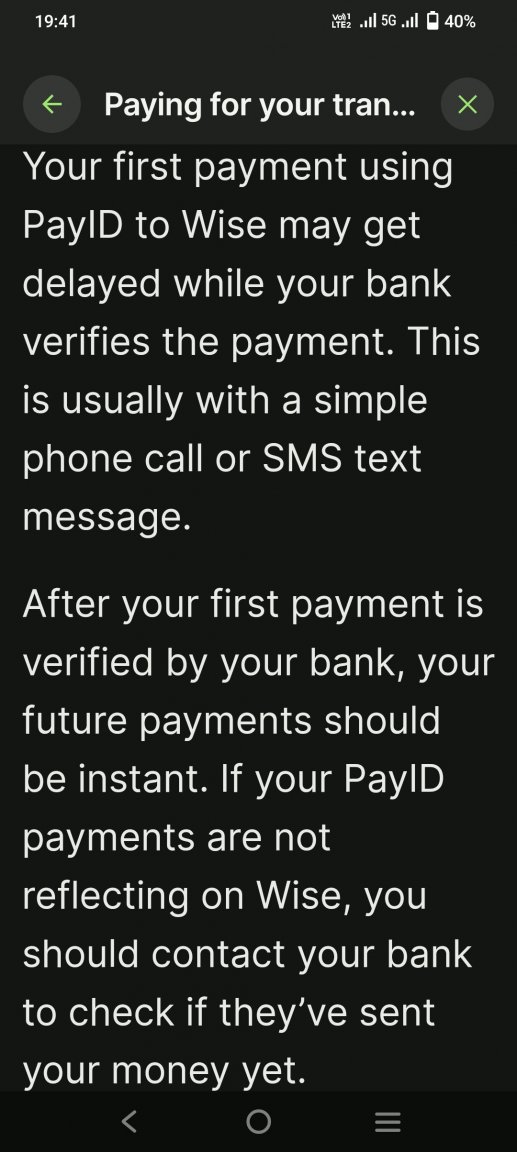
I did a transfer this morning, Setup transfer in Wise as usual,opened my Westpac app,sent payment via PAYID to my existing Wise account xxxxx,wise.com. Payment and transfer successful (11 seconds). No messages,no emails re new Wise account details
-
Yes pretty pathetic that they cannot redirect unique PAYID address to target their new account.
-
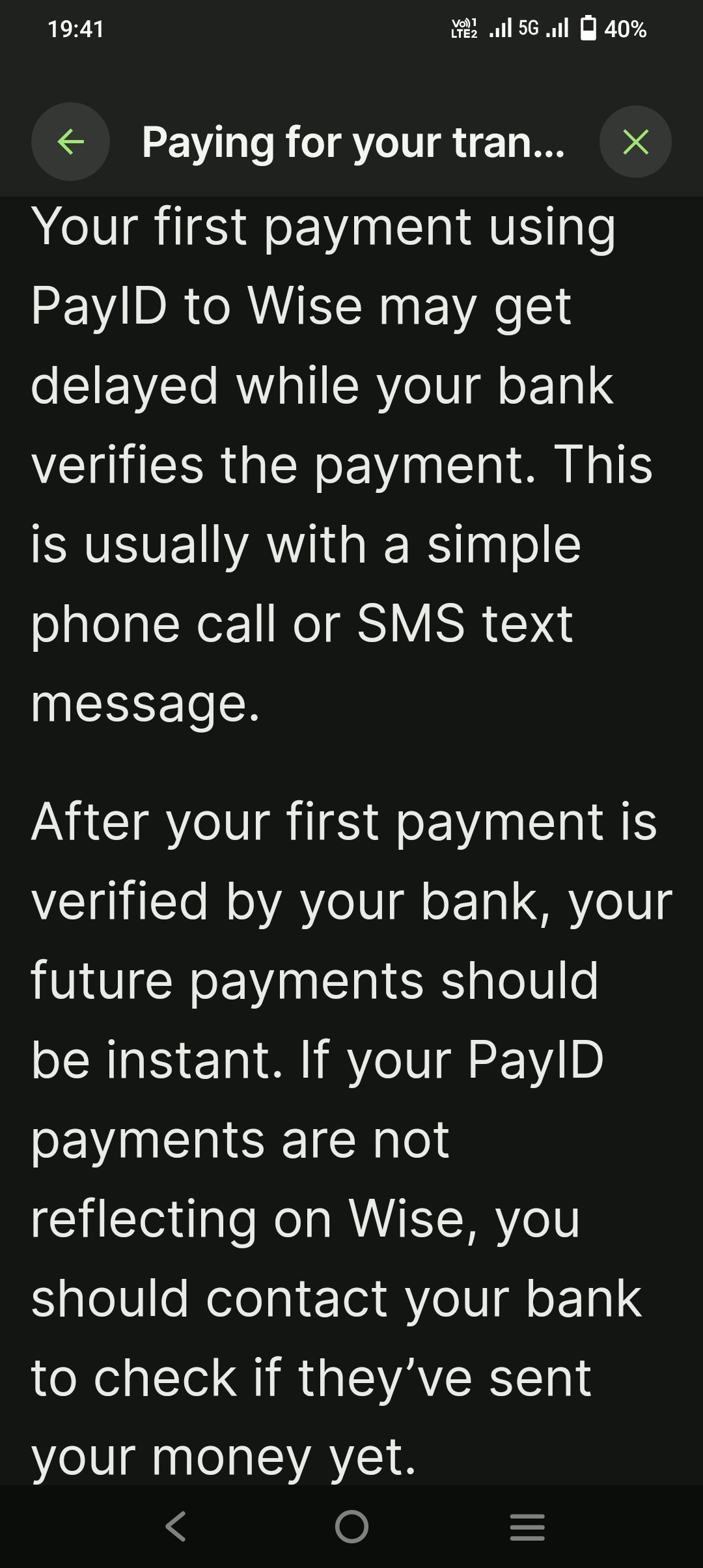
From Wise re PAYID
-
Take a colour photo copy A4 of your passport ID page with you.
-
He is located in a surf shop