
roo860
Advanced Member
-
Joined
-
Last visited
Everything posted by roo860
-
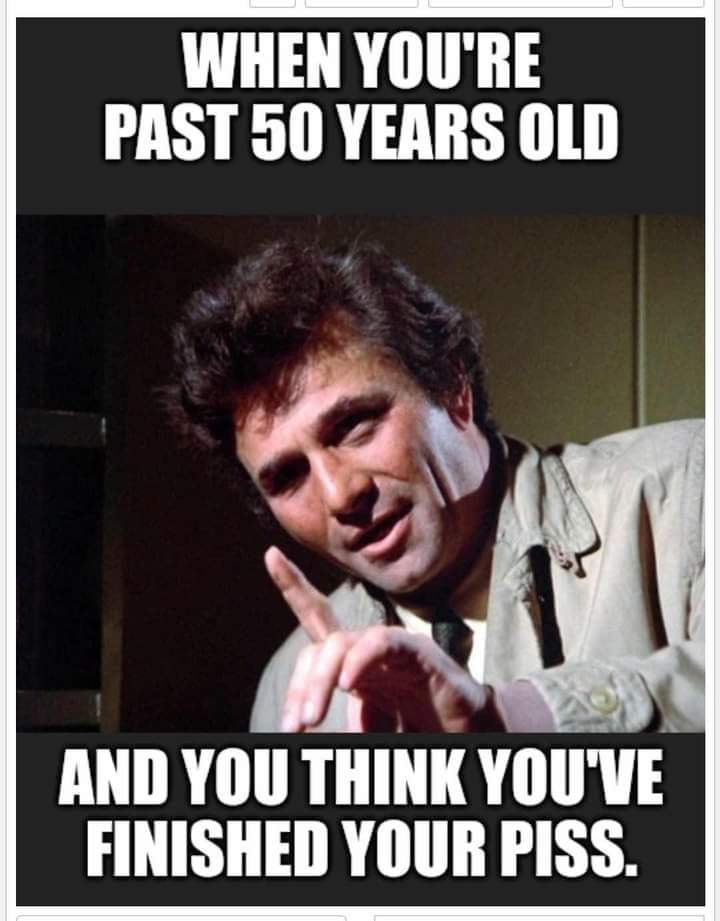
Met him at the Macau GP in 1980, had quite a long chat with him, great fella and actor. In his 90's now.My daughter is going out with an Italian bricklayer. She reckons it's cement to be.Flat as a witches tit.Your wife needs to shave her legs mate! 😁😁😁VID-20240811-WA0012.mp4I'm actually interested in the pole dancingWell, this was the Olympic gold medalist .🤭🤭 Aussies have at least someone to be proud of.I just completed this quiz. My Score 80/100 My Time 90 seconds
Account
Navigation
Search
Configure browser push notifications
Chrome (Android)
- Tap the lock icon next to the address bar.
- Tap Permissions → Notifications.
- Adjust your preference.
Chrome (Desktop)
- Click the padlock icon in the address bar.
- Select Site settings.
- Find Notifications and adjust your preference.
Safari (iOS 16.4+)
- Ensure the site is installed via Add to Home Screen.
- Open Settings App → Notifications.
- Find your app name and adjust your preference.
Safari (macOS)
- Go to Safari → Preferences.
- Click the Websites tab.
- Select Notifications in the sidebar.
- Find this website and adjust your preference.
Edge (Android)
- Tap the lock icon next to the address bar.
- Tap Permissions.
- Find Notifications and adjust your preference.
Edge (Desktop)
- Click the padlock icon in the address bar.
- Click Permissions for this site.
- Find Notifications and adjust your preference.
Firefox (Android)
- Go to Settings → Site permissions.
- Tap Notifications.
- Find this site in the list and adjust your preference.
Firefox (Desktop)
- Open Firefox Settings.
- Search for Notifications.
- Find this site in the list and adjust your preference.