Skip to content
View in the app

A better way to browse. Learn more.

Thailand News and Discussion Forum | ASEANNOW

A full-screen app on your home screen with push notifications, badges and more.

To install this app on iOS and iPadOS
  1. Tap the Share icon in Safari
  2. Scroll the menu and tap Add to Home Screen.
  3. Tap Add in the top-right corner.
To install this app on Android
  1. Tap the 3-dot menu (⋮) in the top-right corner of the browser.
  2. Tap Add to Home screen or Install app.
  3. Confirm by tapping Install.

PolarAttack

Member
  • Joined

  • Last visited

Everything posted by PolarAttack

  1. For me, with my new passport number I went to update with airlines, immigration, banks, cell provider, drivers license.
  2. For me, the movie that first comes to mind is “invasion of the body snatchers”
  3. This isn’t a new regulation, it pops up every other year. The problem is not creating regulations. It’s enforcing them. Farmers need to dry the rice somewhere. So they just use the road. They need to burn stuff so they burn stuff. Nothing ever changes when it comes to that.
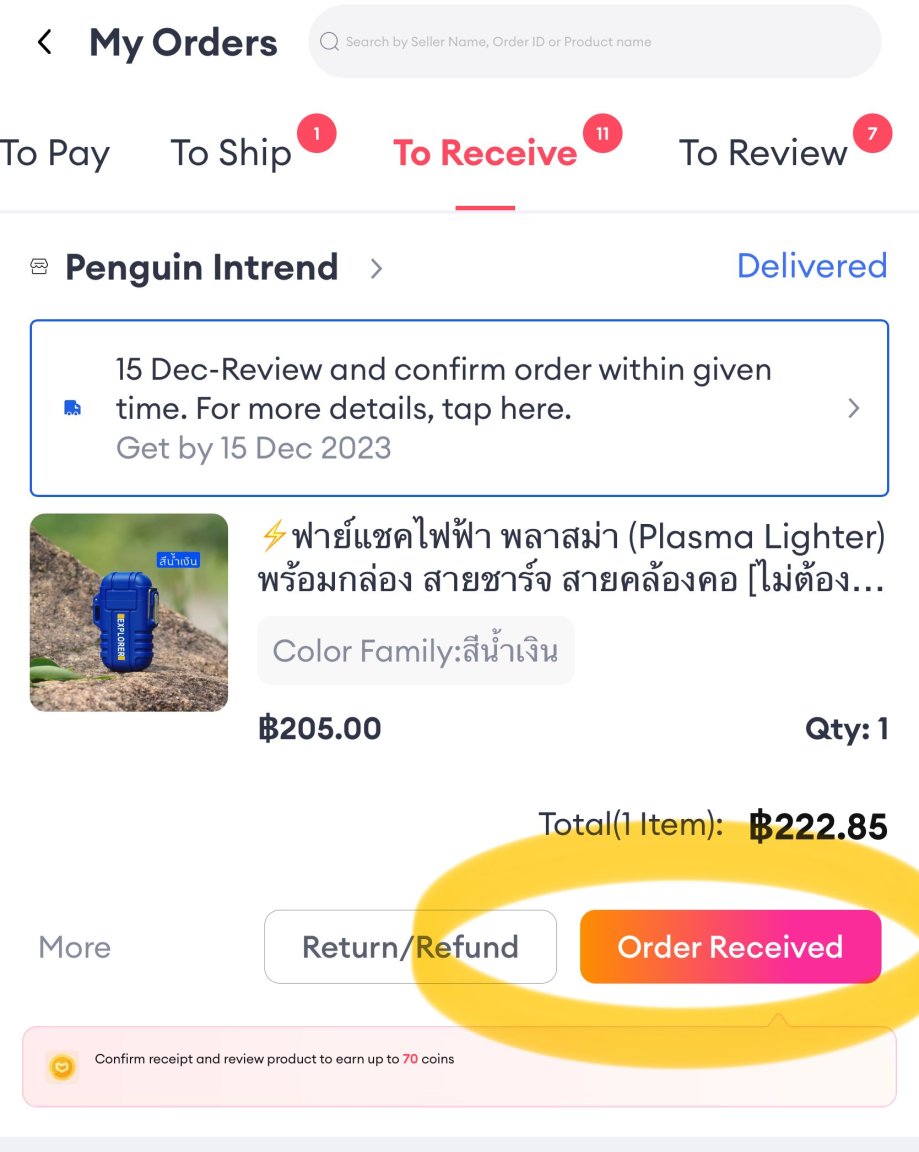
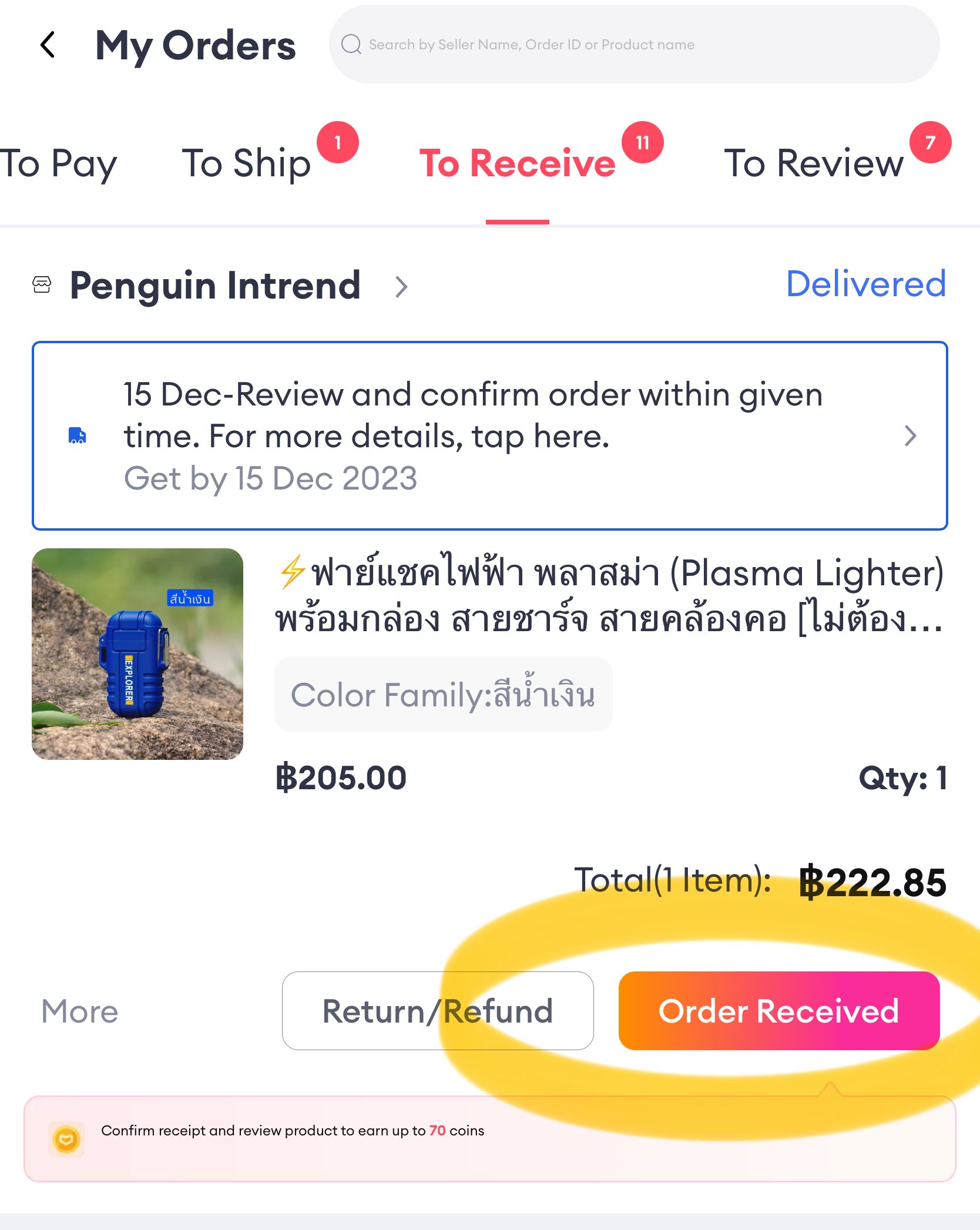
  4. It appears on the delivered screen.

Account

Navigation

Search

Search

Configure browser push notifications

Chrome (Android)
  1. Tap the lock icon next to the address bar.
  2. Tap Permissions → Notifications.
  3. Adjust your preference.
Chrome (Desktop)
  1. Click the padlock icon in the address bar.
  2. Select Site settings.
  3. Find Notifications and adjust your preference.