





earlinclaifornia
Advanced Member
-
Joined
-
Last visited
-
The original was exceptional. 7.3 rated
-
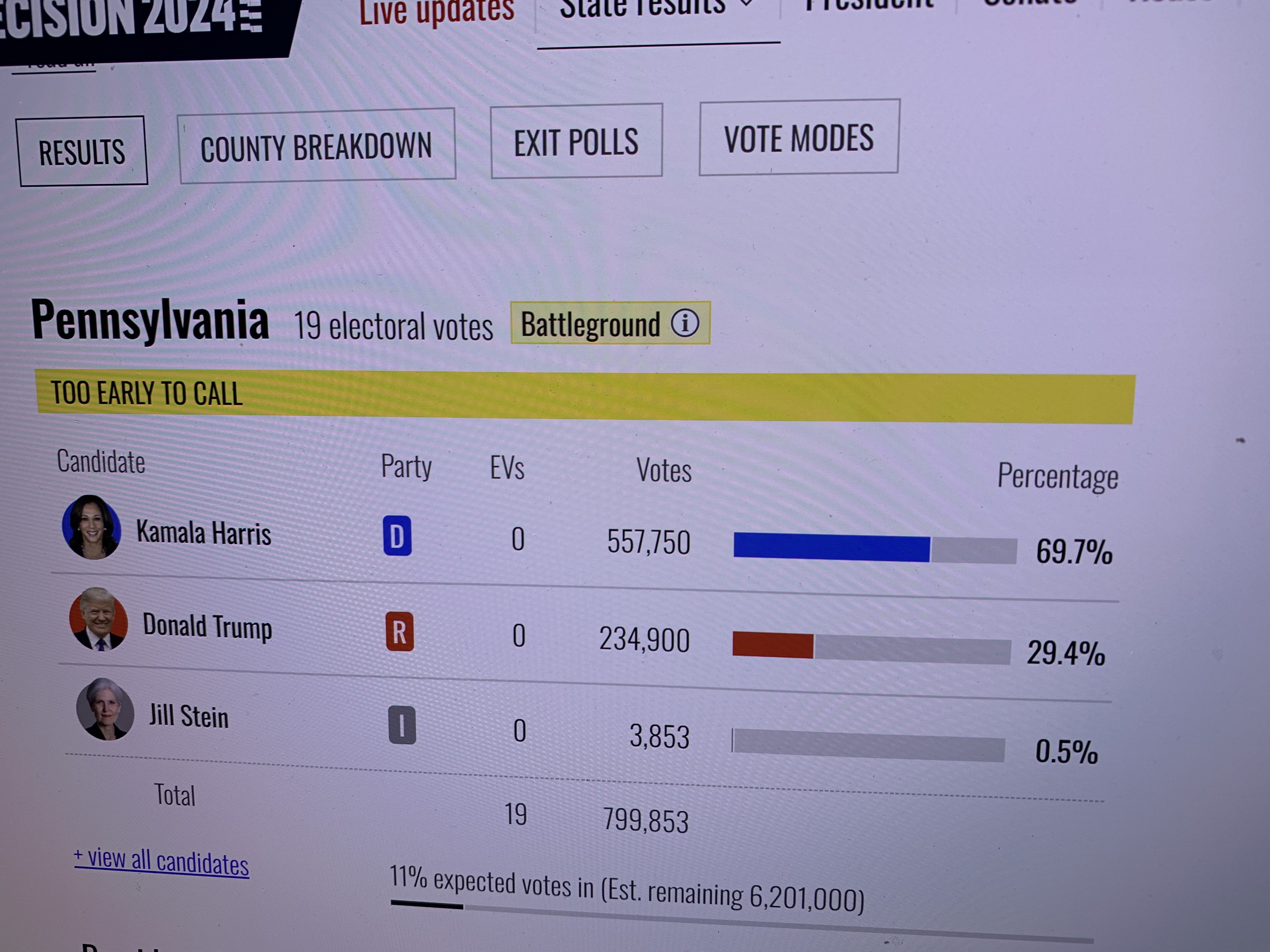
.Way too early to tell
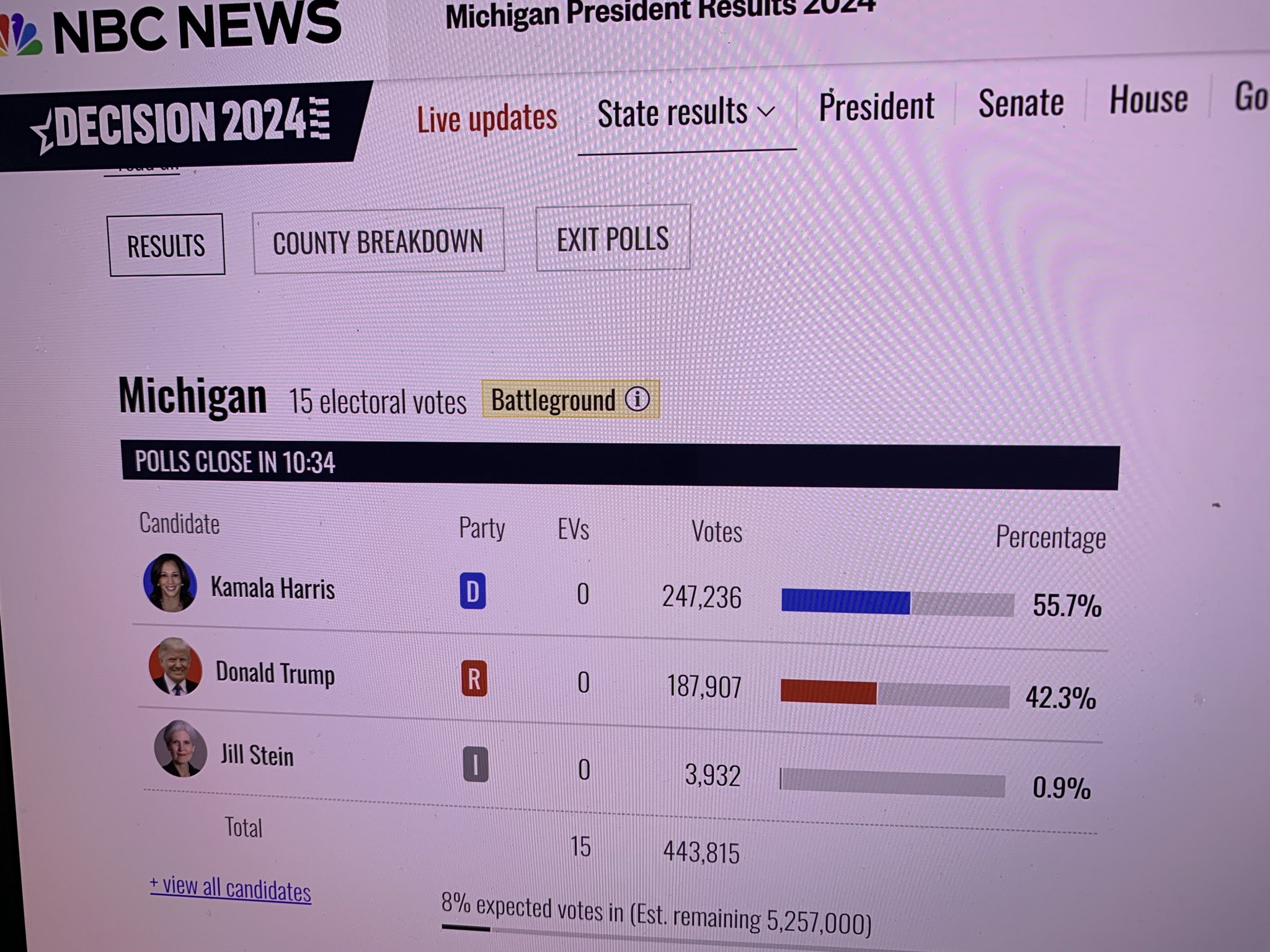 Way too early
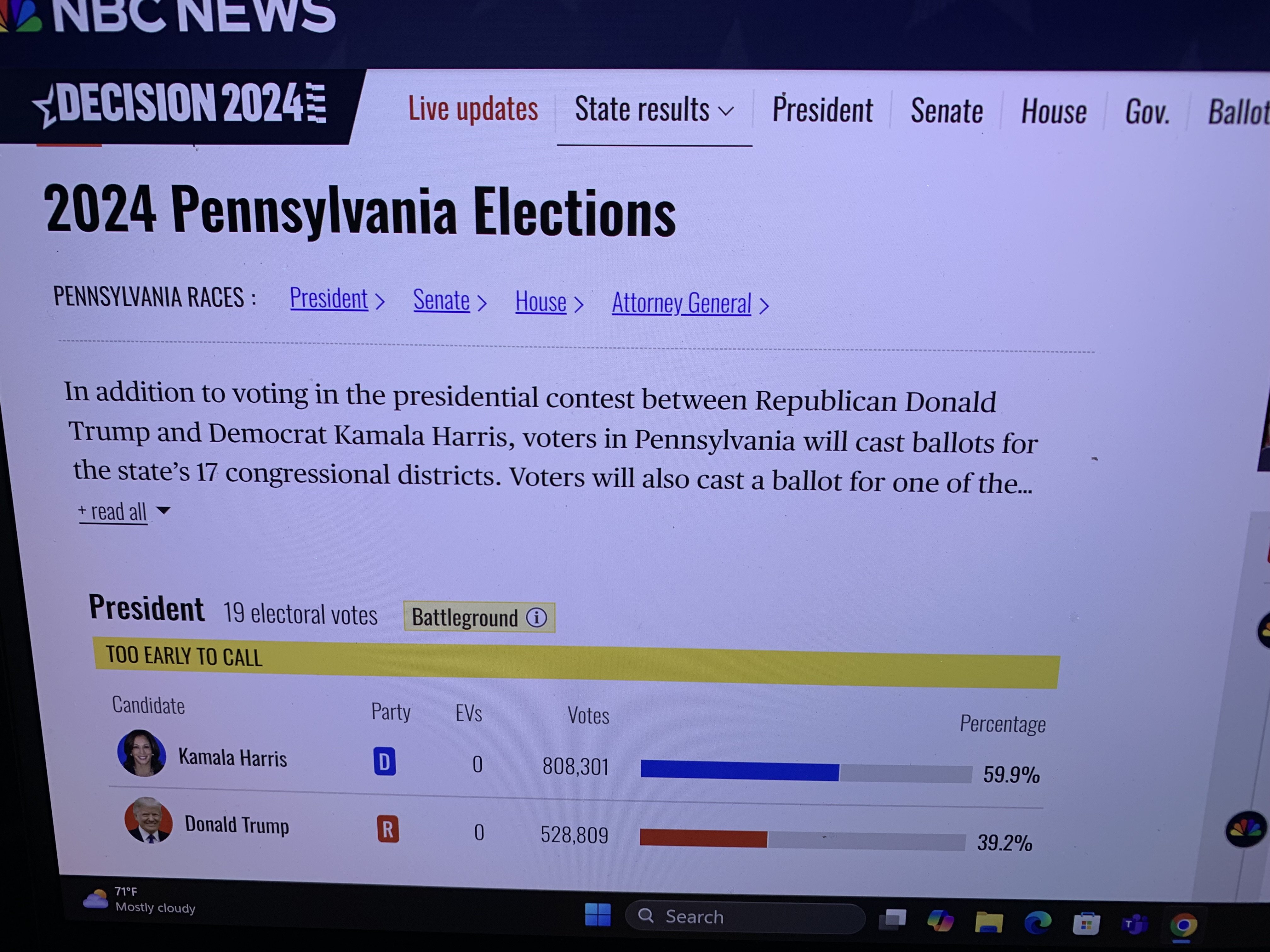
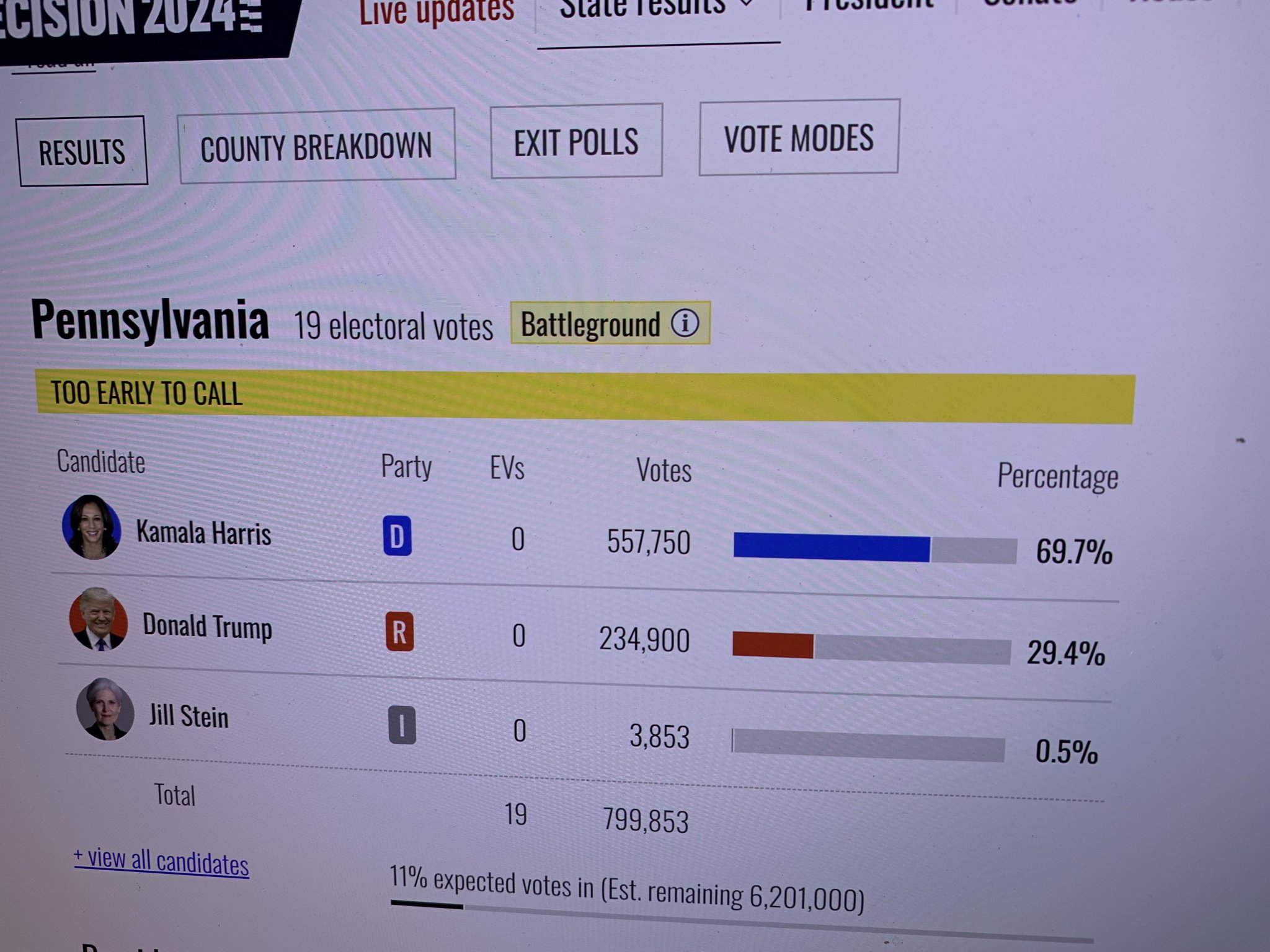 red mirageThe Georgia and North Caroina will be the early tellThe end of any Trump threat has left the building.https://www.mirror.co.uk/news/us-news/donald-trump-says-ufc-stars-34036558 Blue Wall Never Going BackWhen I first returned to the US I was told at Immagrtion my 90 day report has to be a week old to have a return entry re-entry approved. 2016T&G I"s this the avatar photo you will have me wear if Trump wins the election? We have a bet and last time @Cryingdick lost but failed to were the one I chose for him!It’s good








Account
Navigation
Search
Configure browser push notifications
Chrome (Android)
- Tap the lock icon next to the address bar.
- Tap Permissions → Notifications.
- Adjust your preference.
Chrome (Desktop)
- Click the padlock icon in the address bar.
- Select Site settings.
- Find Notifications and adjust your preference.
Safari (iOS 16.4+)
- Ensure the site is installed via Add to Home Screen.
- Open Settings App → Notifications.
- Find your app name and adjust your preference.
Safari (macOS)
- Go to Safari → Preferences.
- Click the Websites tab.
- Select Notifications in the sidebar.
- Find this website and adjust your preference.
Edge (Android)
- Tap the lock icon next to the address bar.
- Tap Permissions.
- Find Notifications and adjust your preference.
Edge (Desktop)
- Click the padlock icon in the address bar.
- Click Permissions for this site.
- Find Notifications and adjust your preference.
Firefox (Android)
- Go to Settings → Site permissions.
- Tap Notifications.
- Find this site in the list and adjust your preference.
Firefox (Desktop)
- Open Firefox Settings.
- Search for Notifications.
- Find this site in the list and adjust your preference.