



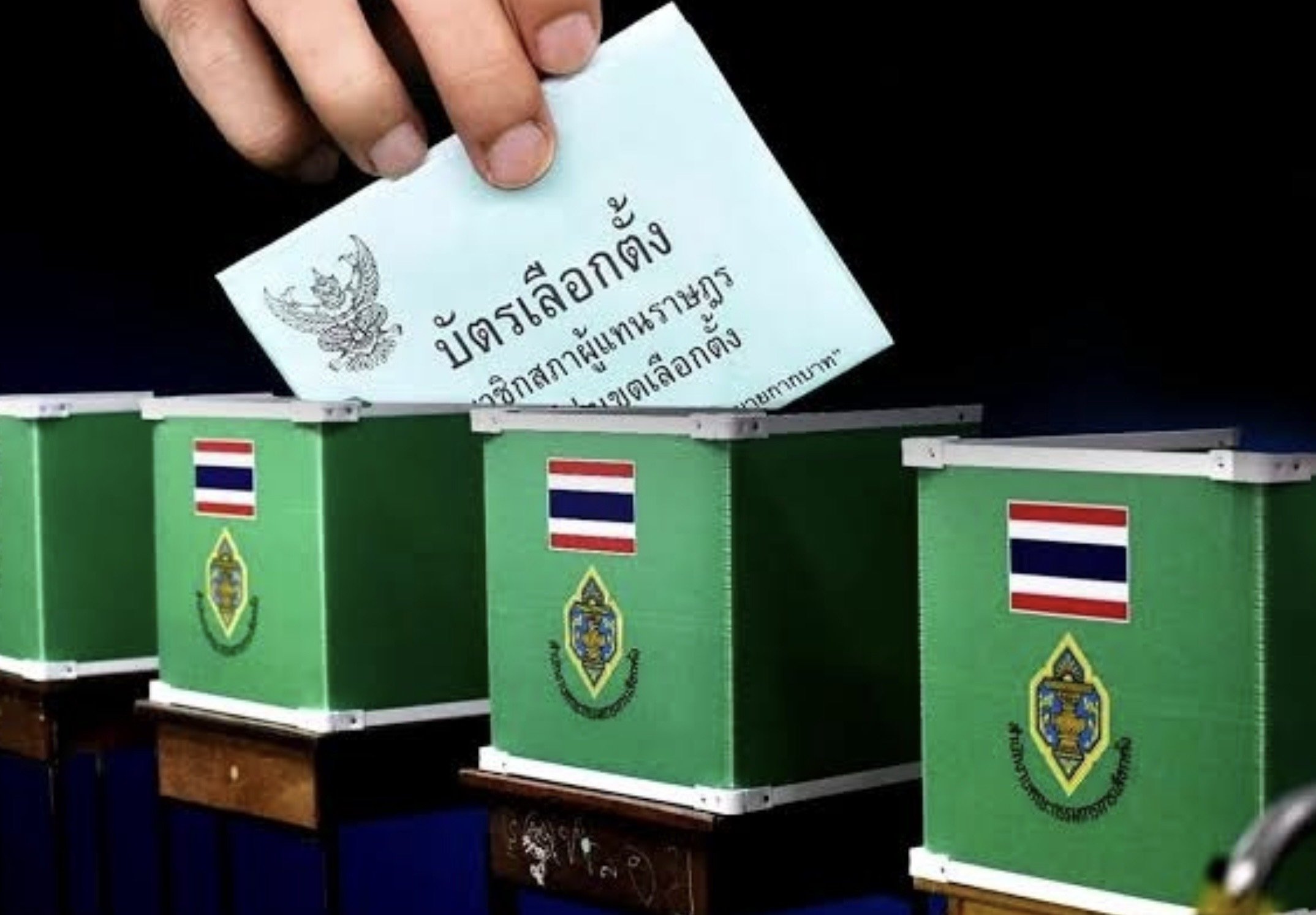

Thailand’s Election Commission has confirmed there will be no QR codes on ballot papers for the Bangkok governor and city council elections scheduled for June 28, following criticism over the use of barcodes and QR codes during the Feb. 8 general election.
Get today's headlines by email 
Acting Lt. Col. Sampan Saengkhamlert, a director at the polling agency, said local election regulations require the use of a rubber stamp system, preventing the inclusion of QR codes on ballots. The clarification came after public scrutiny surrounding the alleged existence of barcodes and QR codes on voting papers in the national election earlier this year.
The Election Commission also addressed reports that Bangkok Governor Chadchart Sittipunt had submitted his resignation to Prime Minister and Interior Minister Anutin Charnvirakul. Officials said the resignation would take effect from the date submitted, requiring a new election within 60 days.
However, because the governor’s term is already due to expire on May 20, authorities decided to proceed with the planned June 28 election timetable. The poll is expected to cost approximately 294 million baht.
A total of 4,507,523 voters are eligible to take part, a figure similar to that recorded during the Feb. 8 general election. There will be 6,629 polling stations across Bangkok, an increase of 99 compared with the previous national vote.
Election results will be announced at Rattanakhosin Hall at Bangkok City Hall. Candidate registration is scheduled from May 28 to June 1 at the Irawat Pattana Building, Bangkok City Hall 2 in Din Daeng district, with a rehearsal for registration set for May 27.
Authorities said the draw for candidate numbers would take place simultaneously at all 51 locations. Ballot papers are due to be distributed on June 18 through Thailand Post under police escort.
Acting Lt. Col. Sampan also warned that influencers and YouTubers promoting candidates would be considered campaign assistants under election law. If they are paid, the costs must be declared as campaign expenses, while unpaid support would still be treated as a reportable gift to the candidate.
The same rules apply to campaign vehicles and mobile advertising trucks provided free of charge. Officials said the standard daily cost, estimated at 1,500 to 3,000 baht, must still be included in election expense declarations.
The polling agency further cautioned candidates over unrealistic campaign pledges. Sampan said proposals such as establishing a dinosaur farm must fall within a candidate’s authority and remain feasible, warning that exaggerated or impossible policies could breach Section 65 (5) concerning deception of the public.
ThaiNewsRoom reported that he added that even family members assisting campaigns, including spouses and children, must be formally reported to the Election Commission as campaign assistants under the law.

Picture courtesy of TNR
Join the discussion? 
Already a member? 
 Adapted by ASEAN Now Thai newsroom 17 May 2026
Recommended Comments
Create an account or sign in to comment