





oxo1947
Advanced Member
-
Joined
-
Last visited
Everything posted by oxo1947
-
.
 .
. .
. .
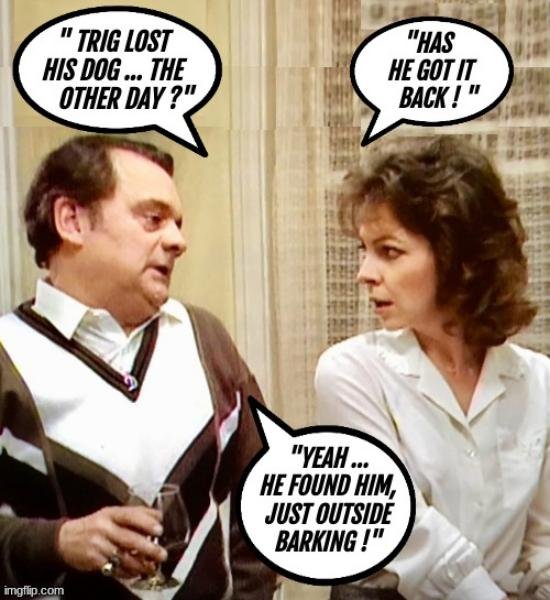
. A Brit Joke...............
 .An actual letter taken From Mumsnet...................... (oh, you guessed)...
 .
. . Veneers
 .
. .
. .
. .
. . .
. . .
. .
. . Sounds like a plan ... .
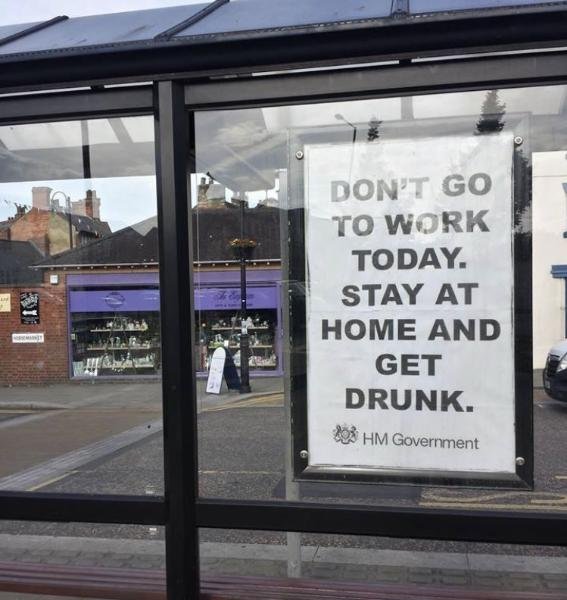 . Ladies: How To Ensure You Will Get A Second Date !
 .
. .
. .
. Black Cab---Thriller 4 episodes....CH 5....... England There is very little info on this --No Youtube trailer---2 lines on IMDB with no rating. First episode on TG & other places IMDB blurb It tells the story of Glenister, a Liverpool taxi driver who begins to form an unhealthy obsession and twisted world view of a late-night radio talk show host.Getting to the more important part of the post...... How much does he want for the condo he paid 800K for............... Just joking my Pattaya days finished nearly 20 years ago. We are having a 1 day-R U Ok day...think about it , Thai's say this everyday they meet someone.










Account
Navigation
Search
Configure browser push notifications
Chrome (Android)
- Tap the lock icon next to the address bar.
- Tap Permissions → Notifications.
- Adjust your preference.
Chrome (Desktop)
- Click the padlock icon in the address bar.
- Select Site settings.
- Find Notifications and adjust your preference.
Safari (iOS 16.4+)
- Ensure the site is installed via Add to Home Screen.
- Open Settings App → Notifications.
- Find your app name and adjust your preference.
Safari (macOS)
- Go to Safari → Preferences.
- Click the Websites tab.
- Select Notifications in the sidebar.
- Find this website and adjust your preference.
Edge (Android)
- Tap the lock icon next to the address bar.
- Tap Permissions.
- Find Notifications and adjust your preference.
Edge (Desktop)
- Click the padlock icon in the address bar.
- Click Permissions for this site.
- Find Notifications and adjust your preference.
Firefox (Android)
- Go to Settings → Site permissions.
- Tap Notifications.
- Find this site in the list and adjust your preference.
Firefox (Desktop)
- Open Firefox Settings.
- Search for Notifications.
- Find this site in the list and adjust your preference.