



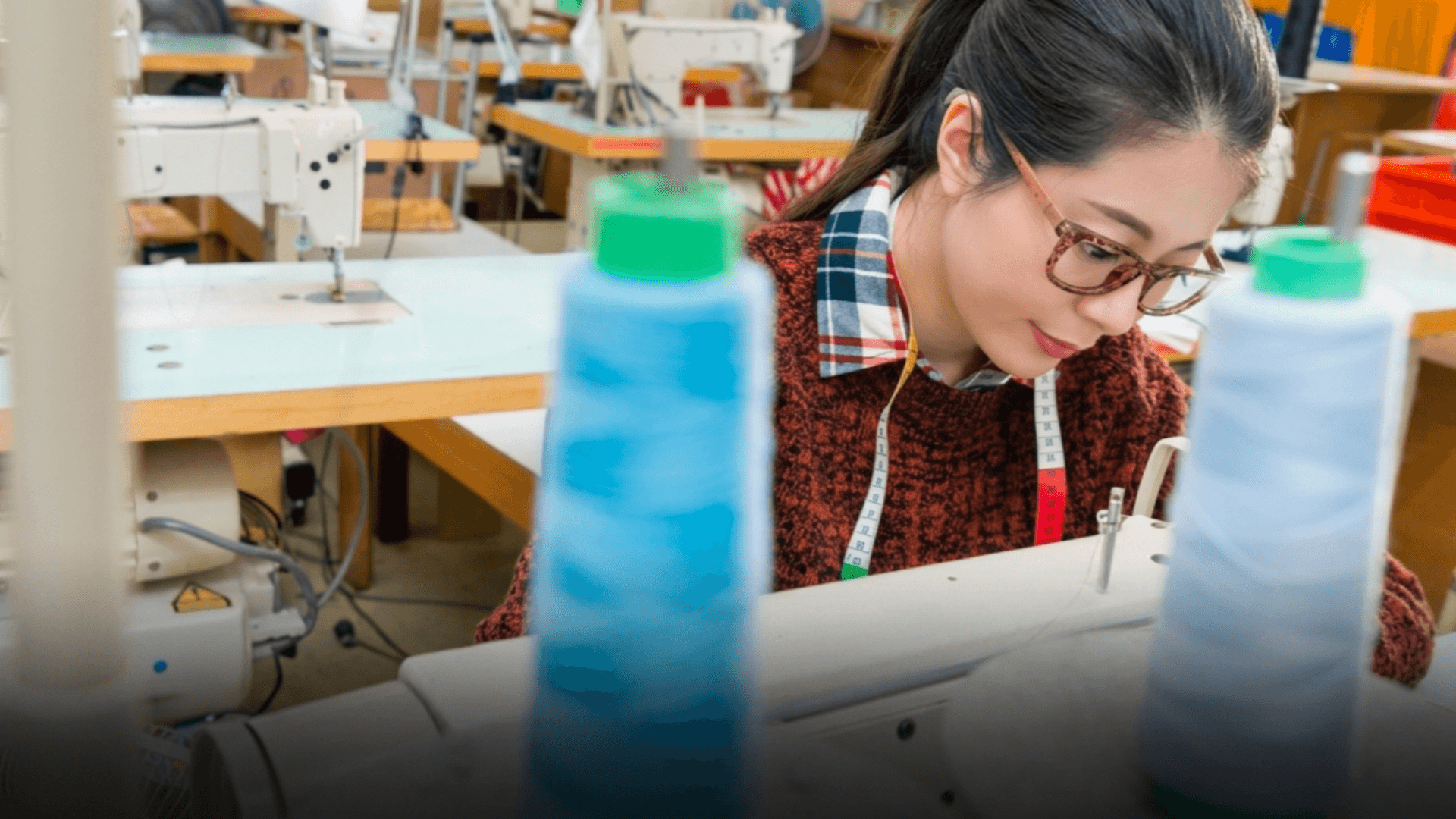

The Thai Garment Manufacturers’ Association (TGMA) and the Department of Labour Protection and Welfare (DLPW) are implementing enhanced Good Labour Practices (GLP+) to eliminate forced labor and enhance trade credibility. This initiative comes as key markets, like the EU and US, tighten regulations on environmental and social standards, impacting Thailand's significant garment industry, which employs about 400,000 people and contributes over US$2.2 billion in export revenue.
Get today's headlines by email 
The collaboration aims to elevate production standards, a strategic necessity highlighted by TGMA President Chalumpon Lotharukpong. He emphasized the potential for Thai factories to transition into high-value manufacturing. The focus is on GLP's core areas: eliminating child labor, forced labor, discrimination, and human trafficking. This approach seeks to reassure international partners and improve Thailand's competitive stance.
Captain Saroj Komkai from the DLPW stressed the importance of protecting workers' rights, labeling labor as vital to the economy. The initiative's ultimate goal is removing Thai garment products from two US Department of Labor lists indicating issues with labor practices. Expanding GLP+ to other sectors is also in the pipeline, aimed at strengthening Thailand's global image and promoting sustainable economic growth.
Join the discussion? 
Already a member? 
 Adapted by ASEAN Now · Thai PBS · 08 May 2026
Recommended Comments
Create an account or sign in to comment