



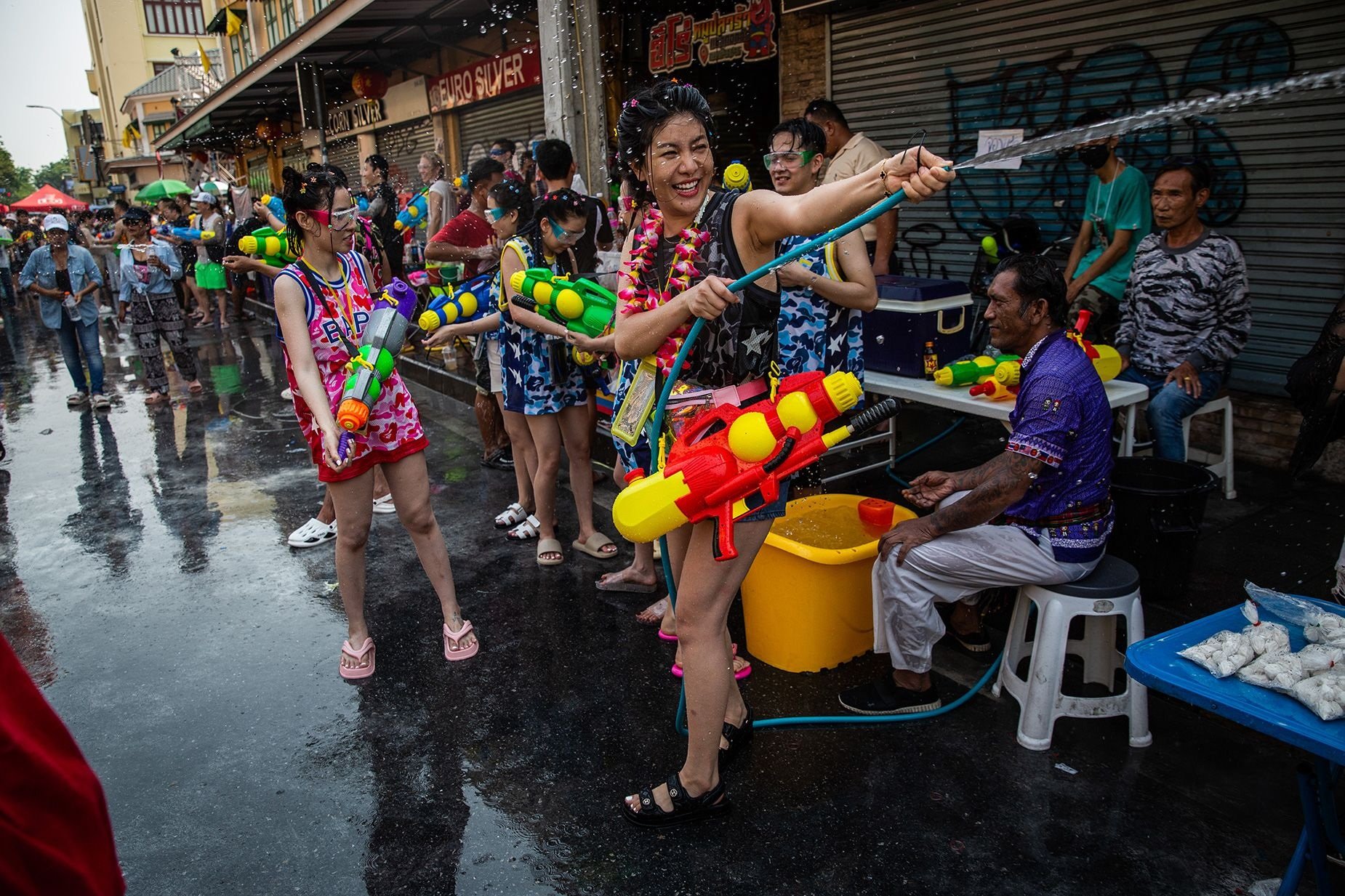

Public spending during this year's Songkran festival in Thailand is projected to decrease by 3.7% compared to last year, primarily due to rising fuel and consumer product prices influenced by the ongoing Middle East conflict. Thanavath Phonvichai, from the University of the Thai Chamber of Commerce (UTCC), announced that cash circulation during the 2026 Songkran festival is expected to reach around 129.6 billion baht.
Get today's headlines by email 
This marks the first decline in Songkran spending in four years, following the economic impact of the Russia-Ukraine conflict in 2022. However, an increase in foreign tourists could improve cash flow, particularly visitors from Malaysia, China, and Europe. The potential for increased spending depends on higher tourist arrivals during the celebrations.
CEBF Director Umakamol Sunthonsurat shared survey results revealing that 58.2% of respondents will not participate in water-splashing events and 33% intend to avoid travel. Most people, 56.6%, will remain in their provinces, while only 5.5% will travel domestically and a mere 0.7% plan to go abroad.
Domestic and overseas Songkran revelers will spend an average of 8,056 baht and 37,083 baht per person, respectively, according to Sunthonsurat. Rising living costs are causing 36.5% of those surveyed to reduce their spending during the festival period.
Join the discussion? 
Already a member? 
 Adapted by ASEAN Now · Thai PBS · 07 Apr 2026
Recommended Comments
Create an account or sign in to comment