



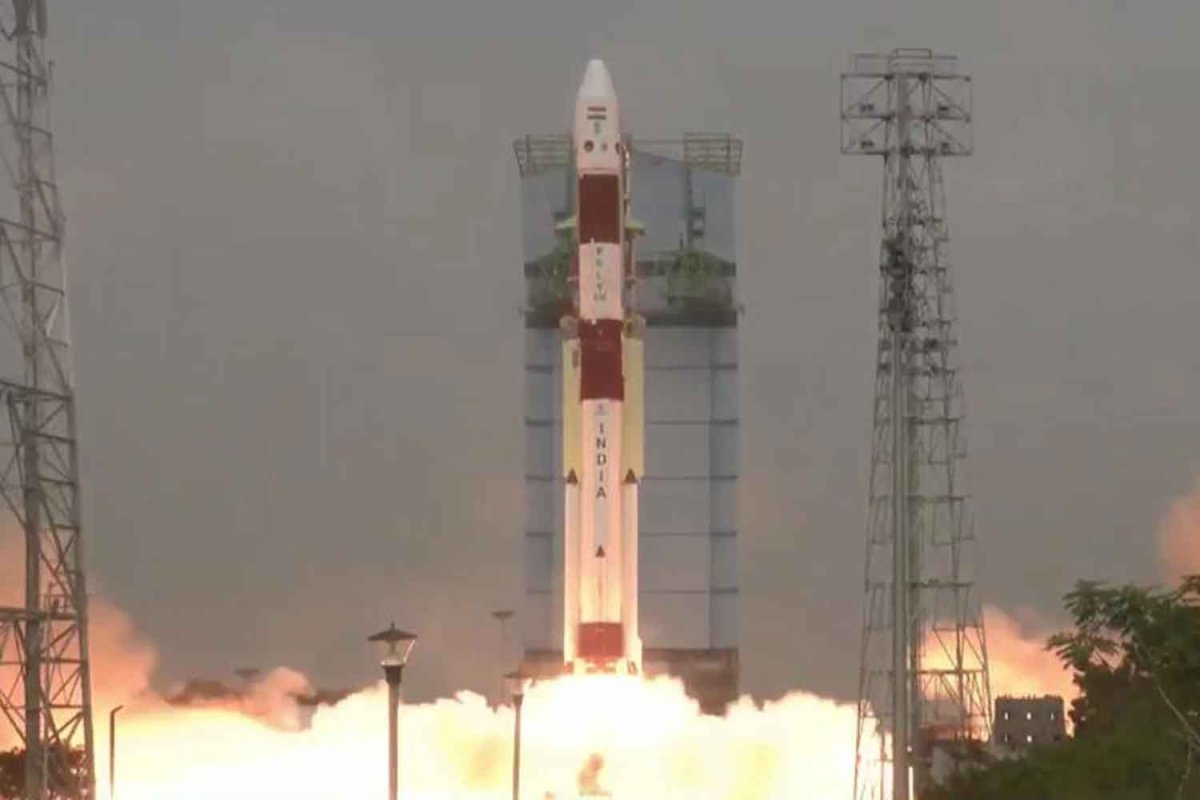

Thailand anticipates compensation by the third quarter of this year for the failed THEOS-2A satellite mission, according to the Geo-Informatics and Space Technology Development Agency (Gistda). An ongoing investigation into the launch anomaly is expected to conclude within 180 days. The focus is on issues with the rocket's rotation during its third stage, which led the vehicle off course.
Get today's headlines by email 
Yossavin Sombutpanich, overseeing the THEOS-2 programme, noted that the compensation process would start post-investigation. The contract, under Boeing, aimed to bolster Thailand's satellite engineering through THEOS-2 and a concurrent technology transfer programme. Possible outcomes include the contractor building a new satellite at their expense.
THEOS-2A, a 100-kilogram Earth observation satellite, was launched on January 12 aboard a PSLV-C62 by the Indian Space Research Organisation (Isro). A malfunction in the rocket's final stage disrupted altitude control, leading to a failed orbit insertion for the satellite and its 15 co-passenger payloads. The equipment re-entered and burned up over the Indian Ocean, posing no threats.
Gistda confirmed the mission was insured, covering satellite reconstruction and replacement launches. Should full compensation be granted, a new satellite could be ready in 2 to 2.5 years.
Join the discussion? 
Already a member? 
 Adapted by ASEAN Now · Bangkok Post · 04 Mar 2026
Recommended Comments
Create an account or sign in to comment