



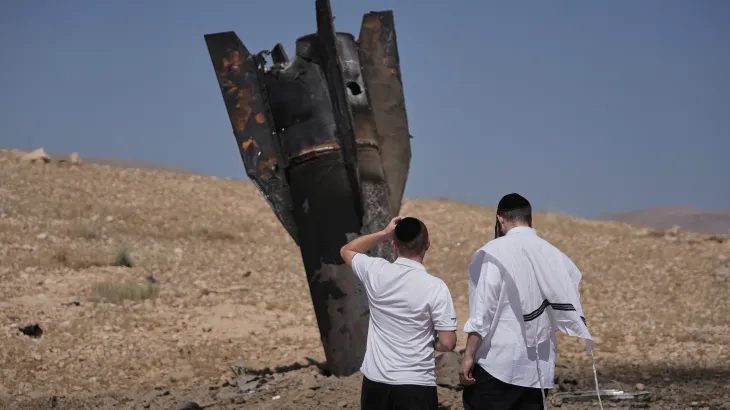

U.S. President Donald Trump on Monday called on Iran and Israel to immediately stop attacking each other after a ceasefire appeared to unravel following a fresh exchange of strikes.
Get today's headlines by email 
In a post on Truth Social, Trump said both sides must stop “shooting” without delay.
Iran Launches Missiles After Israeli Strikes
The appeal came after Iran launched missiles at Israel on Sunday night, marking the first direct exchange of attacks since a U.S.-backed ceasefire took effect in April. Tehran said the missile strike was carried out in response to Israeli attacks on Hezbollah targets in Lebanon earlier the same day.
Despite Trump's public call for restraint, Israel responded with its own strikes in the early hours of Monday morning.
Ceasefire Faces Renewed Pressure
According to reports, Trump had urged Israeli Prime Minister Benjamin Netanyahu not to retaliate against Iran. However, Israel proceeded with military action, raising concerns that the ceasefire agreement could collapse.
The renewed hostilities marked the first direct military exchange between Iran and Israel in more than two months and highlighted the fragility of efforts to prevent a wider regional conflict.
Join the discussion? 
Already a member? 
 Adapted by ASEAN Now. Source 8 June 2026
Recommended Comments
Create an account or sign in to comment