



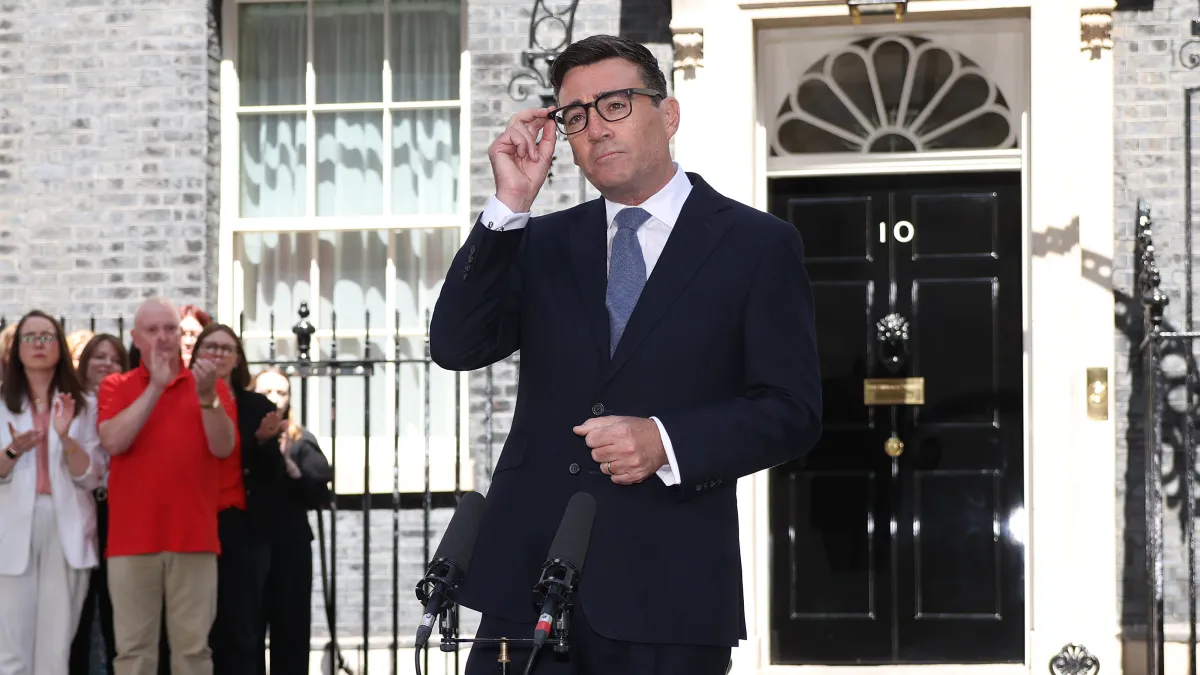

Prime Minister Andy Burnham exchanged messages with a person posing as Susie Wiles, the chief of staff to US President Donald Trump, Downing Street said it would not comment on the security breach.
The incident was first reported by Politico. The report said officials were told Burnham had contacted an account claiming to be Wiles before he became suspicious that the contact was not legitimate. Politico said only “a few messages” were sent.
A government spokesperson said: “We do not comment on national security matters.”
Messages Sent, later Flagged as Suspicious
It is understood the communication between Burnham and the person pretending to be Wiles took place via text messages, with no call between the two.
Sources said the messages did not include information of significance. They added that once the contact was believed to be suspicious, the texts were quickly passed to the appropriate authorities.
Downing Street declined to comment further on the breach.
FBI Probe and Wiles Phone Hacking Claim
The development comes after the BBC previously reported that the FBI was investigating an alleged hack of Wiles’ phone, following an incident in May last year.
Wiles said her phone had been hacked after an impersonator, or impersonators, used her contacts file to send messages to other senior US figures. She said the targeting focused on her personal phone rather than a government device.
The BBC report noted that recipients of the messages included US senators, governors and top business executives.
In addition, Wiles—described as a close ally of Trump—had been among those targeted by a cyber espionage unit linked to Iran’s Revolutionary Guards in 2024, according to earlier reporting.
UK Impersonation Incidents Including Cameron
A similar pattern has appeared in the UK’s own diplomatic communications. In 2024, the Foreign, Commonwealth and Development Office (FCDO) confirmed that then-foreign secretary David Cameron had been the subject of a hoax call involving a person pretending to be former Ukrainian President Petro Poroshenko.
At the time, the FCDO said Cameron also exchanged some text messages with the impersonator. Poroshenko was president of Ukraine from 2014 to 2019.
The FCDO said it released details of the exchange publicly because it feared the information could be “manipulated” if it were not addressed directly. It also noted that, during Cameron’s period as prime minister, he had held multiple dealings with Poroshenko, including meetings at international summits.
The latest report about Burnham follows those earlier cases of impersonation involving senior political and diplomatic figures.
Join the discussion? 

17 August 2026
-
 2
2
-
 1
1
Recommended Comments
Create an account or sign in to comment