



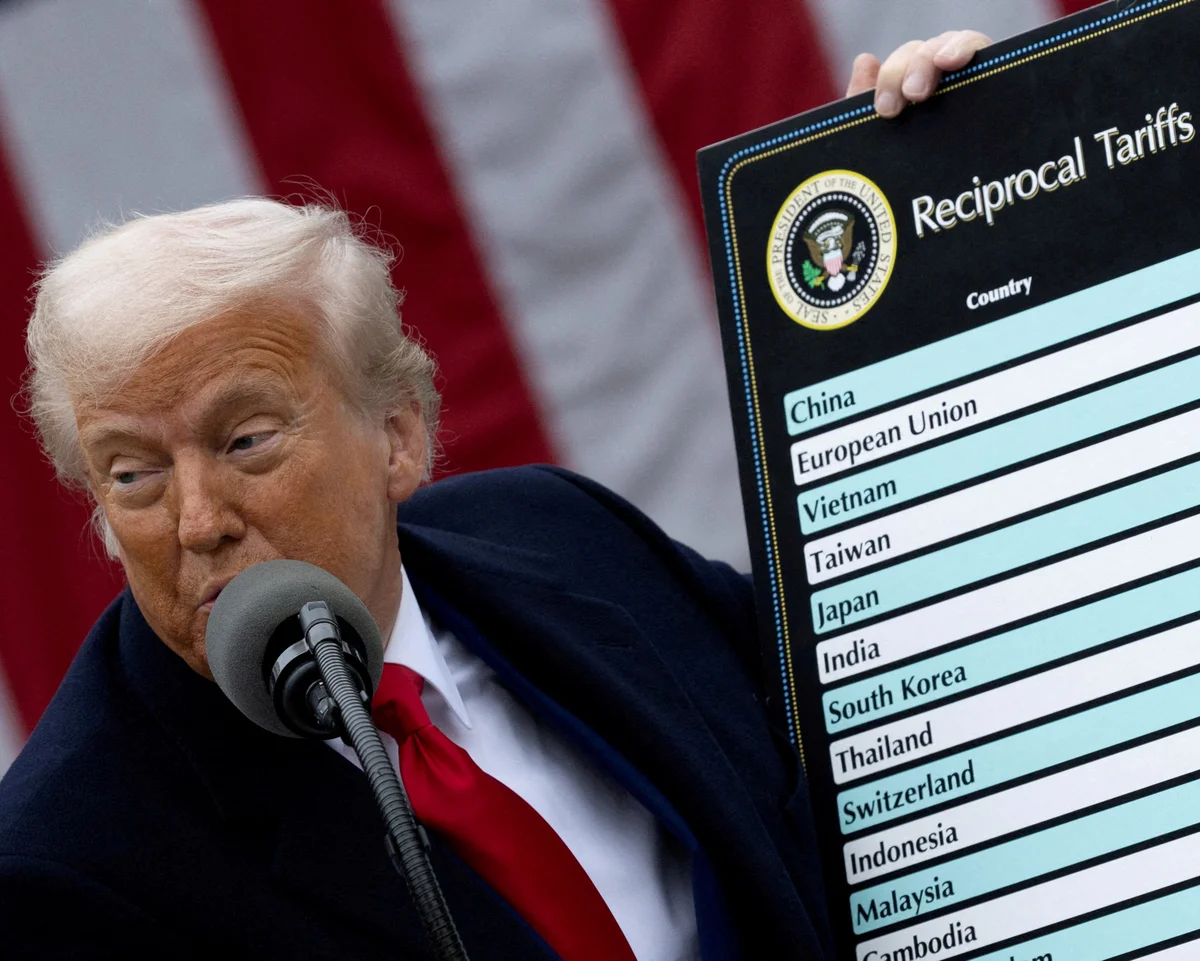

The US government has issued $81bn in refunds for tariff payments since the start of the current fiscal year, after the Supreme Court ruled that parts of Donald Trump’s tariff programme were unlawful, according to budget figures released on Monday.
Get today's headlines by email 
Tariffs are taxes applied to imported goods. The refunds relate to duties collected under new measures ordered by Trump after he returned to the White House last year.
In February, the Supreme Court blocked a significant portion of the additional tariffs, requiring the government to return money to companies that had already paid the challenged charges.
Refunds rise sharply after Supreme Court decision
Budget data show that the United States paid out $81bn in tariff refunds in the fiscal year that began in October 2025. That compares with $5bn refunded during the same period a year earlier.
A senior Treasury Department official told reporters that the year-on-year jump was “almost entirely” linked to the Supreme Court decision. The official said most refunds were made in May and June.
The court ruling effectively halted the continuation of the blocked tariff measures and opened the way for refund claims tied to duties collected under the unlawful orders.
Trump’s tariff plan and its budget impact
Trump has described tariffs as a broad tool to reshape the US economy. He has argued they would support domestic manufacturing, improve trade outcomes and help reduce federal budget deficits.
After the introduction of tariff income, the deficit had narrowed slightly last year. However, the government’s finances have since worsened, with new budget figures showing renewed growth in the deficit during the current fiscal year.
The deficit reached $1.367tn in the first nine months of the fiscal year, an increase of 2% compared with the same period previously.
Higher costs: debt interest and military spending
Alongside the deficit figure, the budget release also highlighted rising spending elsewhere. The US government spent more than $1tn on interest payments on its debt during the same nine-month period, up 14%.
Military spending also increased, rising 5% during the period covered by the figures. The budget documents attributed that rise to the ongoing war in the Middle East.
Next tariff steps due to expire on 24 July
Trump’s current tariff policy includes a temporary 10% global duty. That measure is scheduled to expire on 24 July.
The White House is preparing new tariffs to replace or extend the outgoing one, according to the budget materials cited Monday. The administration said it is acting in response to what it describes as lax enforcement of anti-forced labour laws and excess industrial capacity in other countries.
The refunds underscore how court rulings can quickly change the financial picture for tariff policies. While tariff revenue had previously helped support the government’s deficit position, the repayments required after the Supreme Court decision have driven a major rise in outflows during the current fiscal year.
Join the discussion? 

14 July 2026
Recommended Comments
Create an account or sign in to comment