thaitom
Advanced Member
-
Joined
-
Last visited
-
It seems onward travel ticket is required for tourist visa on the E-visa application website. or are you saying this about the immigration officer when you enter the country ?
-
HUH ?
-
What documentation involved in transferring visa stamp? i just presented both passports ,got the stamp, no charge at all.
-
The immigration office Maesot had me do a 30day extension first then come back in a couple days to do a 60 day extension.
-
I just checked, working normal, no errors.
-
Fedex had me remove paper clips from documents before i could send them.
-
Yes sir
-
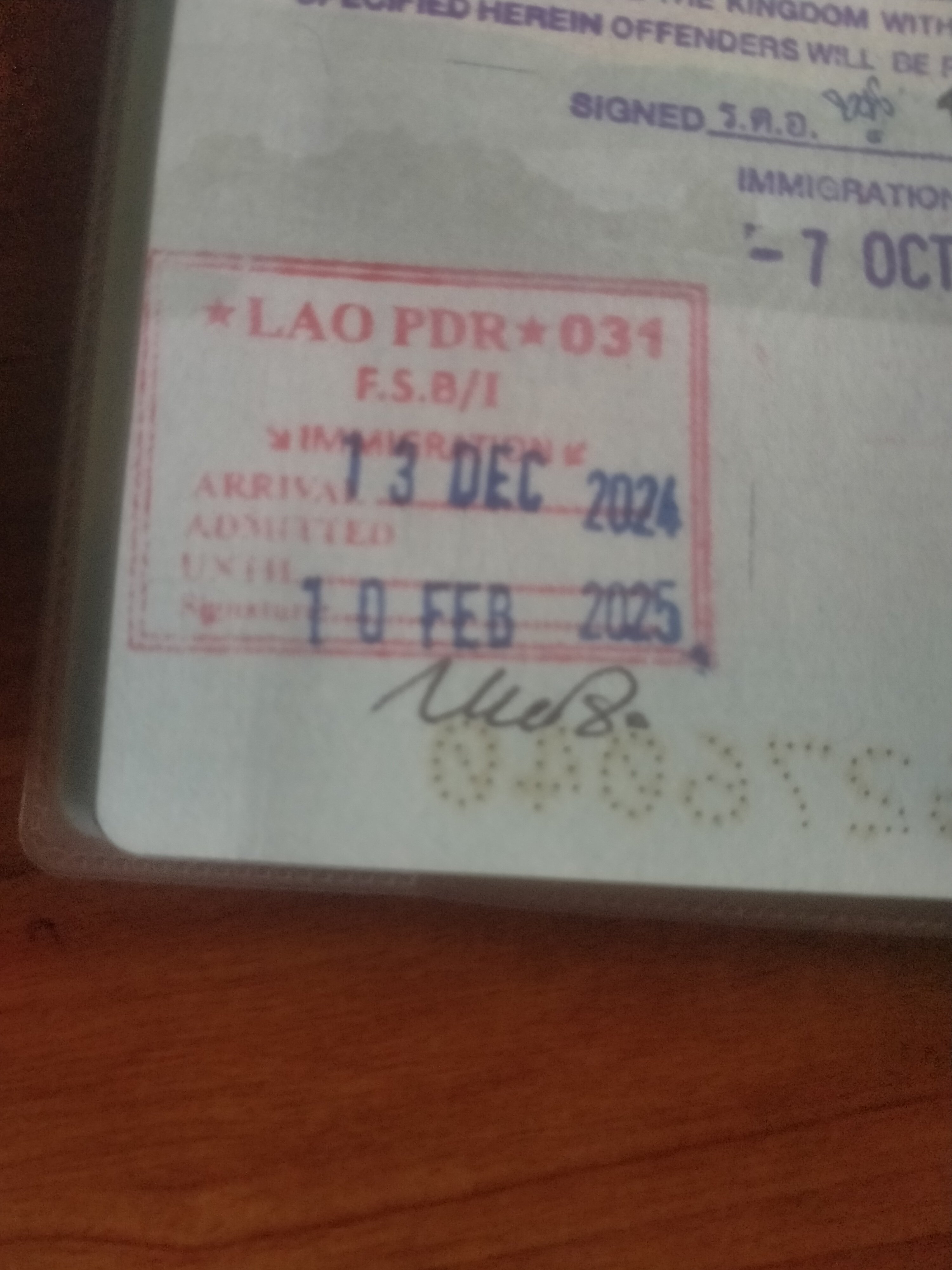
Yes, i'm aware of the Thai side is 60 day visa exempt now, but now the Laos is or gave me 60 days instead of 30 days entry with the visa on arrival..I'm a USA citizen, they asked for 40. dollars or 1700. baht. I just noticed that laos stamped me in for 2 months instead of the usual 1 month, is this something new ?I actually just did a border bounce at nongkhai last night, not one question was asked of me by the immigration officer.Android OS 14 is the latest, your marshmallow 6 is 9 years old.it relates due to that you can scan the QR code to pay at the cashier. that is if your smartphone has a bank app on it.For Gov.schools here...the school will send you to the immigration forensics dept. pay 100.baht ,pick it up in a week. all they do is check if you are a criminal in thailand. useless.Ummm....30 years here also, not even close to feeling like a local.