




lanng khao
Advanced Member
-
Joined
-
Last visited
-
Where in the banork is that 😂
-
What bar?
-
Absolutely 100 % only came here for the pooying yang waa, wouldn't of darkened this countrys doorstep otherwise..
-
😂,,was that doing it twice?
-
I think she swallowed the evidence..
-
In a interview later on she apologized and said the whole incident has left a nasty taste in her mouth..
-
I'd say German, they are the wurst .
-
Do you think he just done it for the halibut..
-
My mrs has had that many face lifts shes got a beard now..
-
My mrs swears by GPS, everytime she uses it it takes her to the fridge..
-
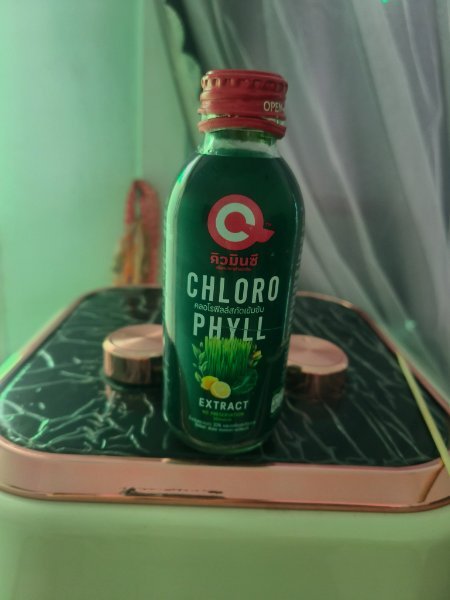
25 baht 7/11...turns you're poo very dark green.
-
His mrs must be over the moon with him..
-
He might of pulled a muscle..
-
More chance getting killed by a falling ferang..
-
You'd of been better off with my mrs she looks like shes constantly smelling for kee..





