




Mutt Daeng
Advanced Member
-
Joined
-
Last visited
Everything posted by Mutt Daeng
-
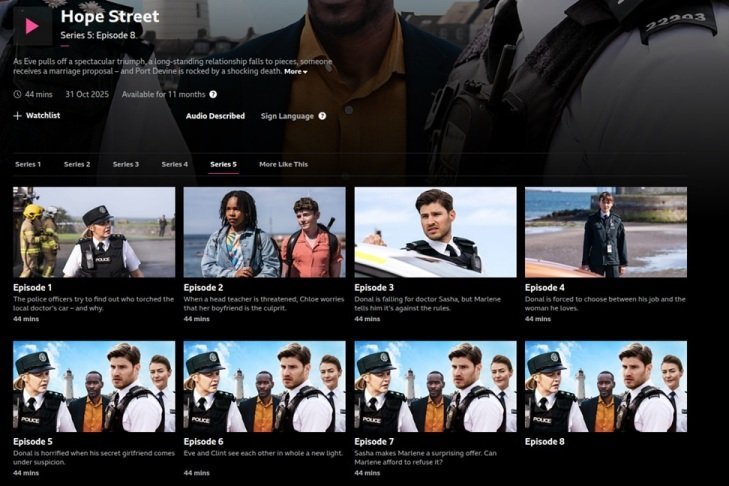
GummyAgreed. I enjoyed watching The Hack.I don't use Edge normally, but if I have a problem accessing a website using my default browser(Brave), I use Edge as a "second opinion" to see if I get the same issue, since Edge is already on my PC.Don't know about the foot & mouth issue but the scooting behaviour could be due to an anal gland issue or worms. Surely a decent vet would be able to diagnose these issues? Perhaps it's time for a 2nd or 3rd opinion maybe? Hope your dog gets some relief soon. I sympathise with your situation because I know from personal experience how distressing it can be when you see your dog suffering like this and are powerless to help. Best of luck getting it sorted.StainlessIt's on iPlayer
 I have the HSBC app and use it quite frequently. Initially I used the physical fob to generate codes and then later switched to the digital code generator in the HSBC app. However, since enabling bio-metrics within the app, I am no longer required to generate codes to authorize logging on to the app or executing transfers, payments etc. All authorisations are done via my fingerprint. I have a VPN (Surfshark) but don't activate it when using the HSBC app even when out and about, as I have a permanent internet connection from a Thai sim card. I would only use the VPN if I was using a public wifi in a bar/hotel/cafe etc. Hope this info is of use to you.SandpaperRumpoleKPlus app is working as normal for me. Facial scan when doing a transfer is only required when the transfer amount exceeds the "Face Per Transaction" limit. As already suggested, you should check the setting for "Face Per Transaction" limit.HouseDeathI've just finished Task season 1 and enjoyed it. It was recommended by @gargamon earlier in this thread and mentioned by a few others. It's on TheRARBG and possibly other sites.BogEraSwindonThat's my experience as well.Sucker











Account
Navigation
Search
Configure browser push notifications
Chrome (Android)
- Tap the lock icon next to the address bar.
- Tap Permissions → Notifications.
- Adjust your preference.
Chrome (Desktop)
- Click the padlock icon in the address bar.
- Select Site settings.
- Find Notifications and adjust your preference.
Safari (iOS 16.4+)
- Ensure the site is installed via Add to Home Screen.
- Open Settings App → Notifications.
- Find your app name and adjust your preference.
Safari (macOS)
- Go to Safari → Preferences.
- Click the Websites tab.
- Select Notifications in the sidebar.
- Find this website and adjust your preference.
Edge (Android)
- Tap the lock icon next to the address bar.
- Tap Permissions.
- Find Notifications and adjust your preference.
Edge (Desktop)
- Click the padlock icon in the address bar.
- Click Permissions for this site.
- Find Notifications and adjust your preference.
Firefox (Android)
- Go to Settings → Site permissions.
- Tap Notifications.
- Find this site in the list and adjust your preference.
Firefox (Desktop)
- Open Firefox Settings.
- Search for Notifications.
- Find this site in the list and adjust your preference.