
D M G
Member
-
Joined
-
Last visited
-
High percentage answer: "You can take the girl out of the bar, but you can't take the bar out of the girl" Need to strike early
-
Always double check your receipt. I have had a few Grab drivers try to put EXTRA charges of the ticket. Fortunately, I have caught them, and Grab reimbursed me, but the reimbursing process is not "friendly." I have also experienced Grab drivers claiming I was not at the pickup point, so I got cancellation charges. Again, if you go through the dispute process, you get refunded. Frankly, the GPS-location data is not 100% accurate. I have also used Bolt. A little cheaper. A little inconsistent. A decent backup.
-
Farang Ba Ba Bo Bo
-
7/11 to increase mask prices...
-
Repeat after me: "Love you long time, No <deleted>" Very good
-
Life's a Bitch And then you Die
-
Thanks, but I need an iPhone (gift). I appreciate your effort.
-
Left or Right at the last isle?
-
Second Hand iPhone. Any recommendations for a honest, fair, etc Shop? Thank you.
-
Personal choice End of story
-
All those words... One word is enough MONEY
-
AI click bait
-
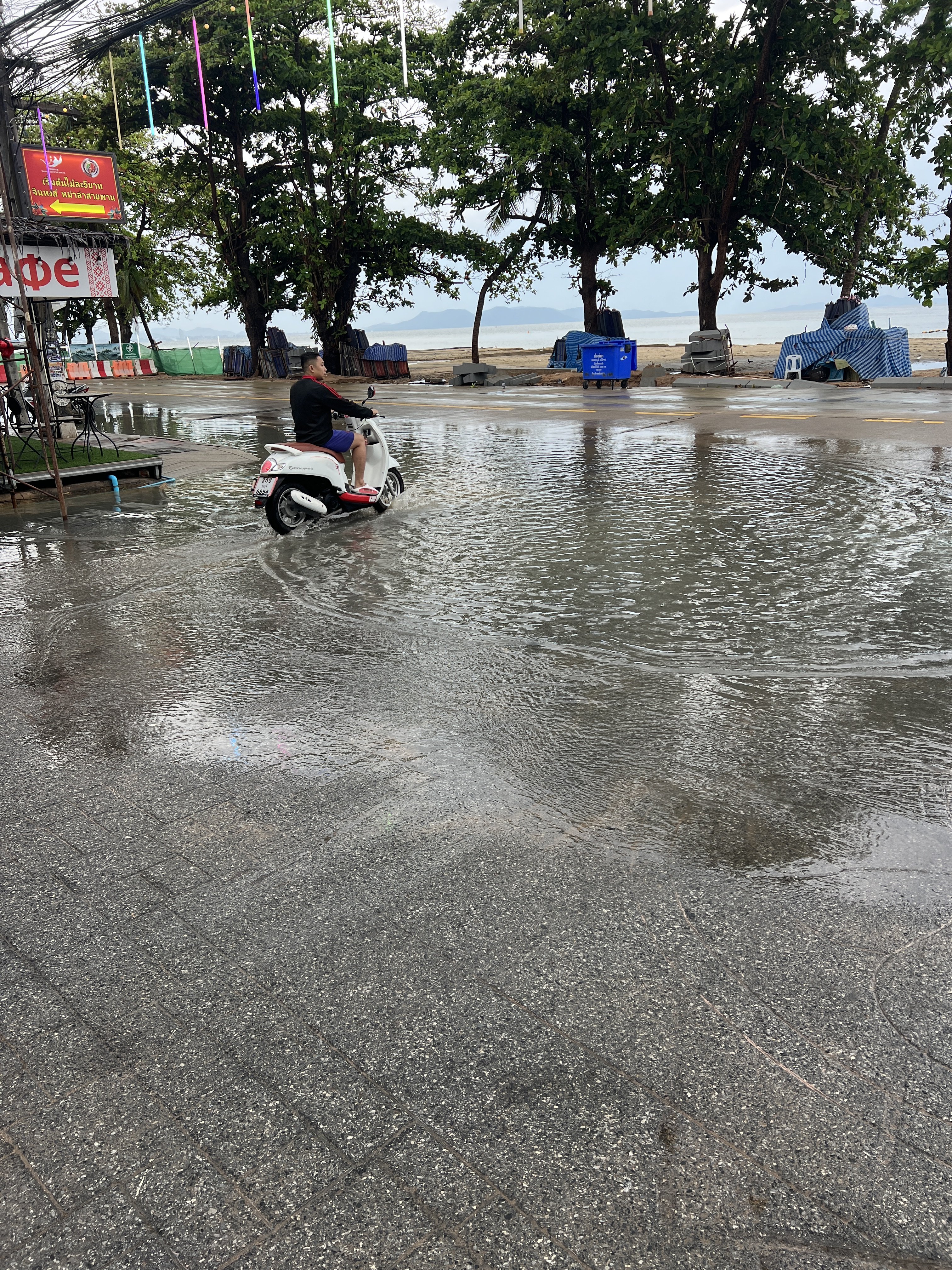
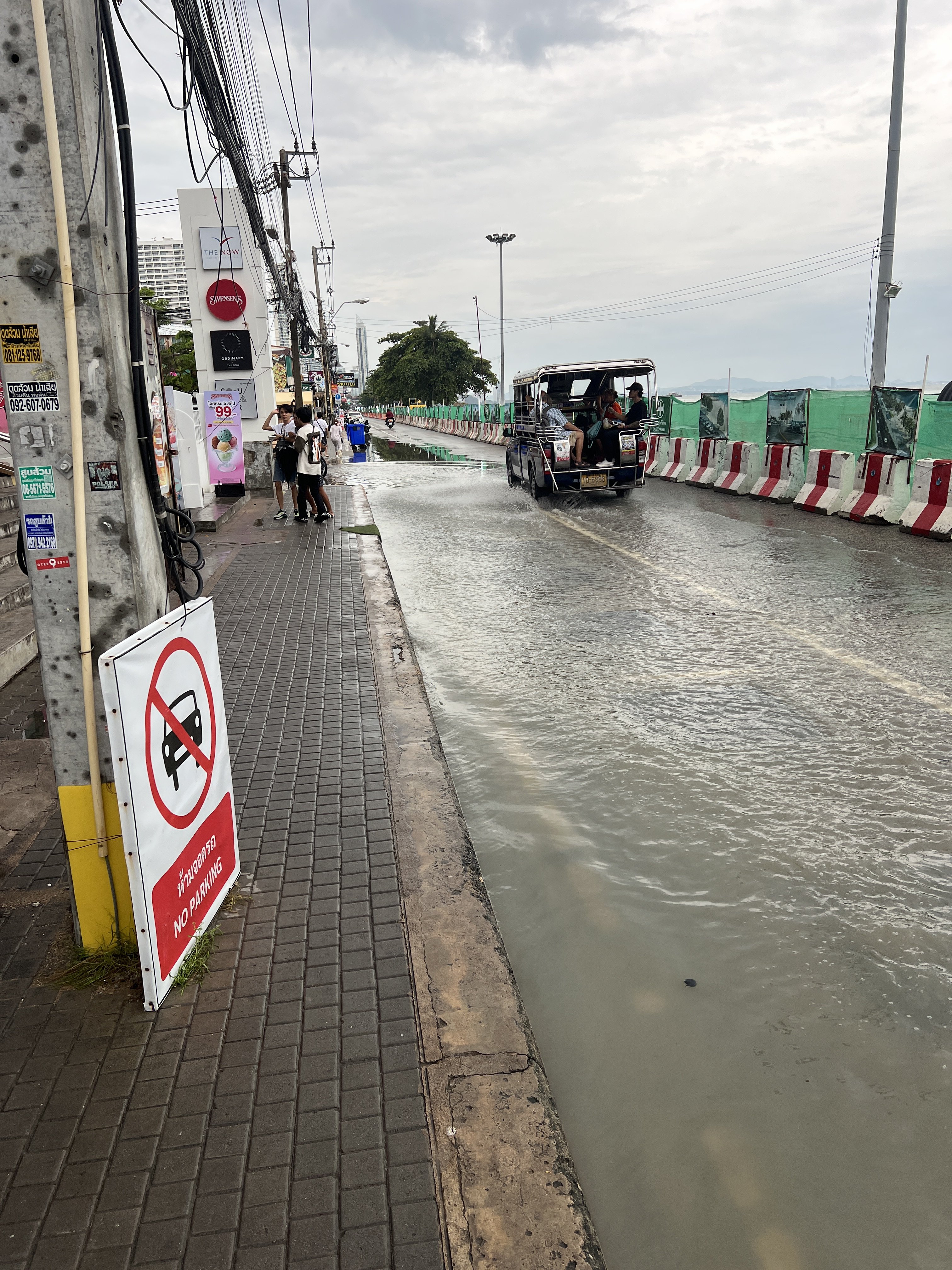
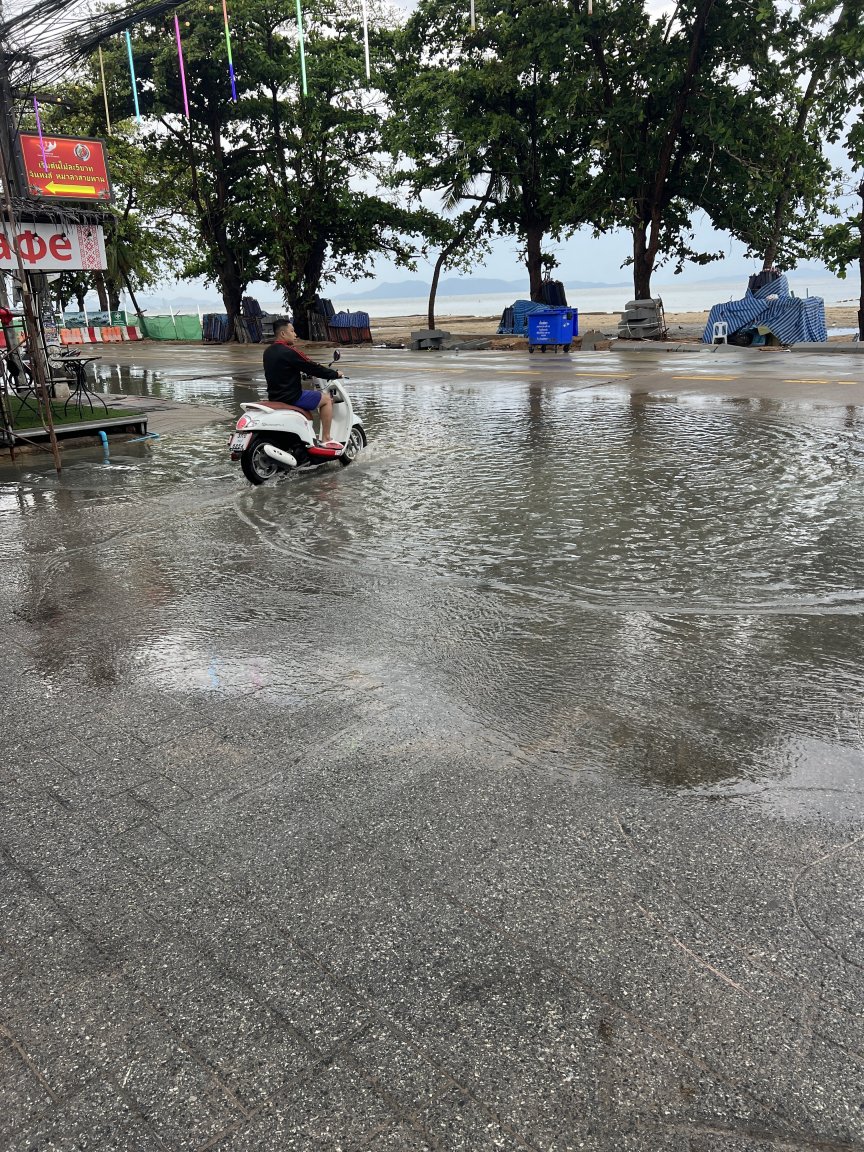
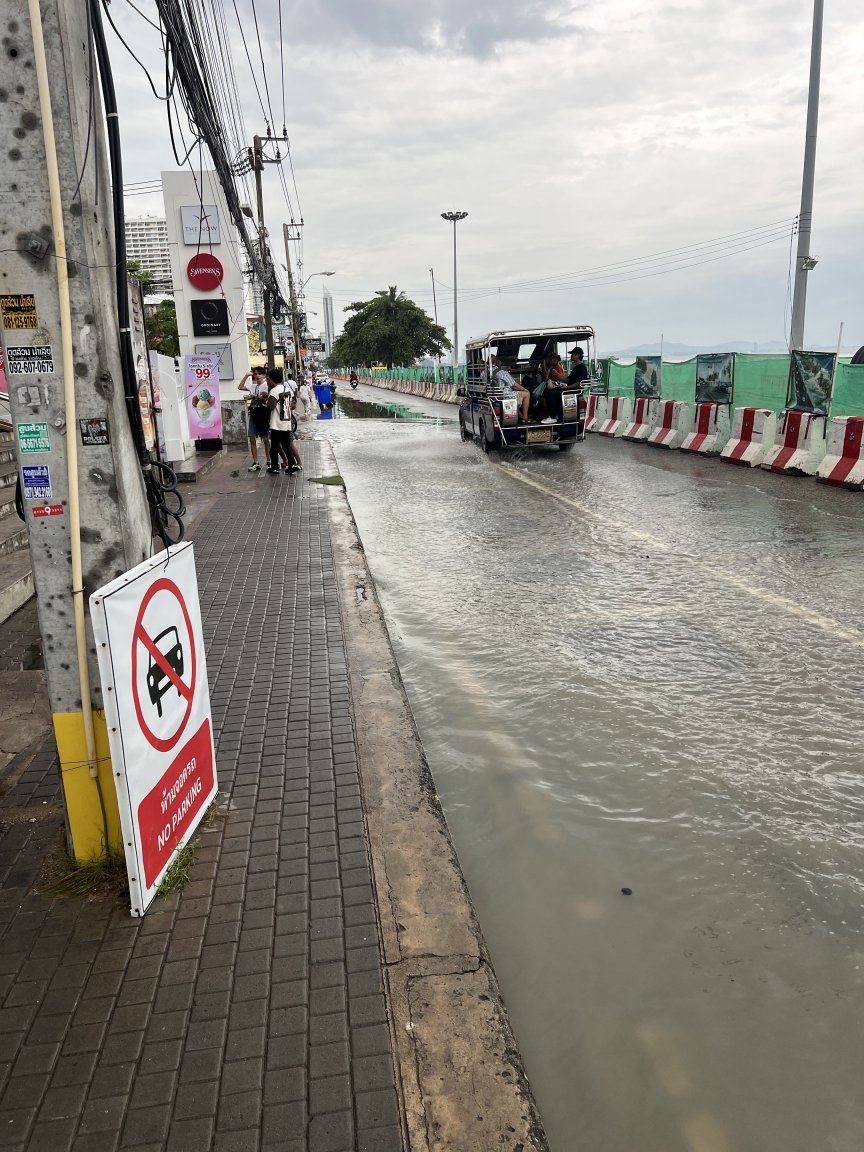
Opps! Forgot the drains. Dig it up. Bust of the cement and patch it. Looks nice...
-
Ladyboy in the torpedo tube 🍆
-
Reservoirs