
ballpoint
Advanced Member
-
Joined
-
Last visited
Everything posted by ballpoint
-
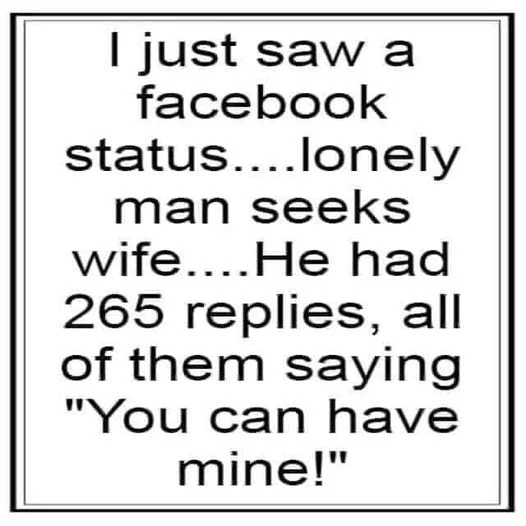
I'm not. Some are. Compare my quote with the post immediately following the OP. Different war, different quislings, same propaganda. I'm just pointing out the similarity between them."The people of England will curse themselves for having preferred ruin from Churchill to peace from Hitler." William Joyce, broadcasting August 2, 1940, as Lord Haw Haw.Other music related GPS providers aren't any better though. Using the U2 one, the streets have no name, and I still haven't found what I'm looking for. The Bon Jovi one says every road is an open highway, and keeps insisting we're half way there. And the Bonny Tyler one constantly tells you to turn around, and every now and then it falls apart."Start! Ya b*stard!"
Account
Navigation
Search
Configure browser push notifications
Chrome (Android)
- Tap the lock icon next to the address bar.
- Tap Permissions → Notifications.
- Adjust your preference.
Chrome (Desktop)
- Click the padlock icon in the address bar.
- Select Site settings.
- Find Notifications and adjust your preference.
Safari (iOS 16.4+)
- Ensure the site is installed via Add to Home Screen.
- Open Settings App → Notifications.
- Find your app name and adjust your preference.
Safari (macOS)
- Go to Safari → Preferences.
- Click the Websites tab.
- Select Notifications in the sidebar.
- Find this website and adjust your preference.
Edge (Android)
- Tap the lock icon next to the address bar.
- Tap Permissions.
- Find Notifications and adjust your preference.
Edge (Desktop)
- Click the padlock icon in the address bar.
- Click Permissions for this site.
- Find Notifications and adjust your preference.
Firefox (Android)
- Go to Settings → Site permissions.
- Tap Notifications.
- Find this site in the list and adjust your preference.
Firefox (Desktop)
- Open Firefox Settings.
- Search for Notifications.
- Find this site in the list and adjust your preference.