



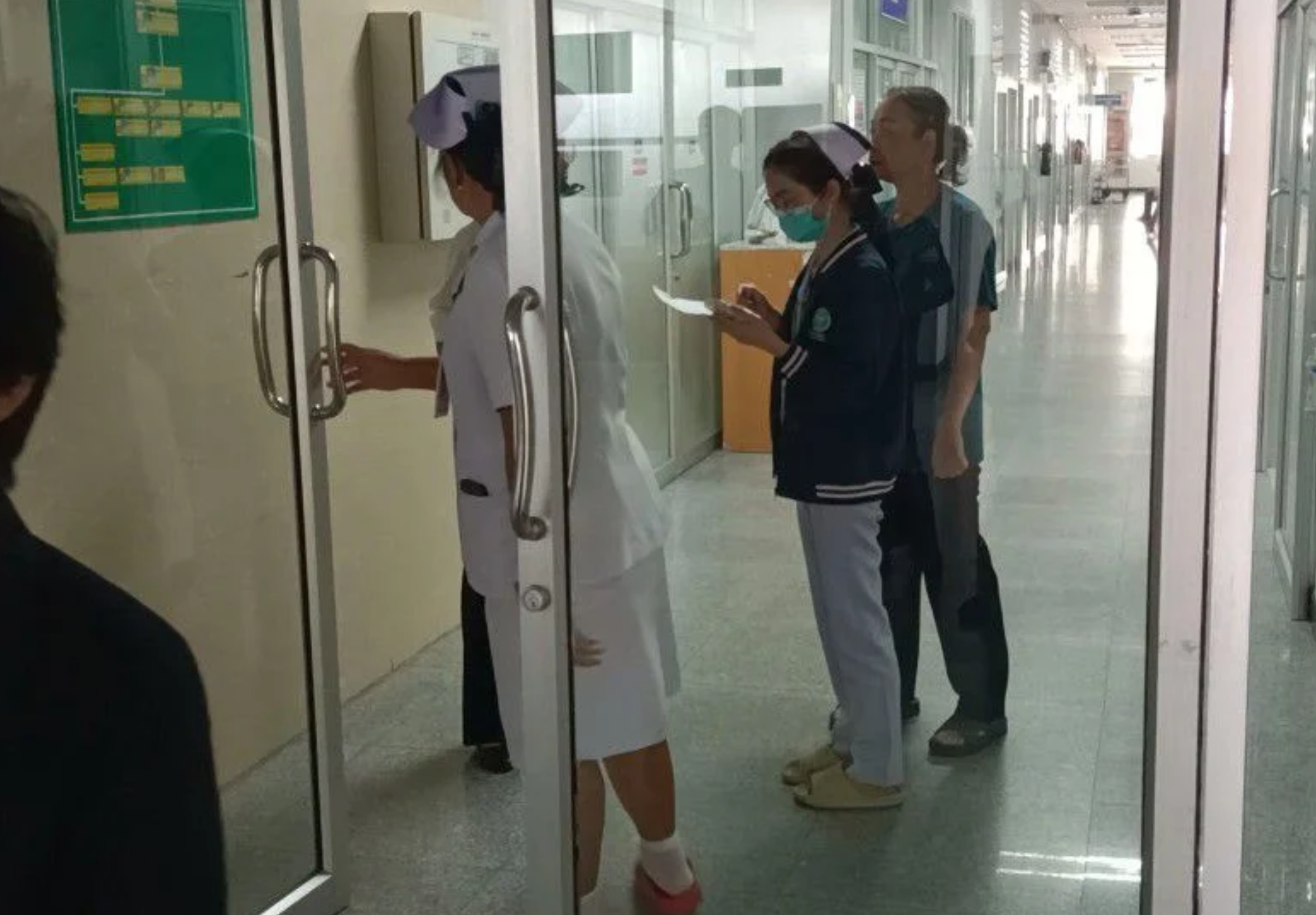

A 29-year-old woman has been seriously injured after falling from the seventh floor of a building at Mukdahan Hospital on 26 September 2026.
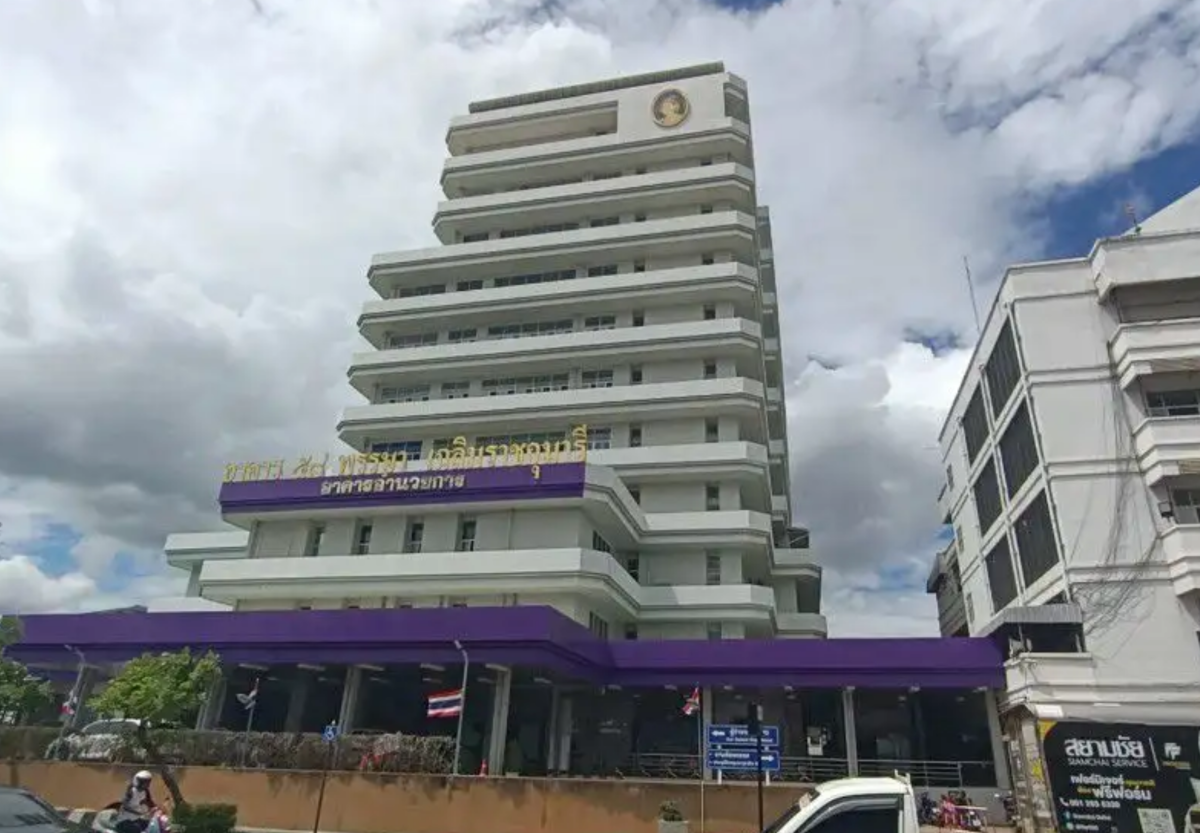
The patient, named as Sai Jai Charunsri, was rushed to the hospital's intensive care unit after her body came to rest on a third-floor balcony of the Chaloem Phra Kiat building.
The 191 police radio centre received a report that a woman had fallen from a building within the hospital. Police from Mukdahan City Police Station and nursing staff attended the scene, although officials initially declined to provide details.
Patient remains in intensive care
Ms Sai Jai, 29, had been receiving treatment in the Women's Internal Medicine Ward 1 before the incident.
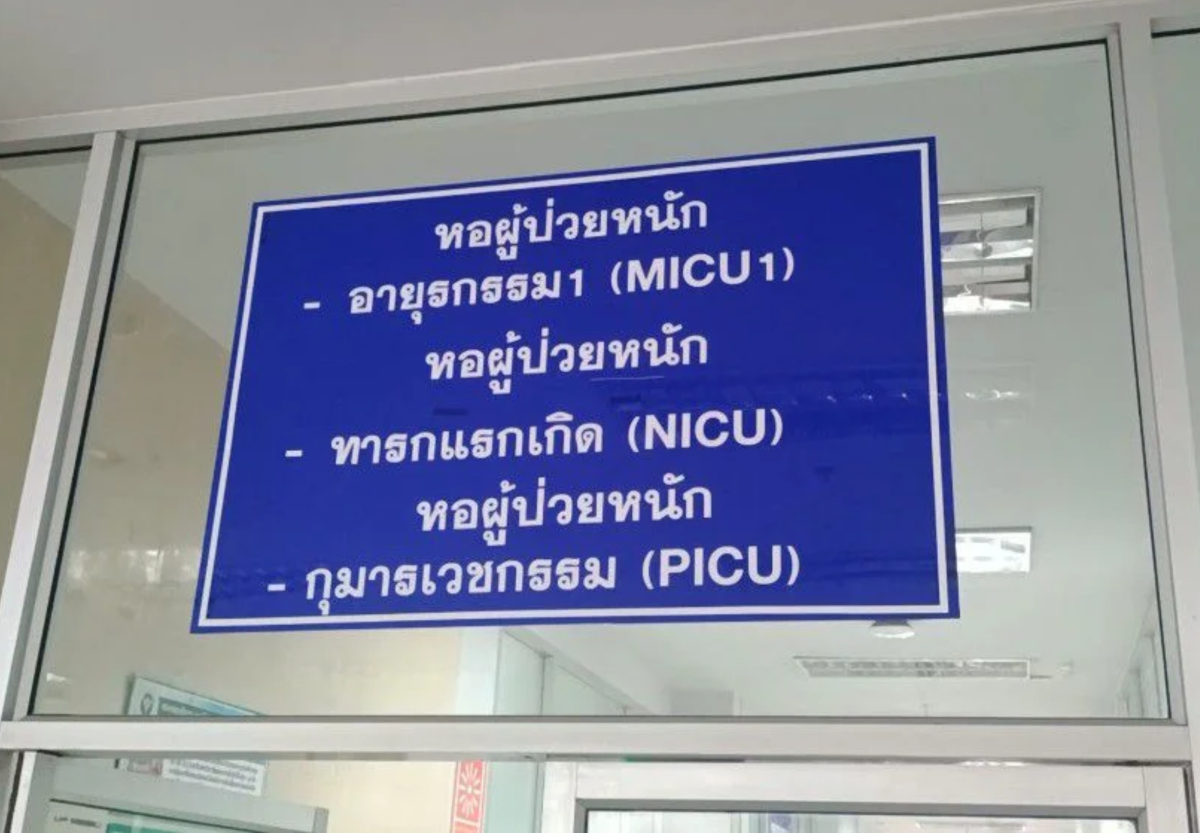
Wattana Lunlila, 46, a relative of another patient staying in the neighbouring bed, said he had seen the woman walking around the ward room several times beforehand. He said he had not expected that anything serious would happen.
She later went out towards the balcony area before falling from the seventh floor of the Chaloem Phra Kiat building, according to the initial account.
Hospital staff and medical personnel provided emergency assistance before transferring her for treatment. She remains under close medical supervision in the ICU.
Cause is still being examined
Police and the hospital are investigating the cause of the fall and the full circumstances surrounding it. No further official details have been released.
Pictures courtesy of Kaoded
Join the discussion? 

27 September 2026
Recommended Comments
Create an account or sign in to comment