



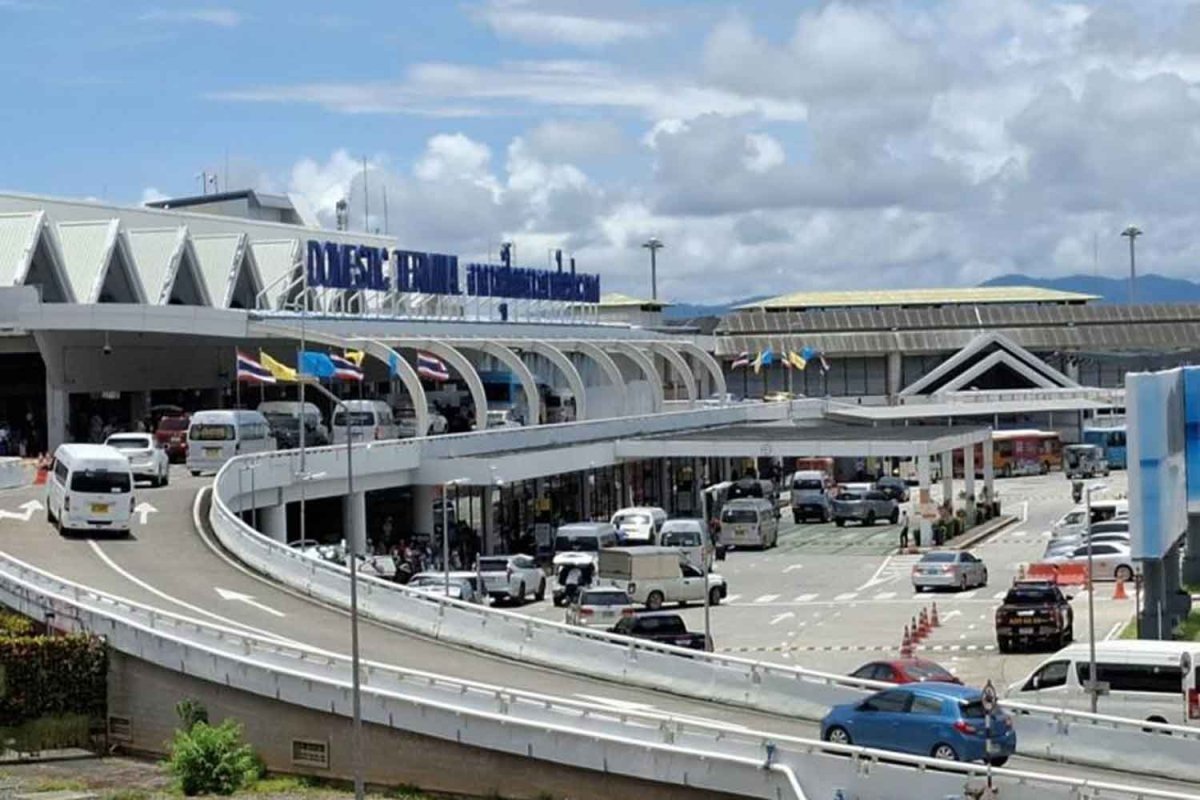

The Thai Hotels Association's Southern Chapter is urging authorities to boost direct flights from Europe to Phuket in response to tourism disruptions from the Middle East conflict. The ongoing war has led to abrupt halts in flights, as several airlines suspended operations. This has caused a decrease in European tourist arrivals at Phuket International Airport by 4% in late March.
Get today's headlines by email 
The reliance on Middle East transit routes, accounting for 25–30% of flights, has exacerbated the situation. However, the Asian market, especially China, has remained robust, showing a 47% increase in arrivals. Despite stable overall hotel occupancy, the expansion of hotel supply in Phuket outpaces demand, putting pressure on occupancy rates.
European tourists, particularly from Germany and France, typically stay longer than other international visitors. Increasing direct European flights could reduce travel costs and support longer stays. The association emphasizes the importance of enhancing air connectivity to ensure tourism stability and reliable travel routes.
Phuket is currently in its low season, with Russia, India, and China as key markets. Hotels are maintaining pricing amid rising oil costs, offering promotions to attract domestic tourists ahead of Songkran.
Join the discussion? 
Already a member? 
 Adapted by ASEAN Now · Bangkok Post · 06 Apr 2026
-
 1
1
Recommended Comments
Create an account or sign in to comment