



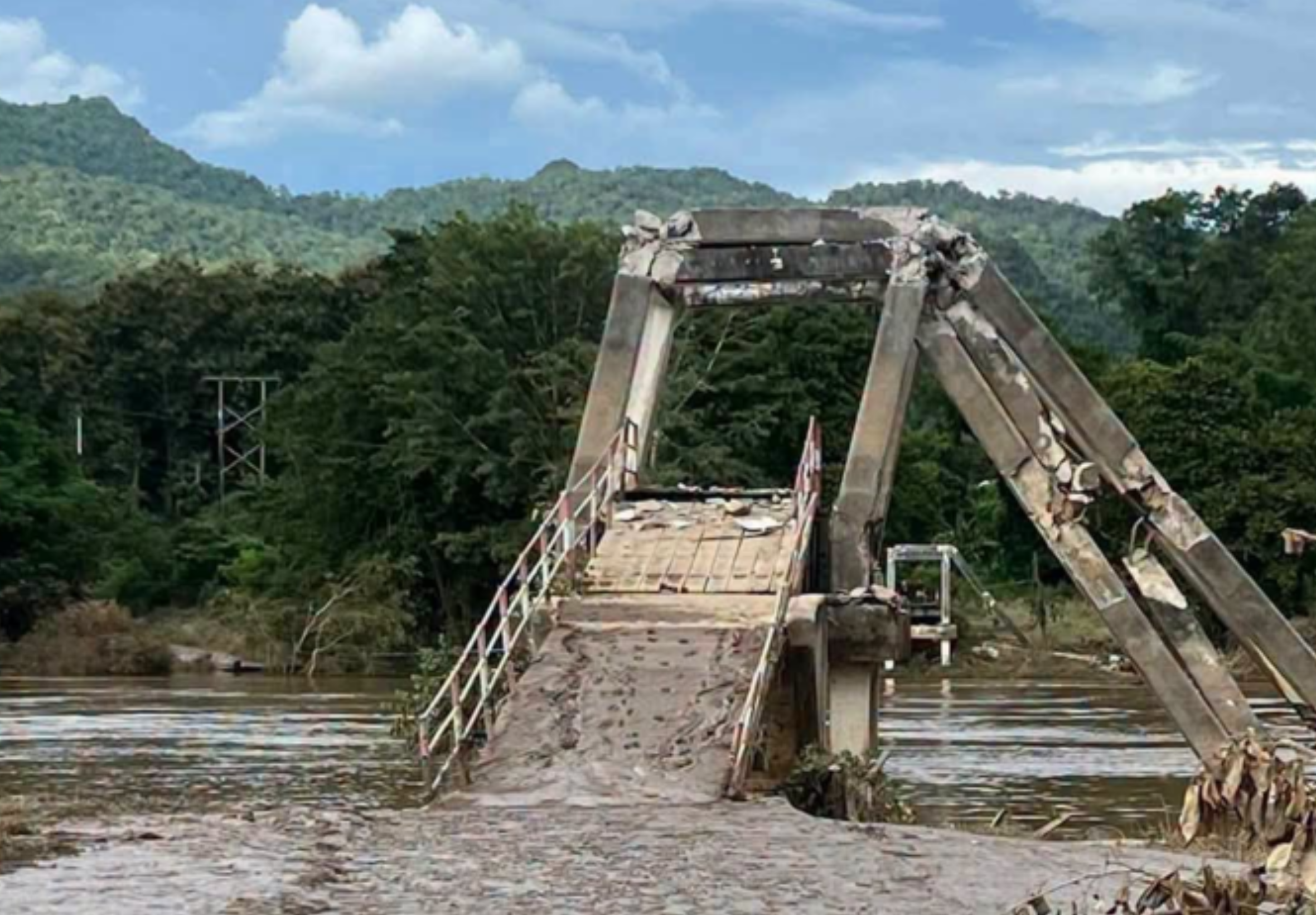

The Ban Had Ngio suspension bridge in Sai Yok district, Kanchanaburi, has been destroyed by fast-moving floodwaters, with officials having previously closed it to all traffic because of the danger.
The damage was reported on 1 October 2026 after water levels receded, revealing that the bridge had broken. Its supporting structures and deck had collapsed, while thick mud covered the bridge approaches and nearby route.
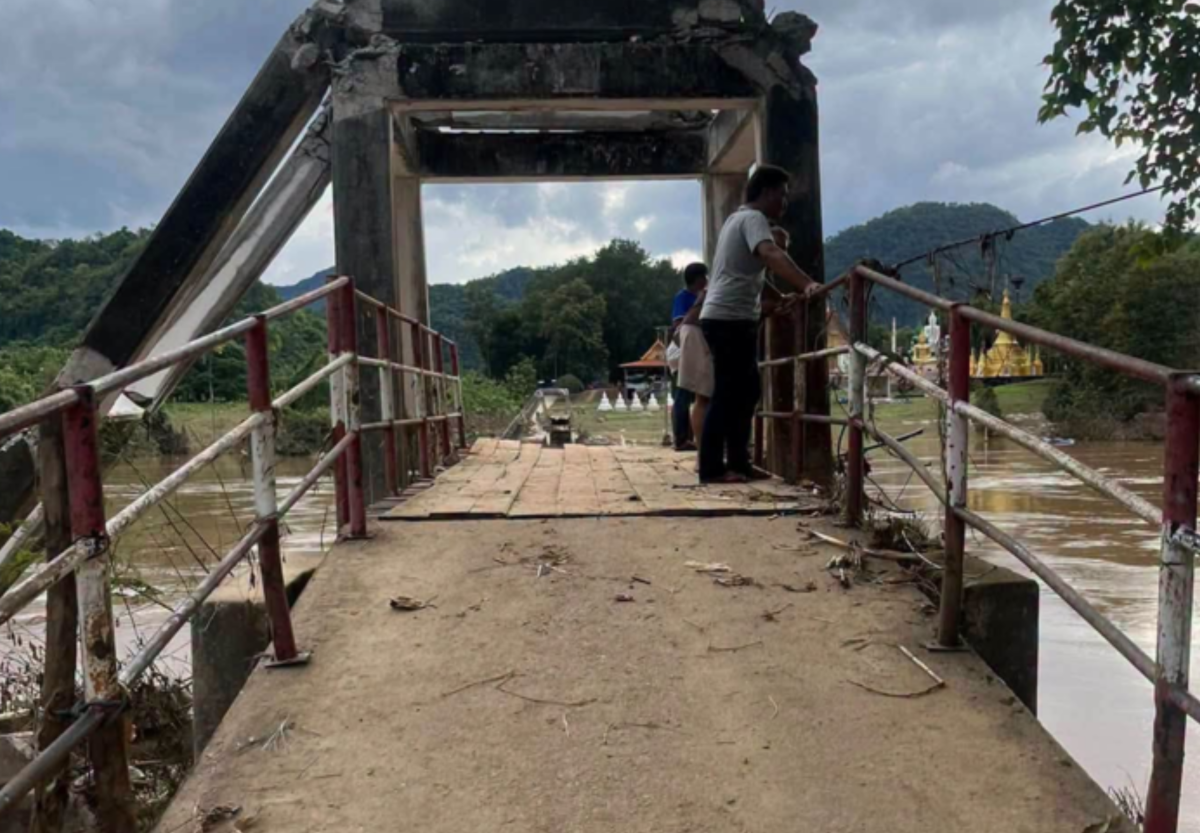
Bridge left destroyed after flooding
Officials inspecting the site found severe damage caused by the force of floodwaters, which had swept over the 30 year old bridge during the flooding.
The bridge's pillars and main structure were broken and had fallen down, leaving the crossing completely severed. Mud and soil had accumulated heavily around the bridge entrance and along the access road.
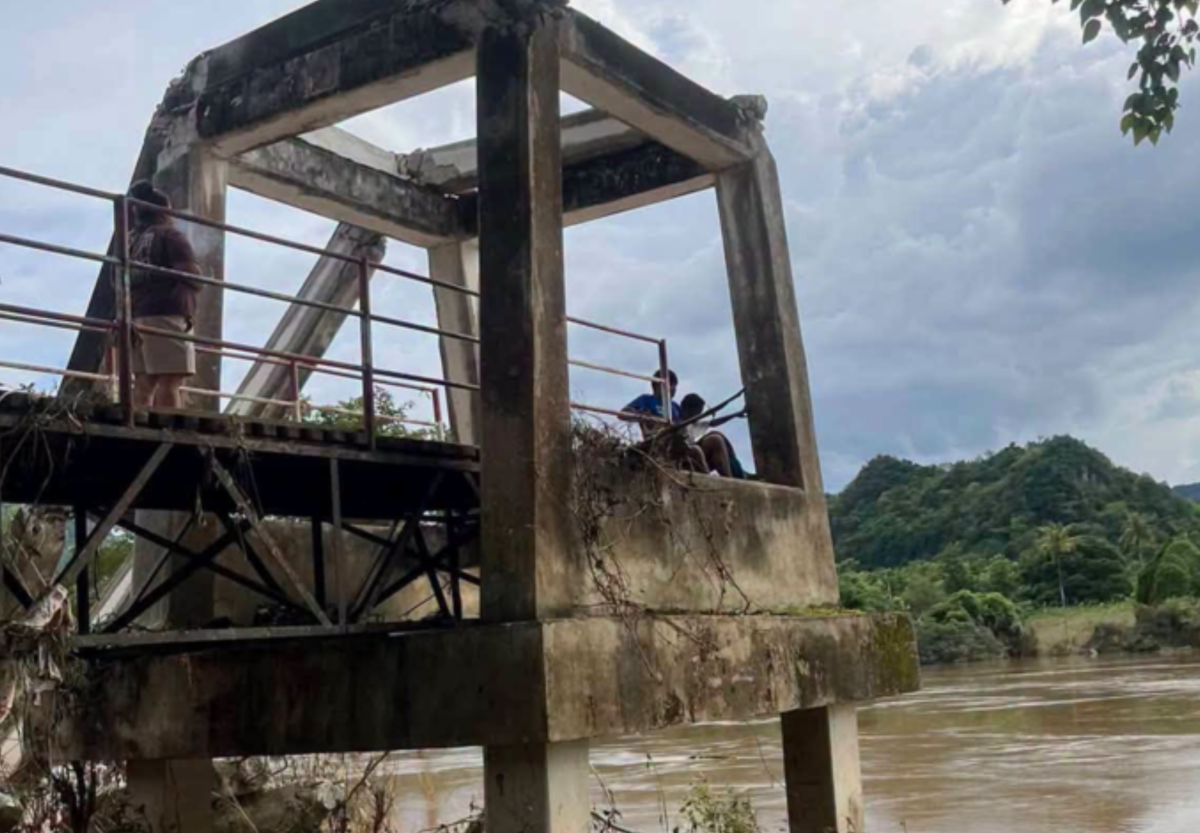
Pictures courtesy of Amarin
Assessment and repairs or replacement to follow
Officials will carry out a detailed survey and assessment of the damaged remaIns, before proceeding with any possible repairs or replacement work, either temporary or permanent. No timetable for the works has been announced.
Sai Yok is a popular district for visitors heading to national parks, riverside accommodation and attractions in western Kanchanaburi. Conditions on smaller roads and crossings can change rapidly after heavy rain or flash flooding, even once water levels begin to fall.
Join the discussion? 

2 October 2026
Recommended Comments
Create an account or sign in to comment