



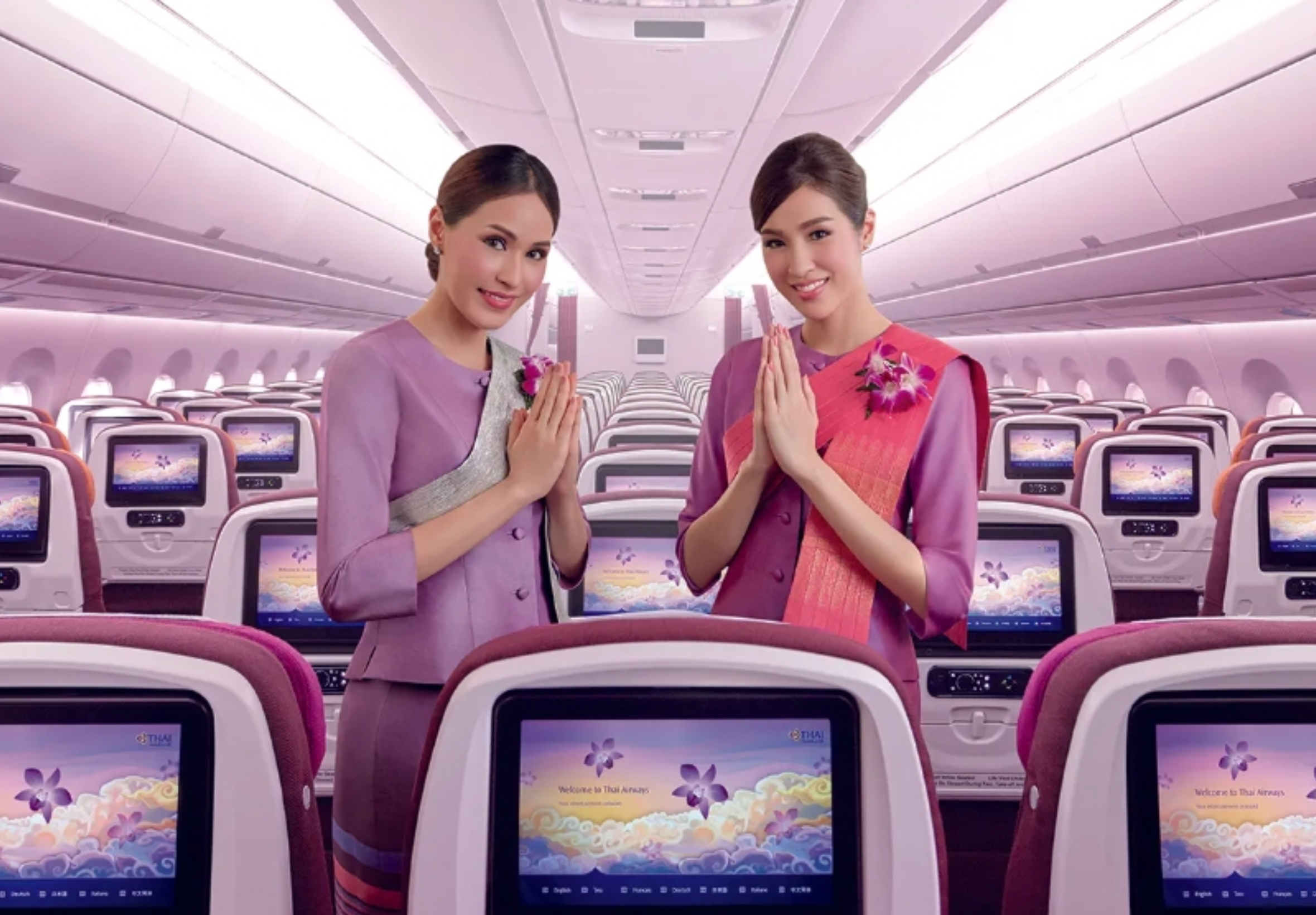

Thai Airways has moved up nine places to 20th in Skytrax's World’s Top 100 Airlines 2026, improving on its 29th-place ranking last year.
Singapore Airlines was named the world's best airline in the 2026 World Airline Awards, followed by Qatar Airways in second place and Cathay Pacific Airways in third.
Thai Airways improves across categories
Alongside its overall global ranking, Thai Airways was placed ninth among Asia's best airlines.
The Thai flag carrier also came seventh worldwide for airport services, 10th for airline cabin crew, and ninth for airline staff in Asia. It was ranked 15th in the global economy-class category.
The results mark improvements in several areas compared with the previous year, including the rise from 29th to 20th in the overall World’s Top 100 Airlines list.
Survey covers more than 300 airlines
Skytrax said its World Airline Awards are based on a global passenger satisfaction survey covering more than 300 airlines.
The 2026 survey ran from September 2025 to August 2026 and included passengers representing more than 100 nationalities.
Passengers were asked to assess a broad range of services, from booking and check-in through to boarding, airport lounges and staff service. Other areas assessed included seat comfort, cabin cleanliness, food and drinks, in-flight entertainment, Wi-Fi and value for money.
The awards are particularly relevant to international travellers who may be weighing Thai Airways against major regional competitors such as Singapore Airlines, Qatar Airways and Cathay Pacific when choosing long-haul or connecting journeys.
Thai Airways' improved placing comes as the airline receives stronger scores in categories that directly affect the travel experience, notably airport services, cabin crew and economy class.
Join the discussion? 

22 September 2026
Recommended Comments
Create an account or sign in to comment