



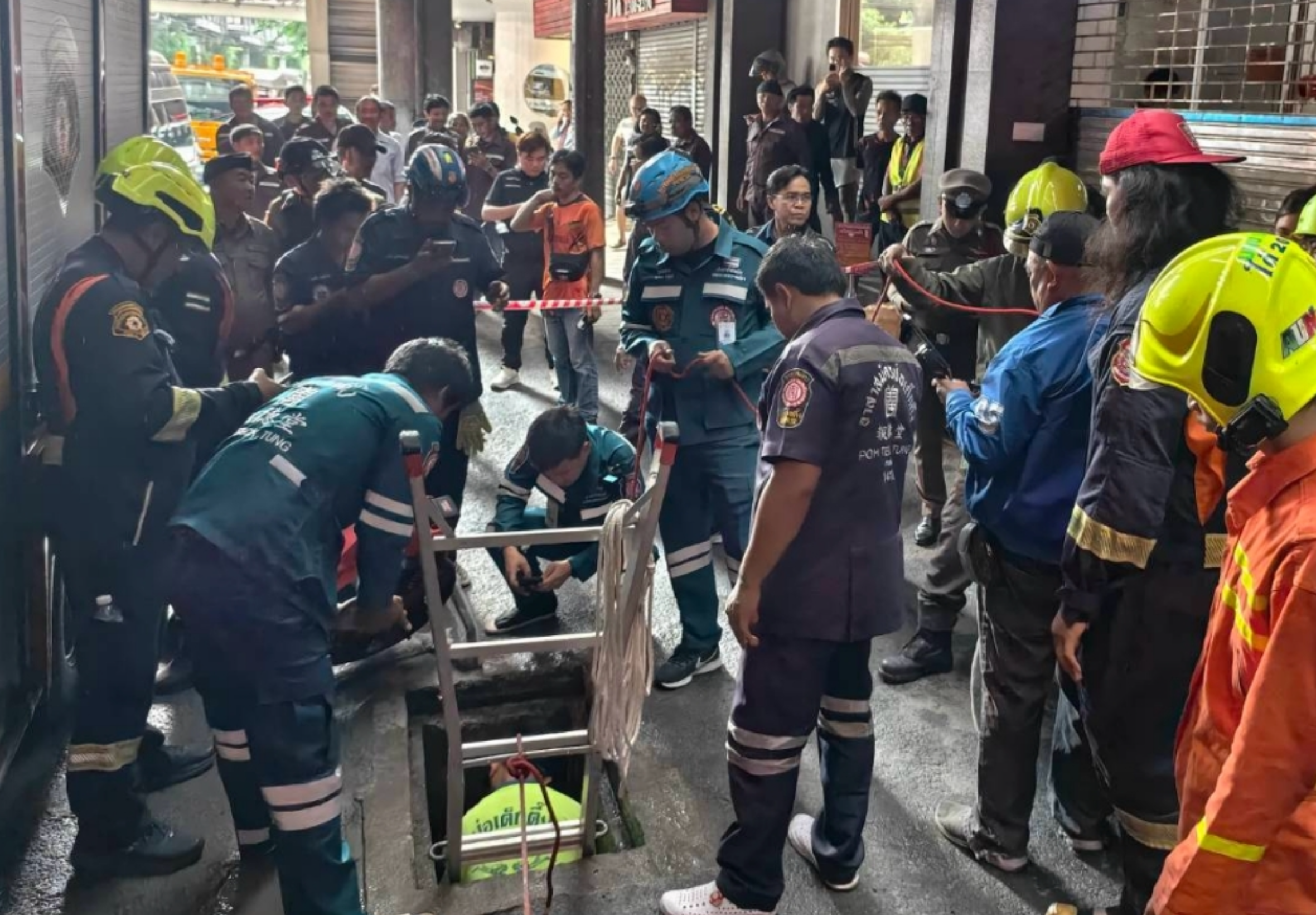

A 32-year-old contractor died after falling into a water-filled drainage pipe beneath BTS Punnawithi on Sukhumvit Road in Bangkok on 18 September.
The man, named Pato, was working on an underground electricity conduit project when he fell into the pipe, which was estimated to be between two and three metres deep.
Rescue teams called
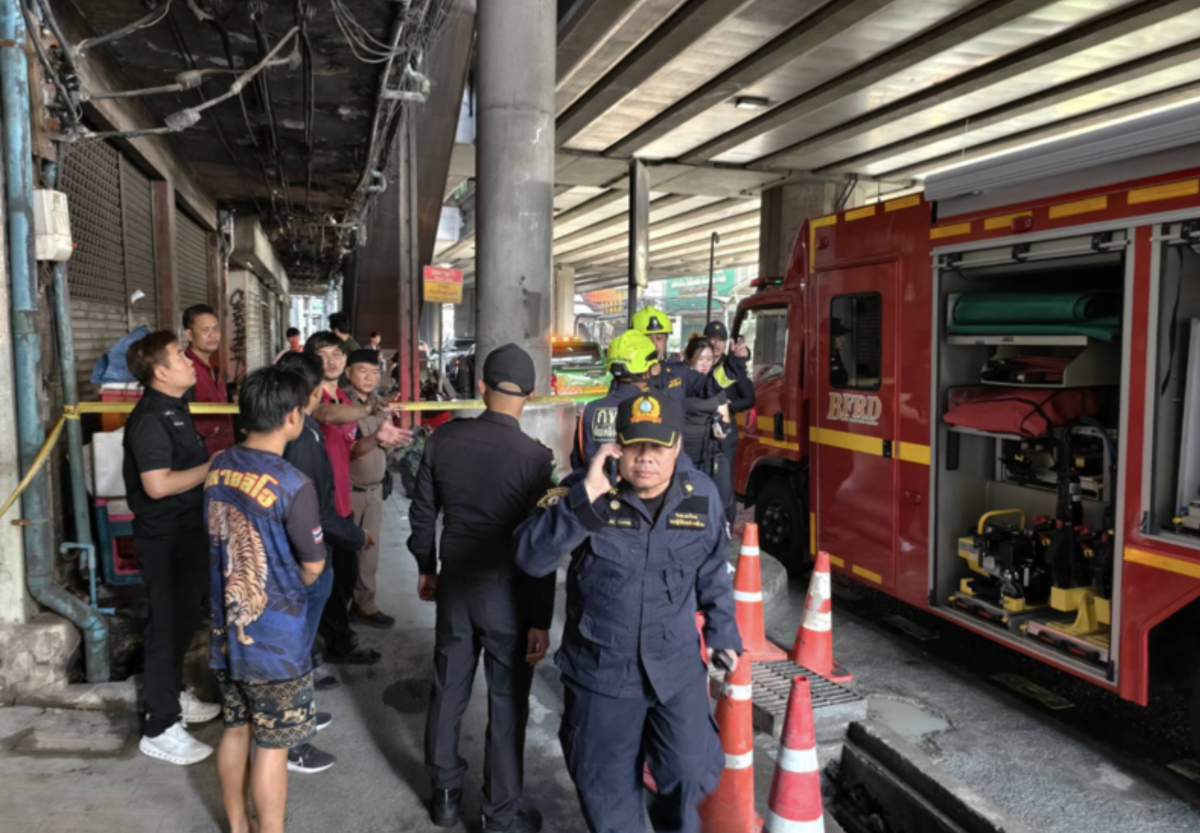
Poh Teck Tung Foundation rescuers were alerted through the 199 emergency hotline at 7.05am. The incident happened beneath the BTS station on Sukhumvit Road in Bang Chak, Phra Khanong district.
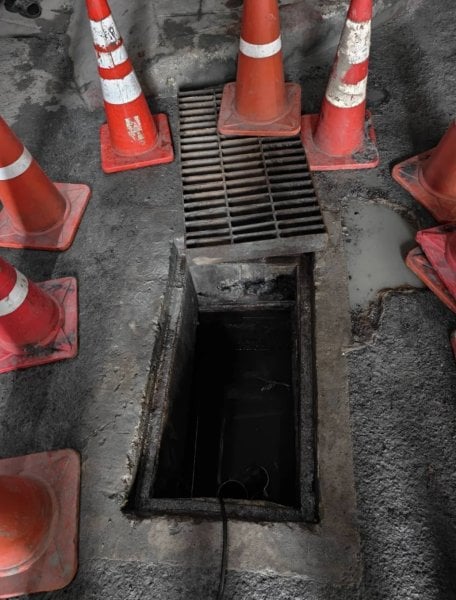
Firefighters and rescue personnel from Phra Khanong Fire and Rescue Station attended the scene and began searching the drainage pipe.
Pato a male contractor aged 32, with a registered home address in Tak province. He held an identification card for people without civil registration status and was described as stateless.
He may have slipped while washing
Initial information indicated that Pato had entered the pipe to wash himself. Officials believed he may have slipped and fallen into the water below.
At 8.55am, Poh Teck Tung's underwater rescue unit located his body inside the pipe. Rescuers recovered the body and handed it to forensic doctors and crime-scene officers for examination under standard procedures.
The investigation into the incident remains ongoing by authorities.
Pictures courtesy of Amarin
Join the discussion? 

19 September 2026
Recommended Comments
Create an account or sign in to comment