



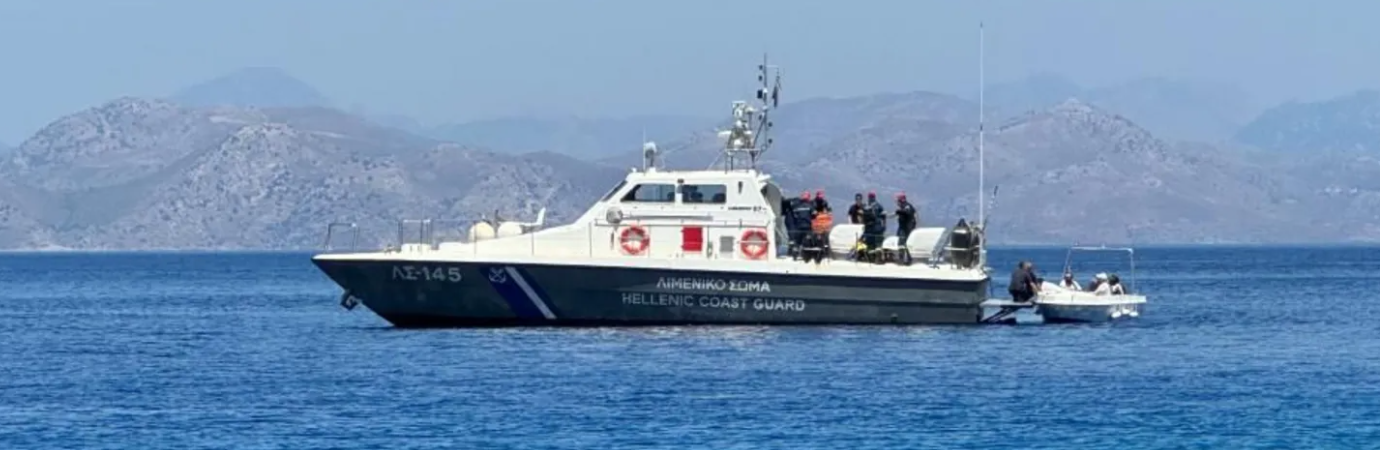

Tragedy at sea as migrants' speedboat and coastguard collide
At least 14 migrants lost their lives when their speedboat collided with a Hellenic Coast Guard vessel near Chios Island. Greek authorities report that the speedboat was performing hazardous maneuvers, sparking a pursuit in the Chios Strait, close to Vrontades village.
The tragic incident left 24 people rescued, some with serious injuries, while others remain missing. Among the injured are seven children, a pregnant woman, and two coastguard officers. Greek state broadcaster ERT reported that search and rescue efforts were launched, involving four coastguard vessels, civilian divers, and a helicopter.
Initially, four deaths were reported, but the toll rose to 14 as ten additional bodies were recovered. The coastguard has yet to clarify the precise circumstances of the crash as investigations continue.
The incident underscores the dangers faced by migrants attempting perilous sea crossings. As rescue operations persist, the focus remains on locating any remaining survivors and understanding the events that led to this devastating collision.
Developing story
Key Takeaways
Fourteen migrants die in a collision near Chios Island.
Twenty-four people were rescued; many remain missing.
Search efforts involve multiple coastguard and civilian resources.


Adapted by ASEAN Now from Source 2026-02.04


-
 1
1