



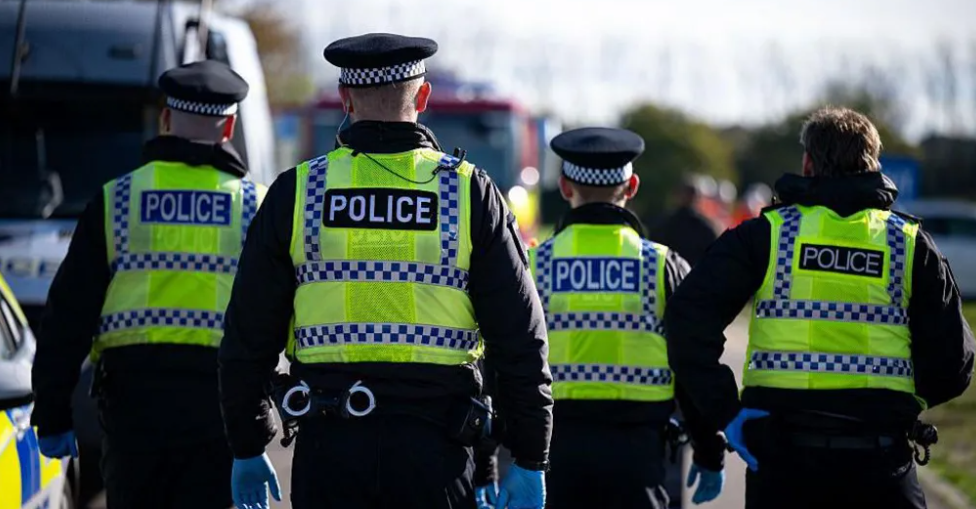

A seismic shift is coming to England and Wales policing as the government plans to chop down the current 43 police forces. Home Secretary Shabana Mahmood will unveil this dramatic overhaul next week.
The bold proposal aims to create 12 "mega forces," slashing bureaucracy and boosting crime-fighting power. But don't hold your breath—these changes might take until 2034 to fully roll out.
The current model is seen as wasteful, with each force juggling its own admin. Mahmood argues that consistency is key, as smaller forces struggle with serious crime and large incidents.
New forces will zero in on major crimes like murder and drug trafficking. Meanwhile, Local Policing Areas will spring up across neighborhoods, tackling everyday issues like shoplifting and phone theft.
With crime going unpunished, insiders admit criminals feel untouchable, believing they can wreak havoc while citizens wait for police response.
Expect an independent review to iron out details, as ministers won’t reveal the exact number of new forces just yet. This echoes past proposals from 20 years ago, when a similar cut was suggested by Charles Clarke.
Key Takeaways:
Government to slash police forces to just 12 mega forces!
Mahmood targets serious crime and neighborhood issues.
Review to shape future policing landscape by 2034.


Adapted by ASEAN Now from BBC 026-01-22

