
gamb00ler
Advanced Member
-
Joined
-
Last visited
Everything posted by gamb00ler
-
@Red Phoenix Please PM me the TM 30 roadmap. ????
-
Apparently some mobile phones do allow 2 sims to be active at the same time. However as an Apple user, I can only use 1 sim at a time. That shouldn't be too much of a problem as basically the only time I'll need the UltraMobile sim active is when I'm at my desktop doing some financial functions. If my Thai mobile carrier allows it I could forward my inbound calls to my wife's phone while I'm using the UltraMobile sim for a 2FA message or call. Info on dual sim phones, etc. found at: https://www.techadvisor.com/article/723395/best-dual-sim-phone.html
-
At least I wouldn't need to do the the sim swap dance. My need to use the UltraMobile sim will be infrequent.
-
I am wondering if I upgrade to an iPhone that has eSim capability can I switch my True account to use an eSim, and then use my UltraMobile PayGo nano sim in the sim slot on the iPhone? I understand computers well, but not mobile phones.
-
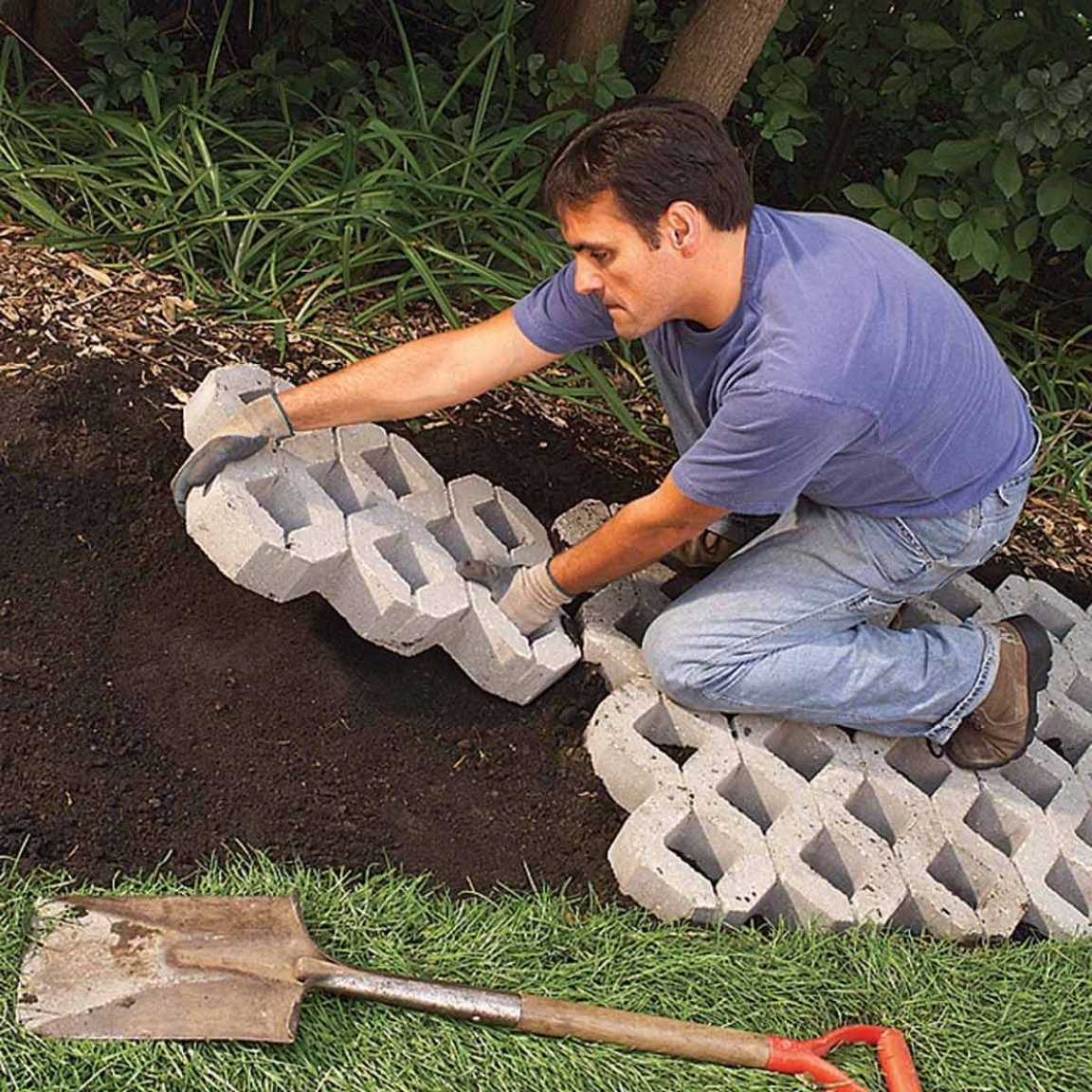
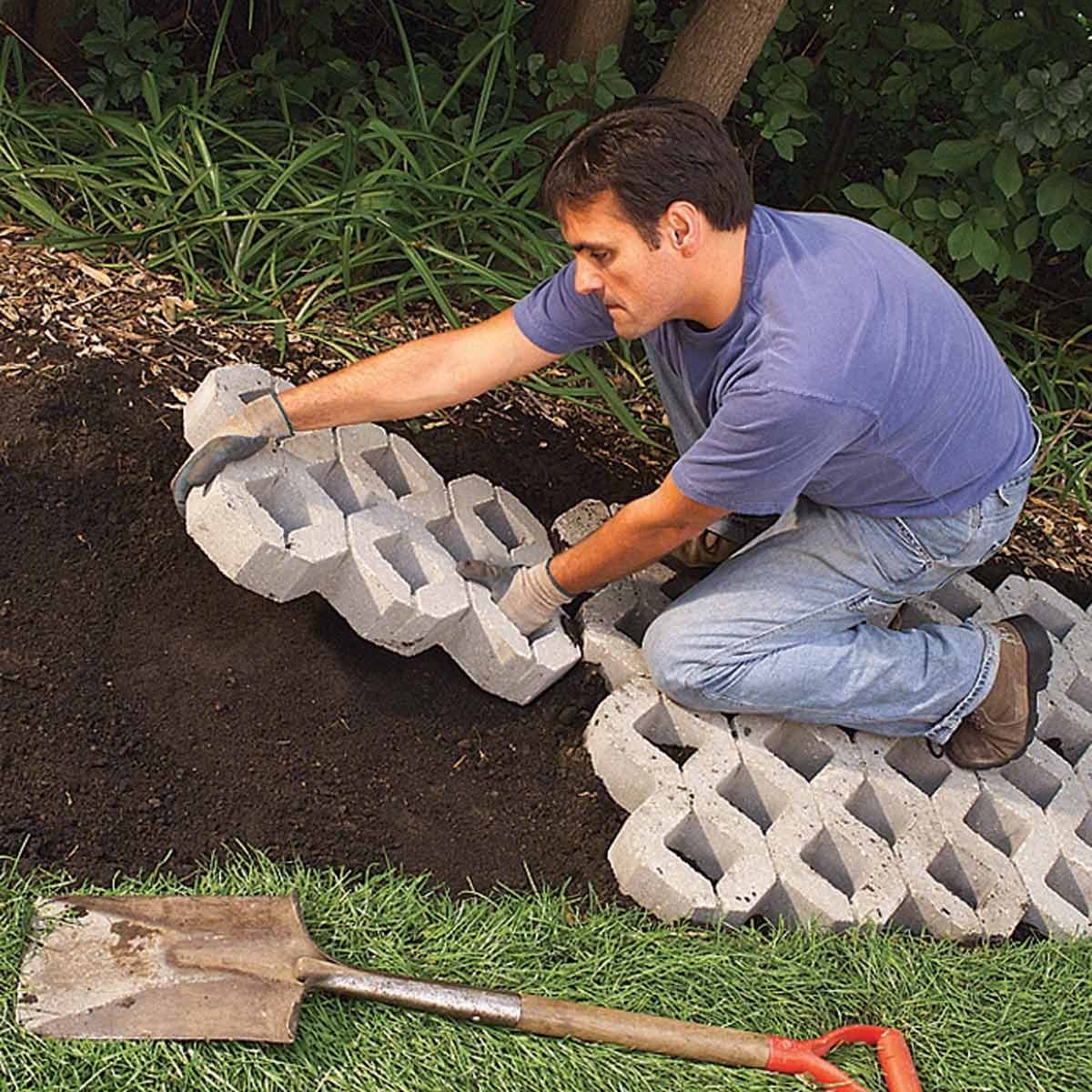
I saw this type of path construction and would like to find a supplier of the paving bricks shown in this picture. Anybody seen these bricks? I like the large ones as they would probably stay in place better than the smaller version.