
roo860
Advanced Member
-
Joined
-
Last visited
Everything posted by roo860
-
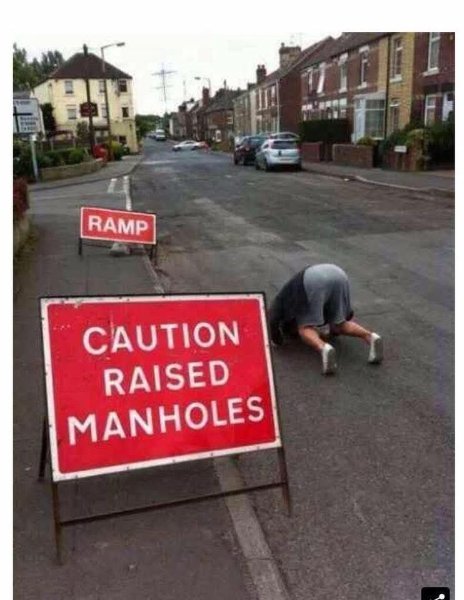
And if all else fails get a young women on a motorbike to clear the road, from this mornings news. 🙂 20250501_065504.mp4
-
Ah yes, the Dutch Oven 💨💨
-
Pink nail varnish would suit 😍Well said!VID-20250430-WA0001.mp4Don't be lazy man, find out for yourself, aren't you able to feed yourself either!VID-20250428-WA0008.mp4No link to the video?Same story repeats itself every couple of monthsJudging by most of your posts concerning foreigners here in Thailand, it seems your a bit a Anti Foreigner Facist.Always seemed a bit dodgy to me with a title like that.🤔😆
 They can stick their meatballs up their ar£e
Account
Navigation
Search
Configure browser push notifications
Chrome (Android)
- Tap the lock icon next to the address bar.
- Tap Permissions → Notifications.
- Adjust your preference.
Chrome (Desktop)
- Click the padlock icon in the address bar.
- Select Site settings.
- Find Notifications and adjust your preference.
Safari (iOS 16.4+)
- Ensure the site is installed via Add to Home Screen.
- Open Settings App → Notifications.
- Find your app name and adjust your preference.
Safari (macOS)
- Go to Safari → Preferences.
- Click the Websites tab.
- Select Notifications in the sidebar.
- Find this website and adjust your preference.
Edge (Android)
- Tap the lock icon next to the address bar.
- Tap Permissions.
- Find Notifications and adjust your preference.
Edge (Desktop)
- Click the padlock icon in the address bar.
- Click Permissions for this site.
- Find Notifications and adjust your preference.
Firefox (Android)
- Go to Settings → Site permissions.
- Tap Notifications.
- Find this site in the list and adjust your preference.
Firefox (Desktop)
- Open Firefox Settings.
- Search for Notifications.
- Find this site in the list and adjust your preference.