




Halfaboy
Advanced Member
-
Joined
-
Last visited
-
I have been to Myanmar many times and would love to go back. The step back in time fascinates me. Things that stop me from going again are the very bad news ref the ongoing war situation plus the negative travel advise from my embassy. However, when I read about the relatively easy way of you moving around has set me thinking. Please keep your reports coming. Thanks !
-
Yesterday I was at a Shell station near Buriram and they ran already out of diesel. Petrol was available, but at a max of 1.000 thb. The PT pump at the other side of the street was closed as their stock was fully depleted.
-
When the planes from Dubai stop coming it will become more quiet....
-
Go to a reputable lawyer. Your friend needs a recognised last will to enable her to organise the funeral and get the money from the bank in a not too complex way.
-
Maybe thiscould be something for you: https://www.pattayaselfstorage.co.th/ Have fun....
-
I recently undestood that using the line app you could call landlines. Although trhere was information on how to do, I did not get it working. This could be a solution to you.
-
I would advise using Google translate (option camera). Works in my case. Have fun....
-
I was sent away at my Thai Tax Office....
-
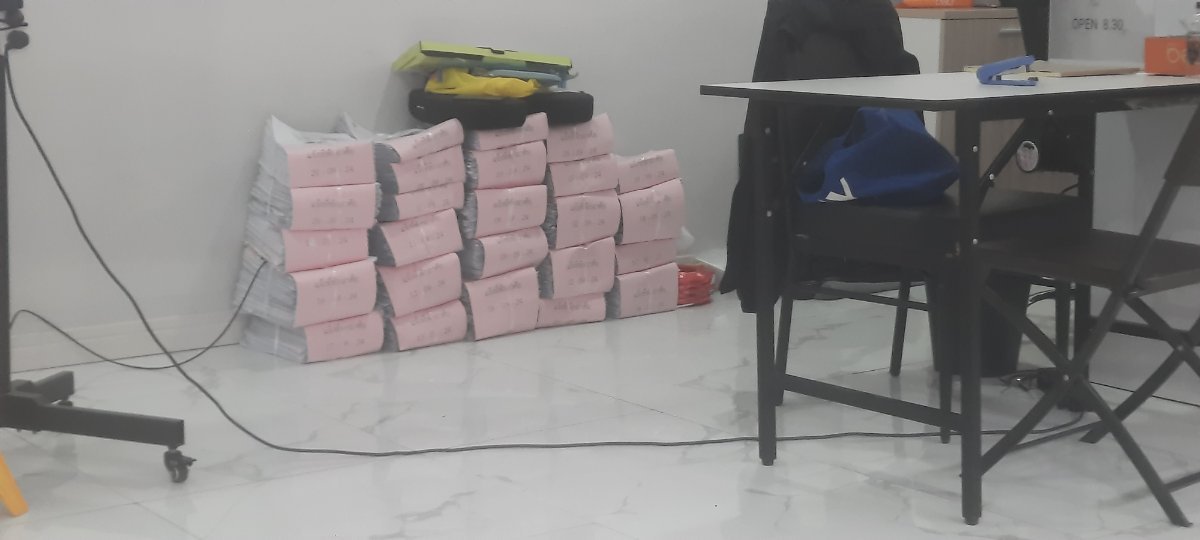
Some of your paperwork at the Jomtien Immigration office?
-
Some 20 years ago, there was a rumor that the building was owned by Mr. Taksin.
-
I arrived with 35 kilos and so far did not miss anything....
-
Could this be the Montien hotel ?
-
Are you sure it was an official post Office or a Post Agent ? The latter has much higher rates....
-
Happy you found the shop....
-
Thanks again...






