



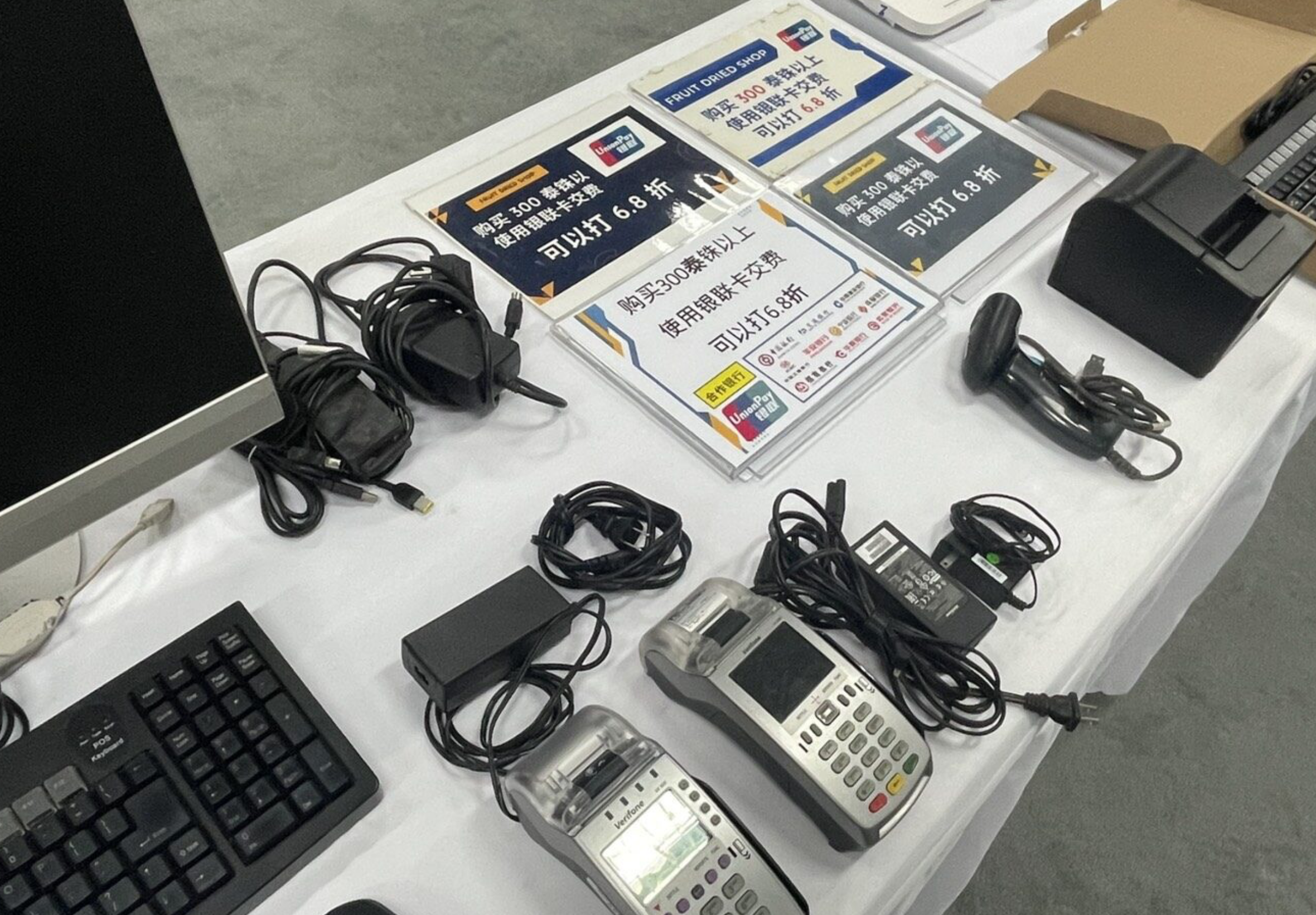

Thai police have dismantled an Chinese-led credit card skimming network that used dried fruit souvenir shops in Chiang Mai and Bangkok as a front, after investigators linked the operation to more than 1,200 Chinese victims who lost an estimated 29 million baht.
The case, announced on July 27 by the Central Investigation Bureau (CIB), followed a request for assistance from the Chinese Embassy in Thailand after Chinese authorities uncovered a criminal network operating across China, the United States and Thailand.
Senior officers said the investigation began after China’s Ministry of Public Security (MPS) and Shanghai police identified a scheme in which credit card details belonging to Chinese nationals were stolen and later used to buy goods and withdraw cash in the United States.
Souvenir shops used as a front
Investigators found that all of the victims had previously travelled to Thailand, particularly Chiang Mai and Bangkok, where they had used UnionPay credit cards to pay for purchases.
Police traced the suspected activity to three dried fruit and souvenir shops: CM Yummy Fruit Dried and Fruit Dried Shop in Chiang Mai’s Suthep area, and Yaowarat Fruit Dry in Bangkok’s Yaowarat district.
The businesses were registered by Chinese national Chao Ji, 42, together with three Thai nationals: Salinee, 33, Jittra, 32, and Theerapat, 32.
On July 22, officers from the Economic Crime Suppression Division, together with police and immigration officers in Chiang Mai, searched six locations, including the three shops and three associated residences.

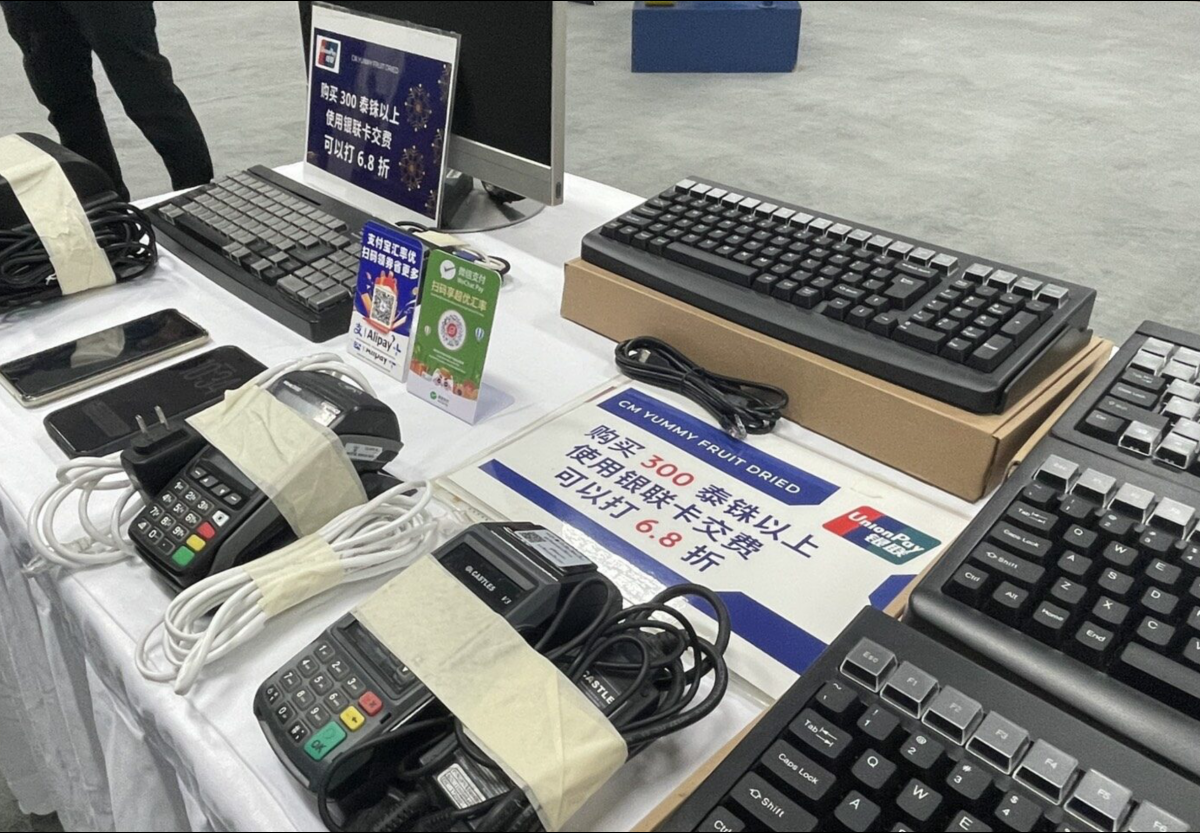
They seized 11 computer keyboards fitted with concealed magnetic stripe readers, three electronic card payment (EDC) terminals, five computers, 18 IP CCTV cameras with a server, and 21 additional items of evidence.
Hidden skimmers and PIN recording
Employees told investigators they had been instructed to swipe every UnionPay card twice. The first swipe was through a modified computer keyboard fitted with a hidden skimming device, while the second processed the genuine payment through the shop’s normal payment terminal.
If customers questioned the extra swipe, staff allegedly claimed it was needed to receive a 32% promotional discount.
Pictures courtesy of Khaosod
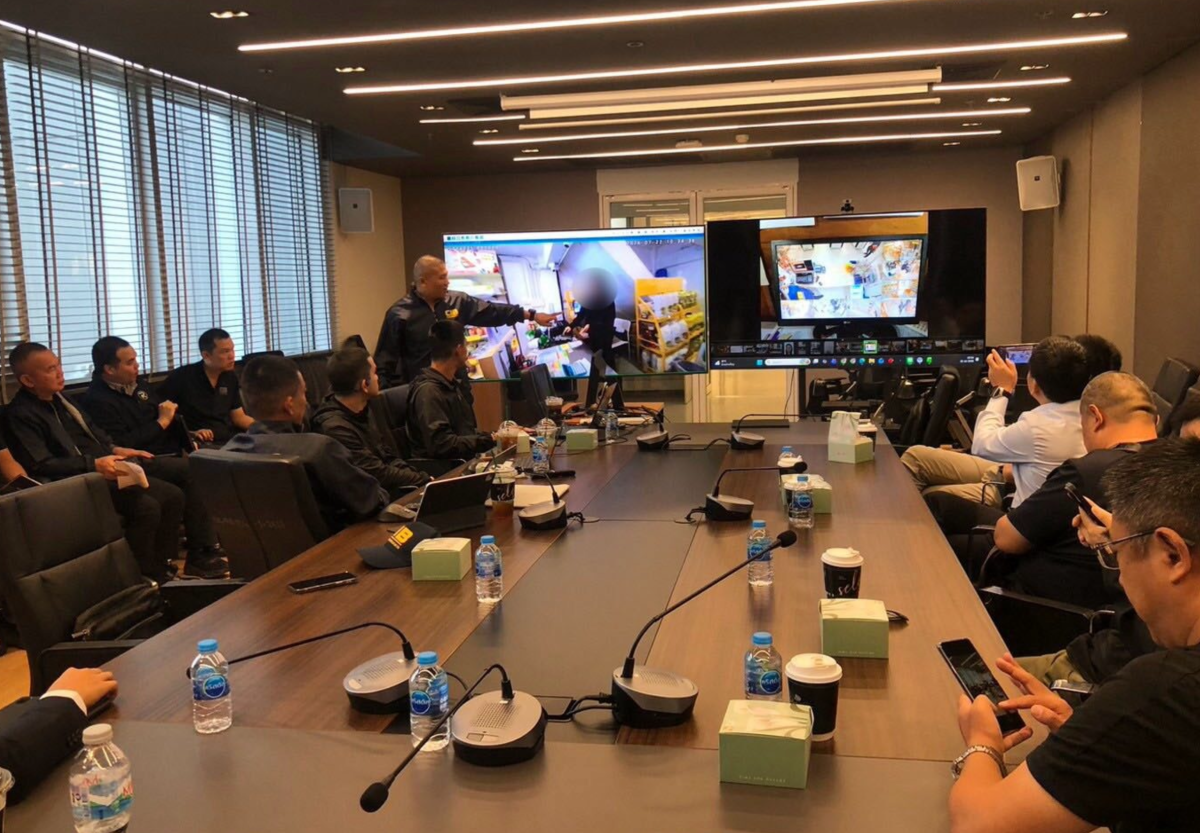
Police also found an unusually large number of CCTV cameras positioned above payment counters to record customers entering their PINs. Tests carried out by investigators showed that card data captured by the hidden readers was immediately transmitted through the Line messaging application installed on shop computers.
According to police, Chao Ji admitted ordering the modified keyboards from China and said the stolen card details and PINs were sent via Line to an associate in the United States, where counterfeit cards were allegedly produced and used to purchase electronics, luxury goods and withdraw cash before profits were shared among members of the network.
The four suspects have been charged with jointly possessing equipment intended to obtain electronic card data for the purpose of forging or altering payment cards, an offence under Thailand’s electronic payment card laws.
Join the discussion? 

28 July 2026
-
 2
2
-
 2
2
Recommended Comments
Create an account or sign in to comment