



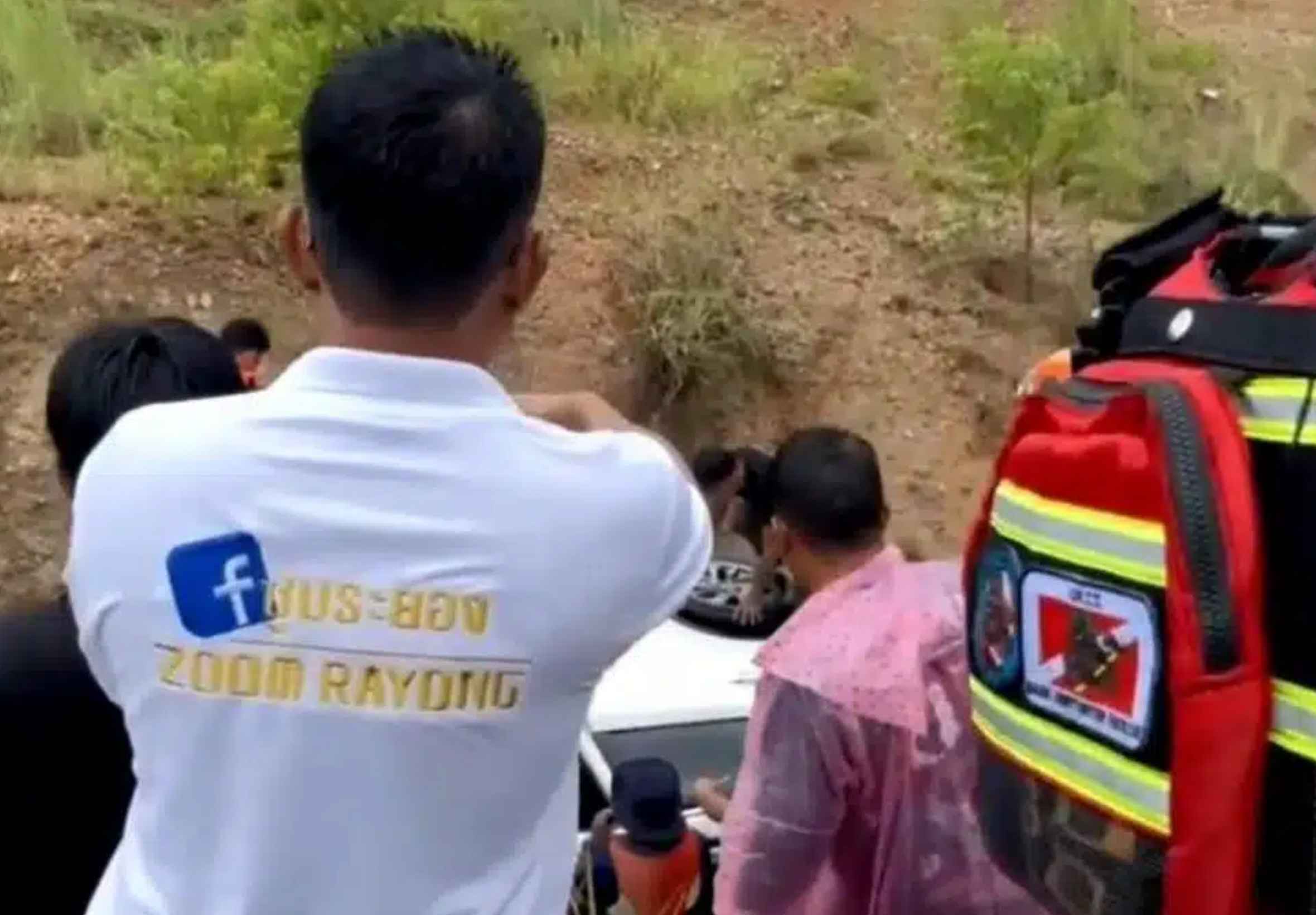

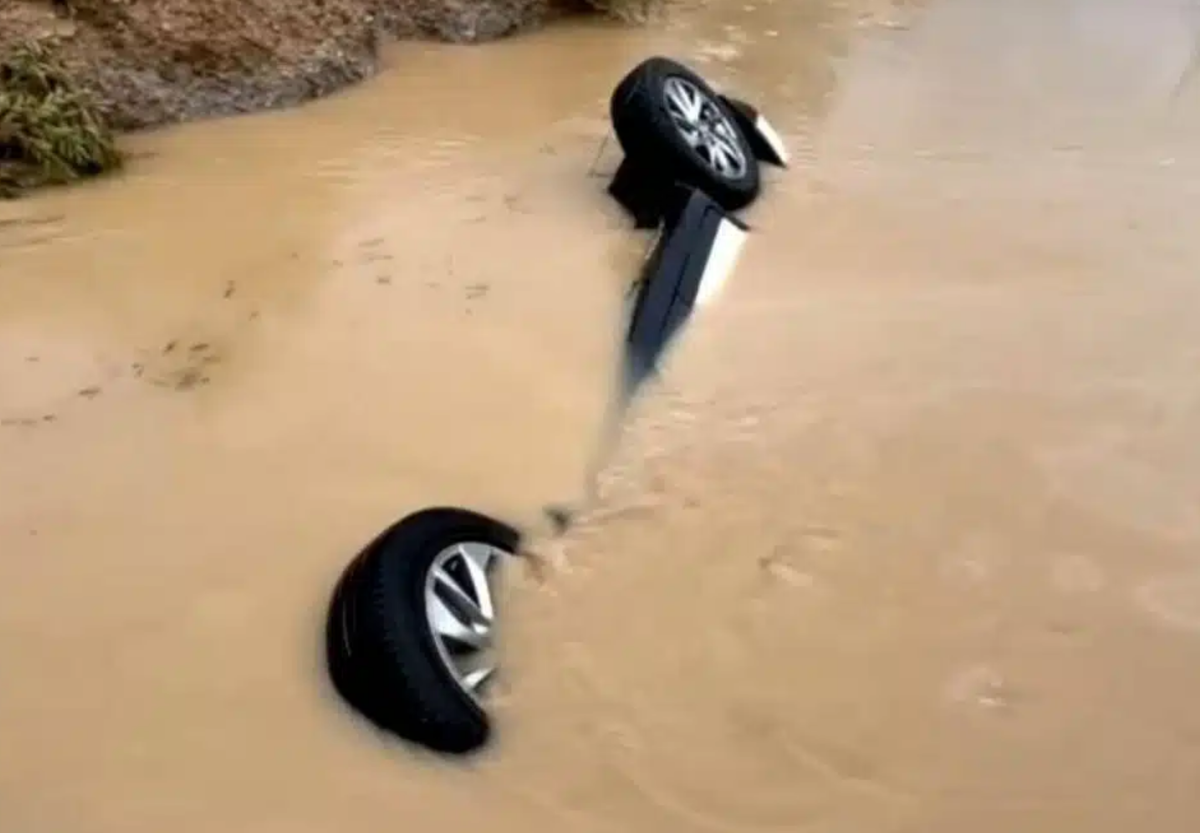
A Chinese man was pulled from his sedan by two friends after floodwater swept the vehicle from a road into a canal in Rayong province.
The three men were travelling near the Lak Chai Industrial Estate in Klaeng subdistrict, Mueang Rayong district, when the white sedan was pushed off the flooded road, witnesses told rescuers.
Friends pull driver clear
Witnesses contacted the Sawang Phon Kuson Foundation after seeing the sedan carried into a roadside canal by a strong wave of water.
Rescuers arrived to find the car lying in the canal and submerged in floodwater. They entered the water to check whether anyone remained trapped inside.
No one was found in the vehicle. Rescue workers later met three Chinese men at the scene, including the owner of the sedan, who said his friends had managed to pull him out in time.
Wutthiphong Chang-ngoen, a rescue volunteer, said the men explained that heavy rain had flooded the road ahead as they were travelling.
Two of the group were travelling in a pickup truck, with the third man following behind in the sedan. When they reached the flooded stretch, water swept the sedan sideways and into the canal.
The two men in the pickup stopped and went back to rescue their friend.
Four Rayong districts badly affected
The accident came as heavy rain caused flooding in several parts of Rayong. Klaeng, Mueang Rayong, Pluak Daeng and Ban Chang districts were among the areas reported to have been badly affected.
Picture courtesy of KhaoSod
Join the discussion? 

29 September 2026
Recommended Comments
Create an account or sign in to comment